Yes. Try this:
Preview: Change markup text size.kmmacros (3.2 KB)
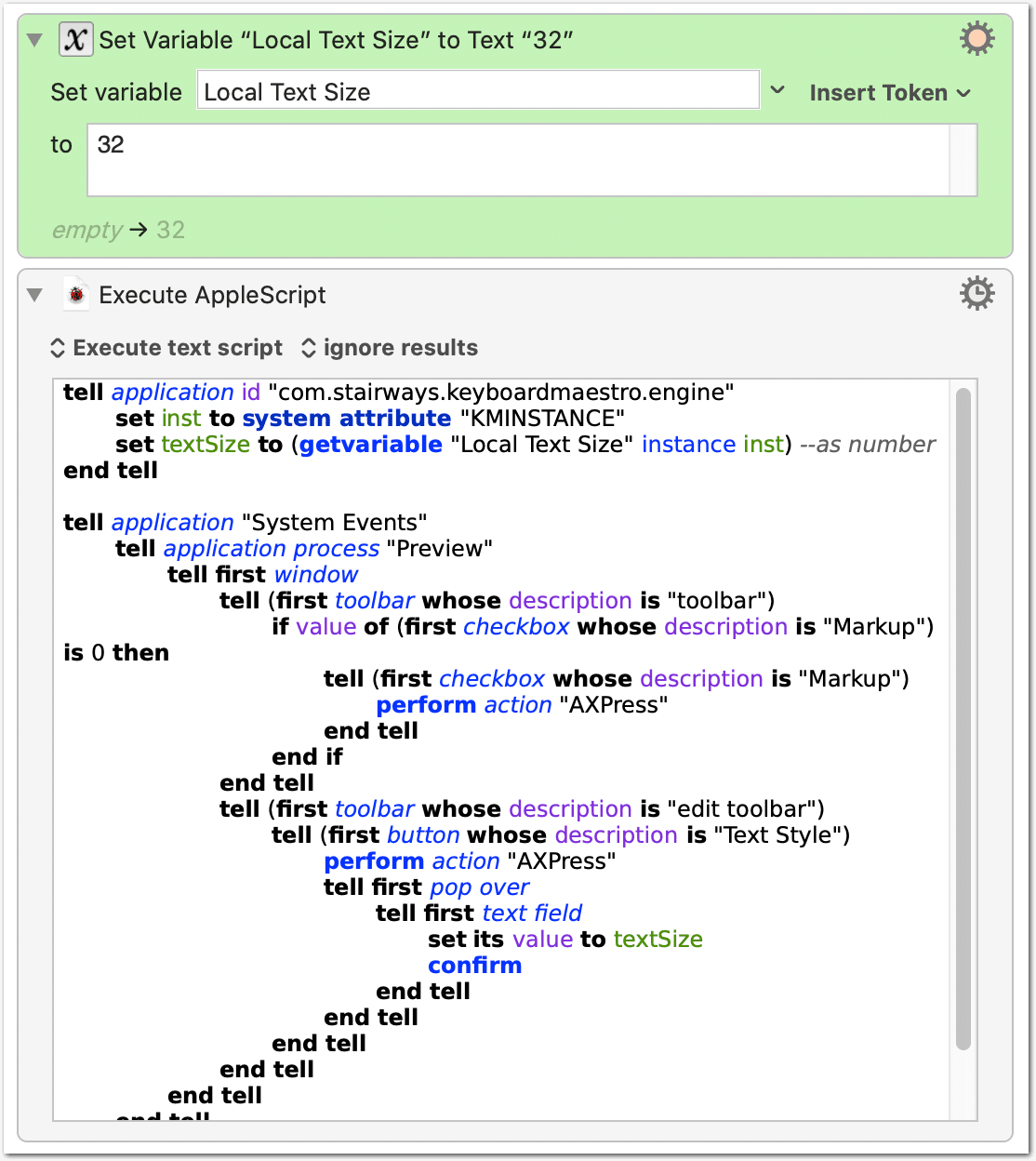
Script as text:
tell application id "com.stairways.keyboardmaestro.engine"
  set inst to system attribute "KMINSTANCE"
  set textSize to (getvariable "Local Text Size" instance inst) --as number
end tell

tell application "System Events"
  tell application process "Preview"
    tell first window
      tell (first toolbar whose description is "toolbar")
        if value of (first checkbox whose description is "Markup") is 0 then
          tell (first checkbox whose description is "Markup")
            perform action "AXPress"
          end tell
        end if
      end tell
      tell (first toolbar whose description is "edit toolbar")
        tell (first button whose description is "Text Style")
          perform action "AXPress"
          tell first pop over
            tell first text field
              set its value to textSize
              confirm
            end tell
          end tell
        end tell
      end tell
    end tell
  end tell
end tell