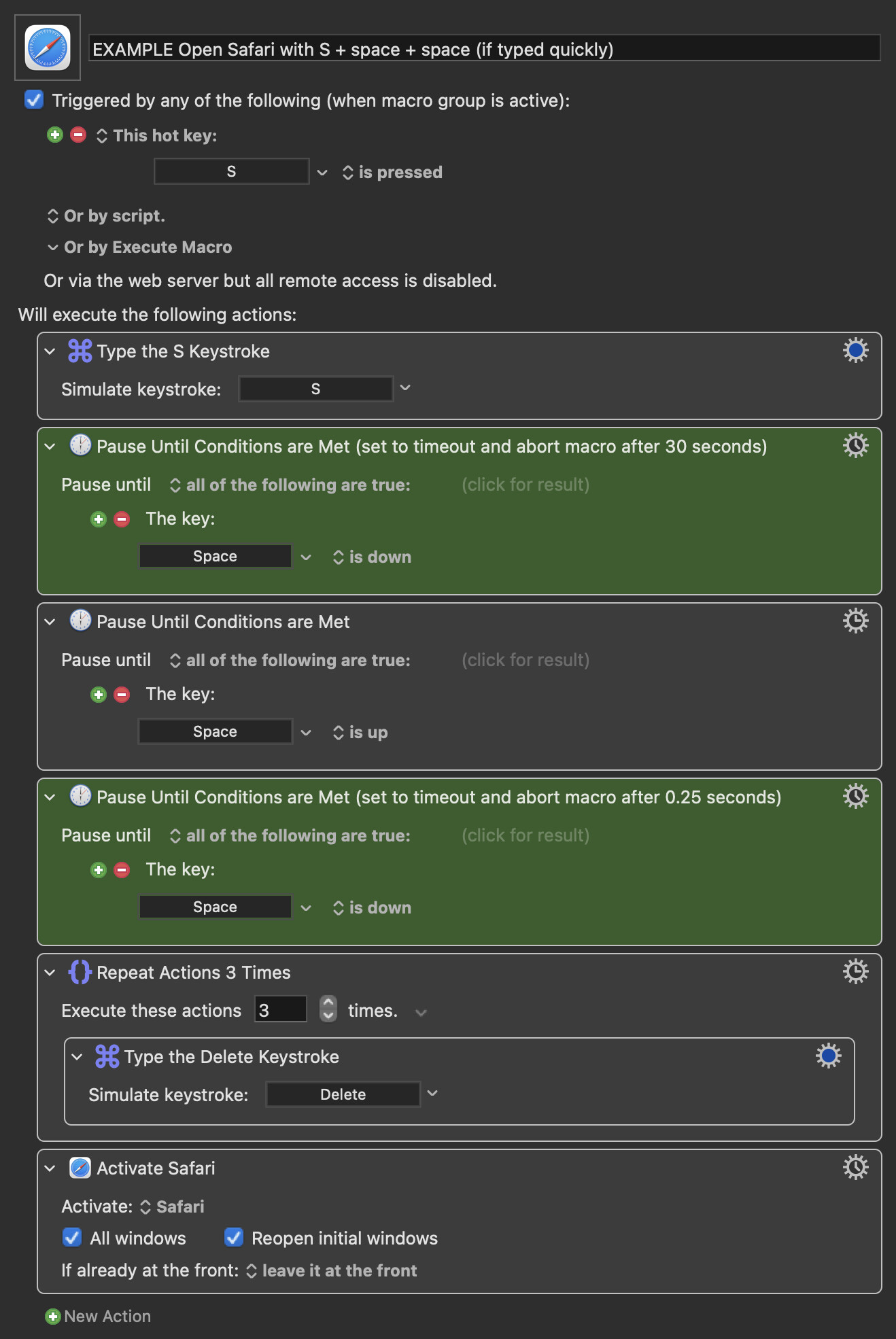
Not at all! You're making me think and you're reminding me that we all have different ways of doing things -- both good for me 
I understand more about your "modifier restrictions" now. For me, little finger Control key is as second nature as little finger Shift, perhaps because I've always used an extended keyboard. But if it doesn't work for you, it doesn't work.
Except we do, because it's often highly relevant! Just as your keyboard constraints are important, so's your choice of placeholder action -- Safari implies a change of context to one where typing is no longer important, whereas A N Other action that happens in the context of Scrivener is another matter. It also opens the door to other potential solutions which wouldn't be worth considering if you did actually want to open Safari.
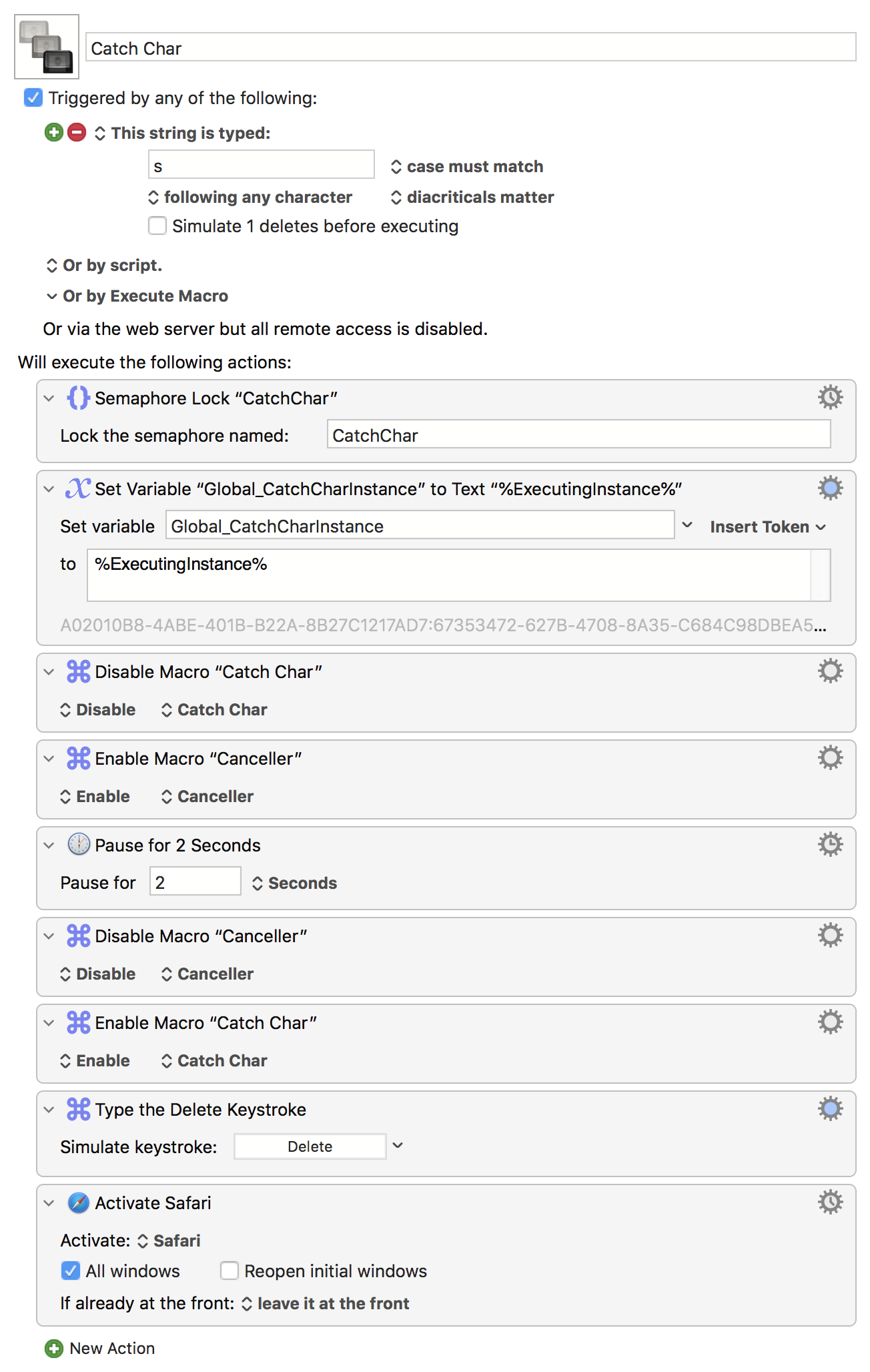
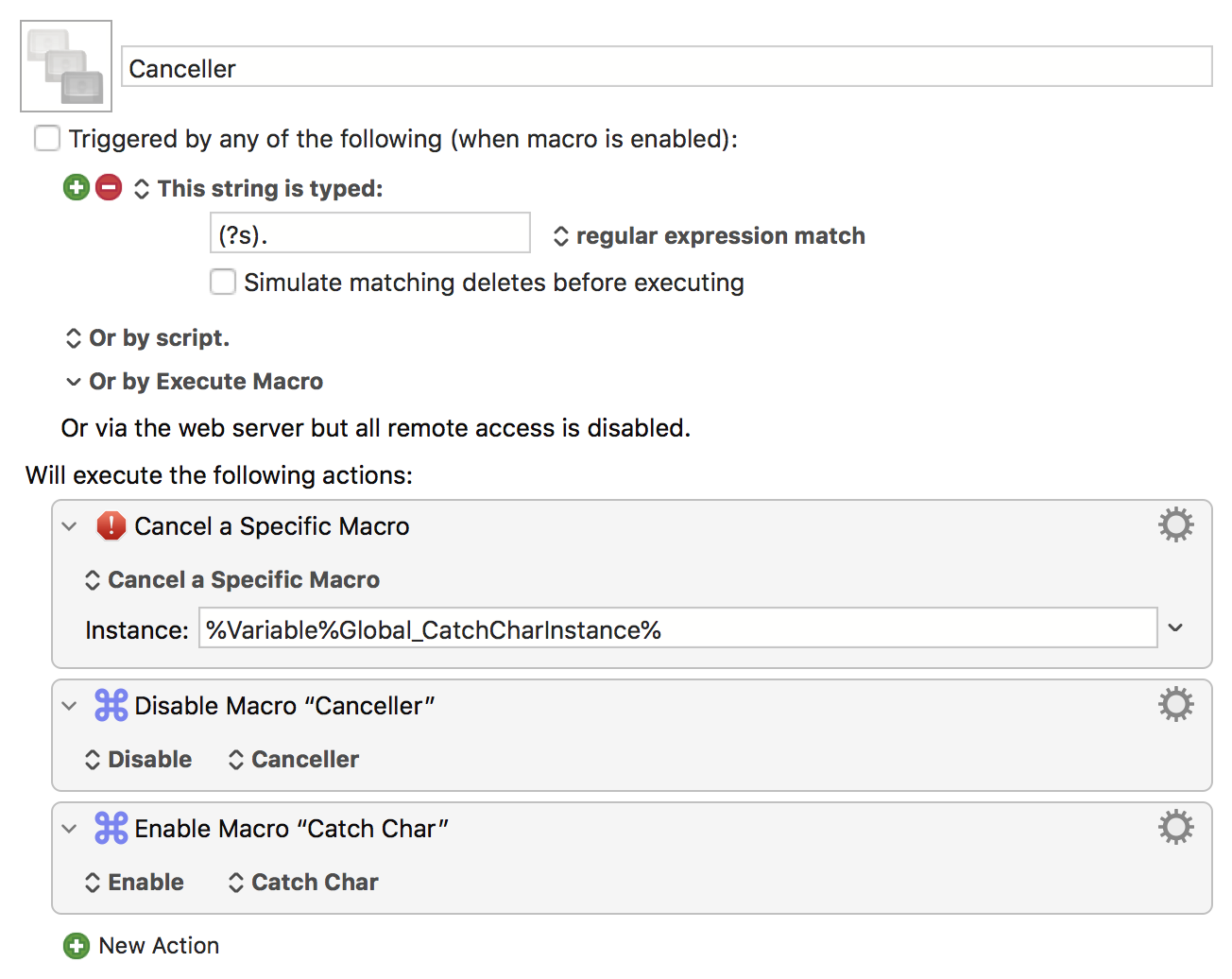
Exactly. Because it can't see into the future it has to wait -- not only does that introduce a delay, but anything dependent on timing is susceptible to mis-timing. The confusion is much reduced, however, when the event you are waiting for is completely different to your trigger event -- so your "keystroke trigger, mouse wiggle cancel" has possibilities.
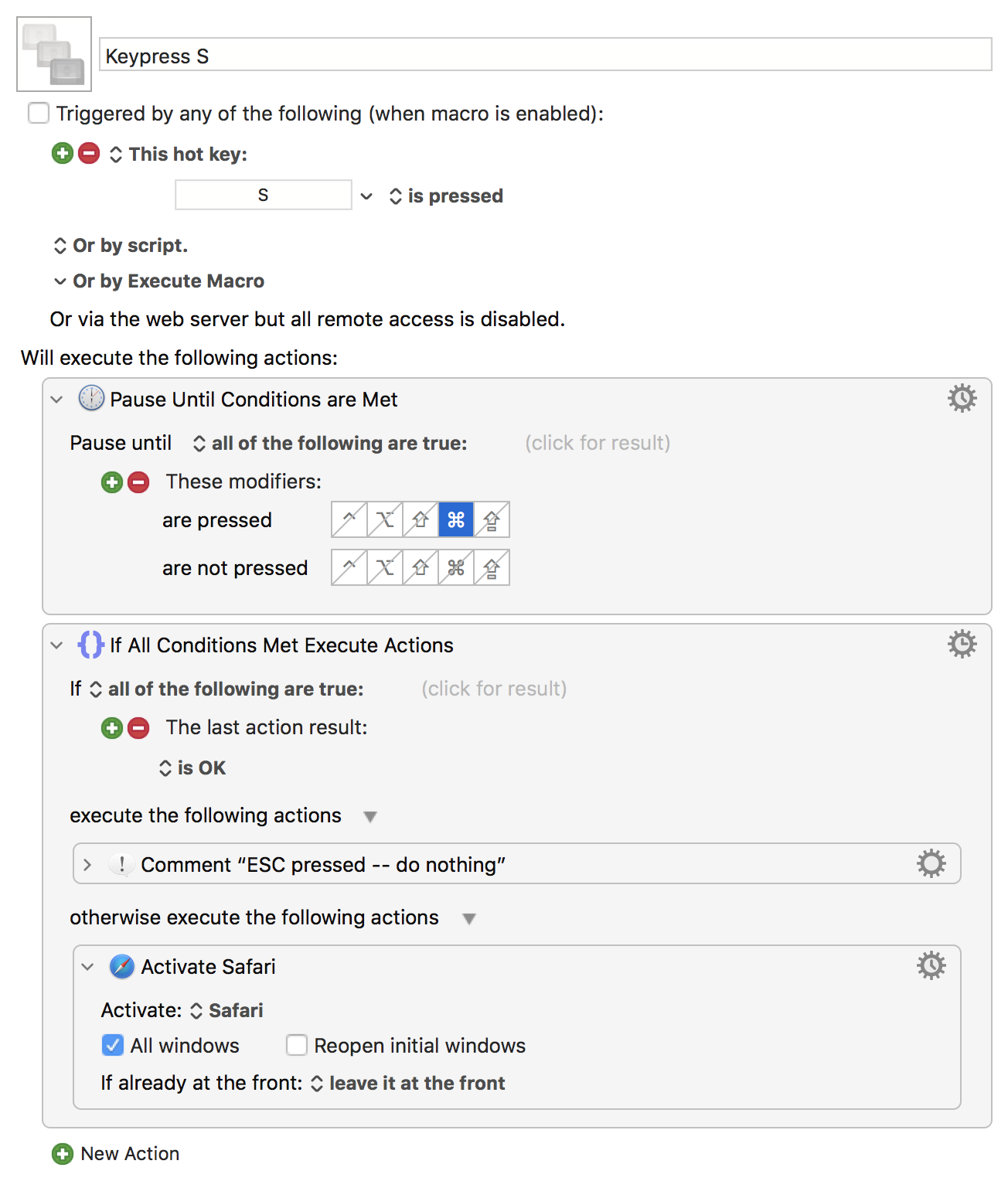
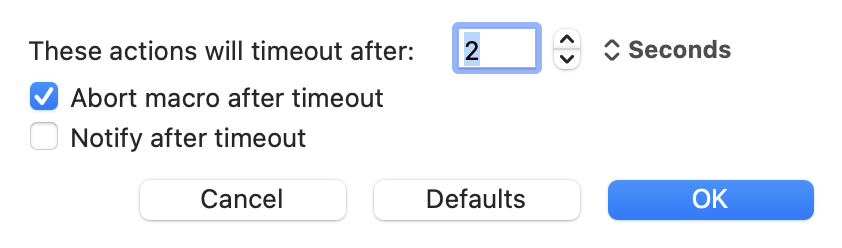
Worth noting that a specific keypress would also be distinct enough -- you could, perhaps, do "Pause until key condition 'ESC is pressed'". I've used the ⌘ key here, even though that may not suit you (although I'm guessing that one of your left- or right-side ⌘ keys hasn't been remapped!).
Keypress S.kmmacros (4.1 KB)
Image
You'll have to "resend" the "s" keystroke on cancellation.
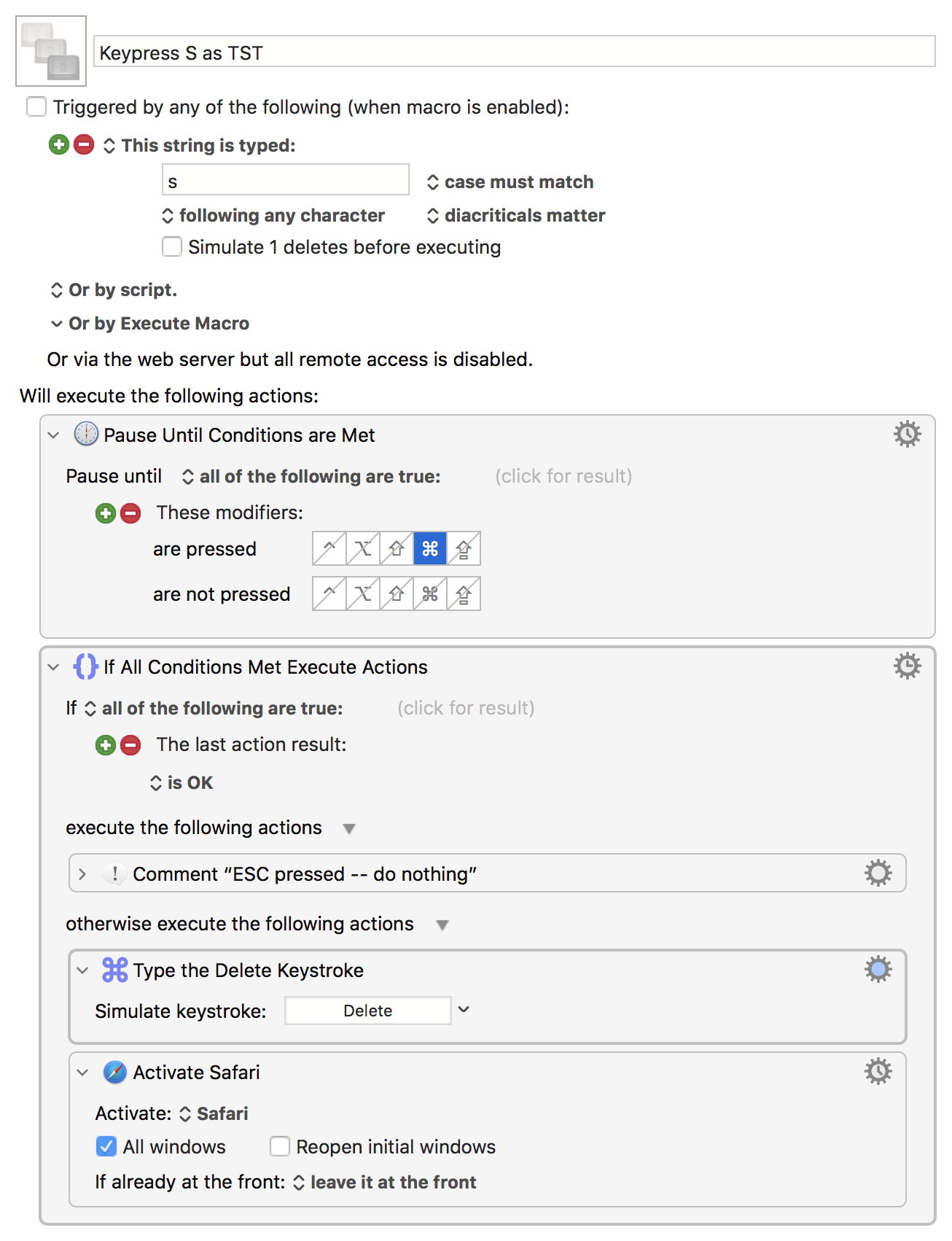
You could also do the same, but using "s" as a typed string trigger. That would get you built-in case sensitivity (if that matters) and you could choose whether to resend the "s" on cancellation or to not simulate the delete and then do that as an action in the "not cancelled" branch (I've done the latter):
Keypress S as TST.kmmacros (4.5 KB)
Image
Obviously the downside to both is that you have to take a deliberate "will cancel" decision rather than just carry on typing as normal -- but if you're amenable to the mouse-wiggle method you might find these slightly better.
Otherwise a "proper" typed string that is both convenient for, and unique to, you might be the best approach -- the few I have use ; as their "special character", eg ;st; because that's an easy "right little finger" character for me and I'm very unlikely to type ; without a following space or newline (JavaScript if statements notwithstanding...).