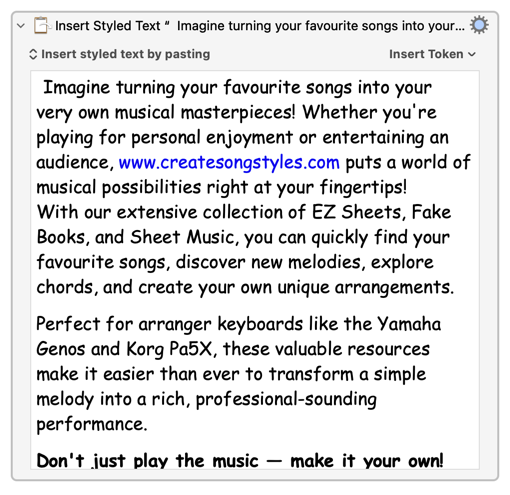
I select ( Option + C) text
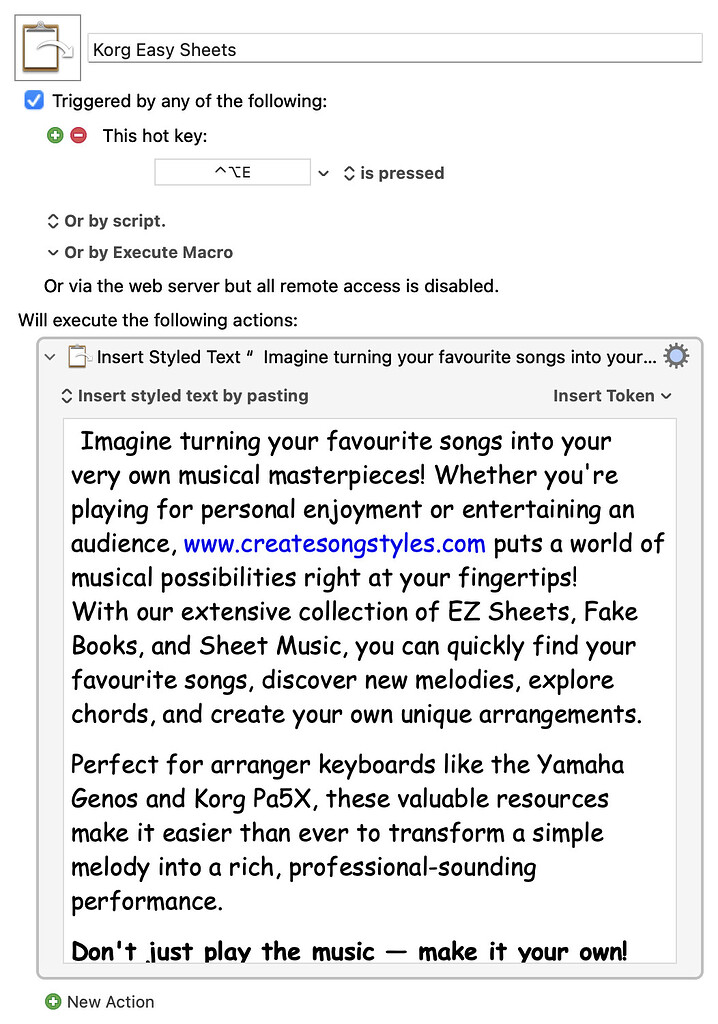
create a macro (Control + Option + E)
then paste (Command + V) into the appropriate area.
But the Formatting is not there !!!!!
Please advise
Ron from Canada
Can you explain a bit more about what you're trying to do? Those first two shortcuts are completely throwing me!
If this is a macro, upload it so we can see (instructions here). If it isn't obvious then include which applications you are Copying from and Pasting to.
If you are trying to create a macro that includes formatted text, which Action are you trying Paste into? Most KM Text fields contain unformatted text, so we may have to find a different way to do what you want.
I'm Sorry ! My bad ! I should have explained my self better..
My goal is to upload pdfs along with formatted text to Facebook. Uploading the files are no problem but what I am after, is to copy the text I need, place the cursor where I need to in Facebook, then use Control, Option + E to paste
Please see
[
My goal is to upload pdfs and formatted text to Facebook
1.) uploading pdfs to Facebook: AFAIK, a pdf will be difficult to read on a smartphone device.
2.) uploading formatted text to Facebook
Is it not easier to just paste the text on FB, why would you need a macro for it?
/okn