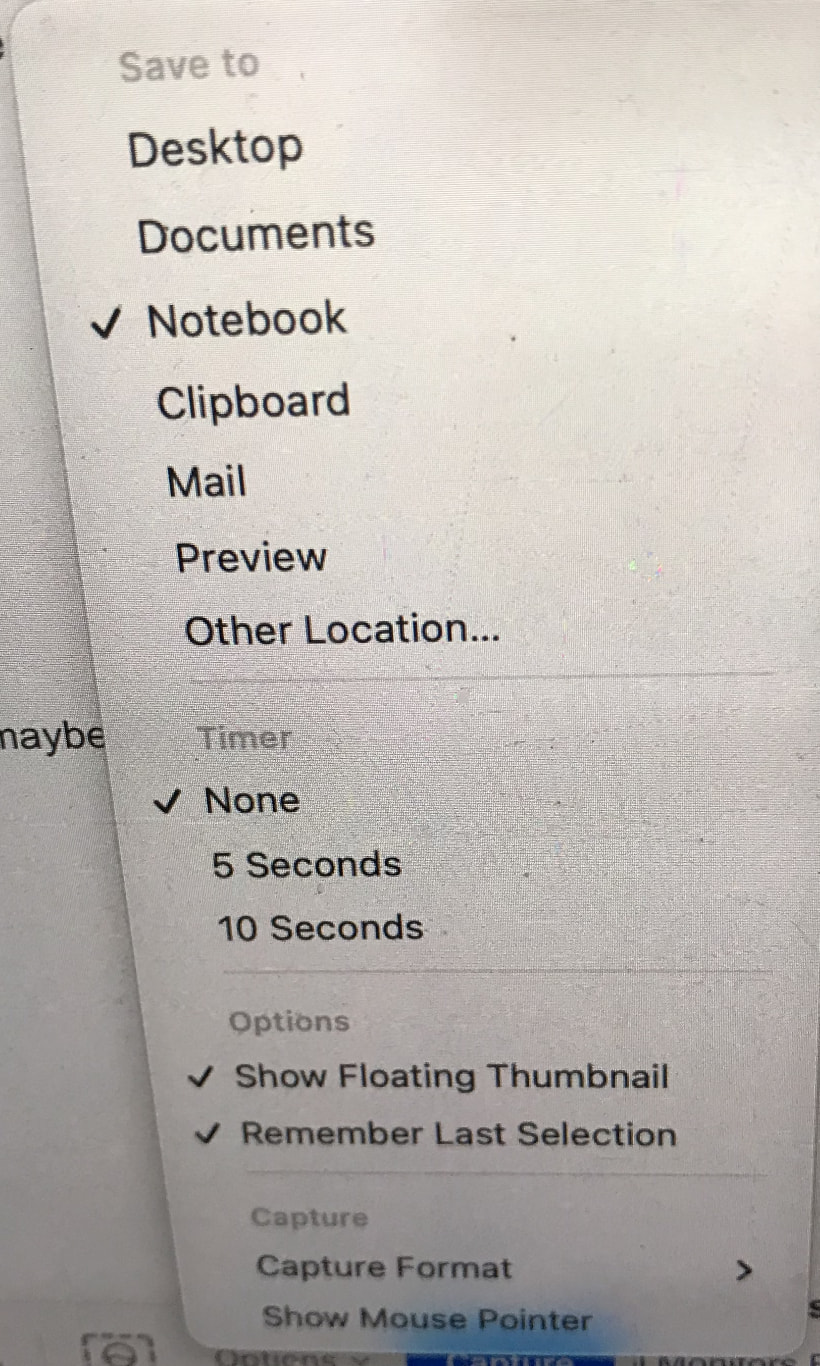
Issue:
Whenever taking a "large screenshot", there appears a menu, and one of the options is to set the screenshot to a folder in finder. So, how to streamline it?
Use the previous version that allowed you to rename the resulting file, but change it to move-and-rename so it goes the desired folder.
The reasons being that a) you'll need some (quite fragile) UI manipulation to work that menu with AS, b) that menu flashing up will get quite annoying, and c) you can't use command line screencapture because you can't combine the -p flag (required to invoke the "editor") with a file path to save to.