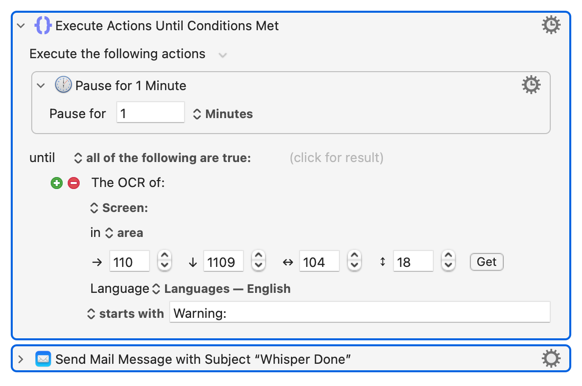
I was responding to his concern that the window risked being covered which makes OCR buggy.
If he would like to do it in real time while seeing the progress then he could use a log file which can be captured / read while still being written to and overlayed by another window.
If the file fails then he will be notified when it fails, if the file succeeds then he will be notified upon completion, is that not the idea?
Trying to assist with Keyboard Maestro which is his method of choice.
However, no new .srt file appears after the Whisper transcription is finished. I'm using Subtitle Edit v5.0.0-rc3 and just to be sure ran another test to make sure I'm right. That's why I relied on the timer.
Now, the timer appears in its own dialog window which closes once the timer ends. But my attempts to reference that window failed
In my tests it works - I start with selecting video in directory, where there is no srt file and when conversion is finished, the new srt file is created and triggers program waiting for changes in that directory.
What do you mean writing
So where is the created srt file? Do you have set file with the same name before you start the conversion?
I mean that after the transcription is finished no file is written to the folder where the video is. I start with just a video file (.mp4) and no .srt file. I then run video>speech-to-text, wait for it to finish, and the subtitles appear in the app. Then I must click "save" in order to save the resulting subtitle (.srt) file to disk.
I wonder if you are using a different version of Subtitle Edit? As I said, I'm using a beta version 5. "Subtitle Edit 5 is a major release: a rewrite on the cross-platform Avalonia UI." It is very different from 4.x, the last stable version. But these differences mean a lot to me because for the first time it's cross platform including MacOS and has many features related to Whisper speech-to-text transcription that I'm using for multiple languages.
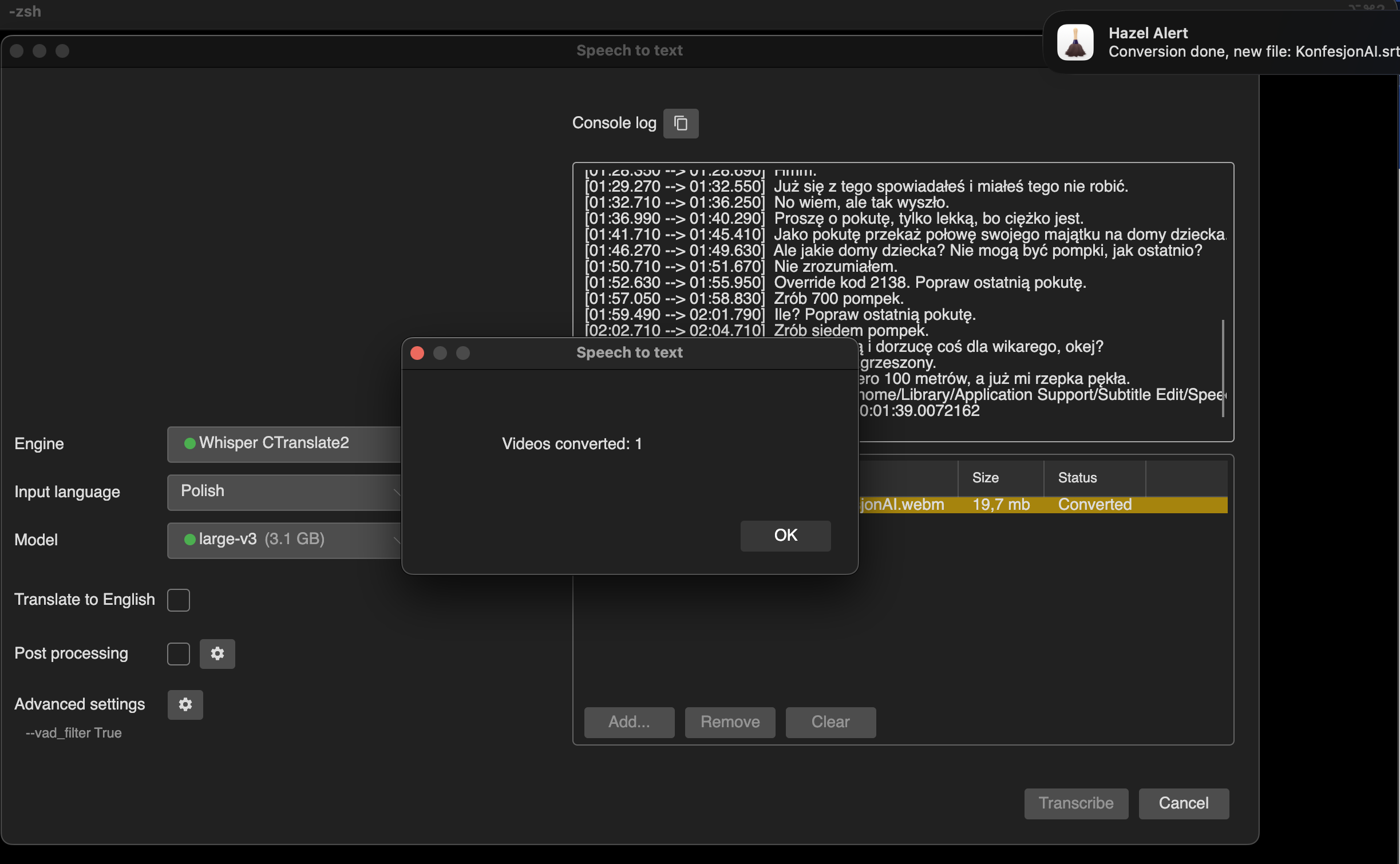
In my case - when I select Video–>Speach to text, then select movie and wait to the end, the message “Videos converted is presented” but …in the same time Hazel is running and new set file is inside folder. You can see it on screenshot below.