Yes.
Before you trigger your macro, goto the KM Status menu, and select "Start Debugging":
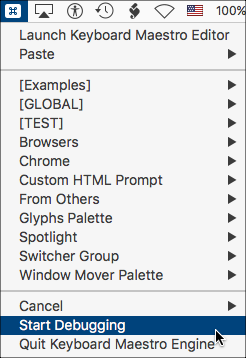
This will show a popup window like this:
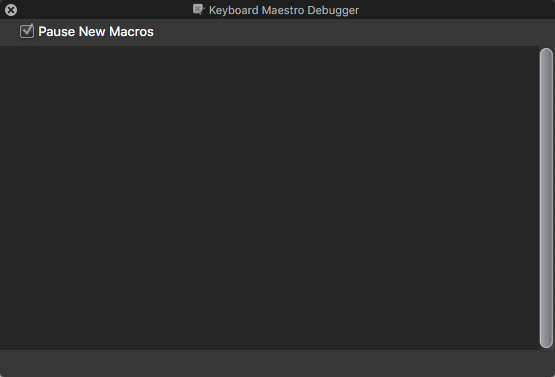
Make sure the "Pause New Macros" is CHECKED.
Now trigger your macro.
Your macro will appear in the Debug window.
Click on the icon/button with the DOWN arrow to STEP into the macro to the first step.

Click again to advance another step/Action.
For details, see Keyboard Maestro Debugger