Hey Victor,
Of course.
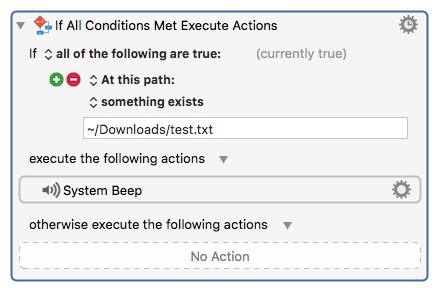
There is no such test in Keyboard Maestro.
You have to test each file and/or folder in a directory for a name condition and then process based on the test.
Something like this:
For Each.kmactions (3.0 KB)
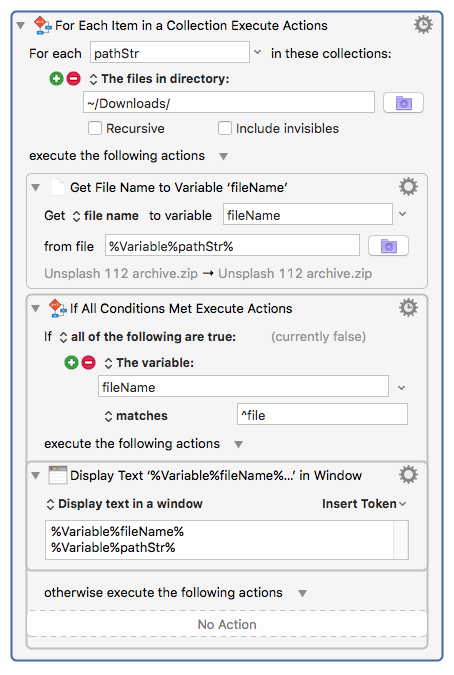
Instead of displaying the file name and file path you'd delete the file.
This is a little easier to do with AppleScript if you know how.
set targetFolder to path to downloads folder

tell application "Finder"
  set myFinderItems to (files of targetFolder whose name starts with "file") as alias list
  if myFinderItems ≠ {} then
    delete myFinderItems # files are moved to the trash.
  else
    beep
  end if
end tell
But. If there are many, many files/folders in the target directory it can be slow.
Faster yet is to use the shell:
#! /usr/bin/env bash

cd ~/"Downloads/untitled folder/";
rm file*; # files are instantly deleted.
But. You really need to know what you're doing.
-Chris