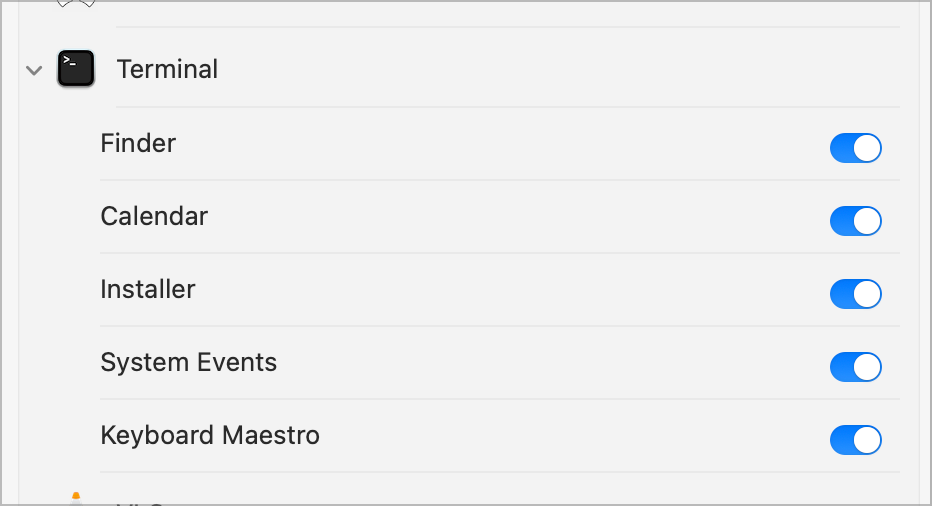
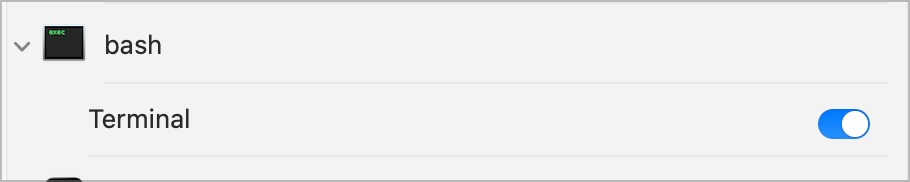
If running it from Terminal, grant Terminal access to Calendars and Reminders in System Settings... -> Privacy & Security.
If running it from a KM "Execute Shell Script" Action then grant access to Keyboard Maestro in the same way.
(You should get prompted to do so but I think you only get one chance, so if you click "Don't Allow" by accident you then have to grant access manually via Privacy & security.)
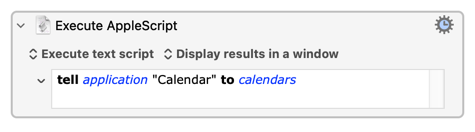
Then run the AppleScript Action above to request access, then go to System Settings... -> Privacy & Security -> Calendars and click KM's "Options" to grant full access, then Quit and re-open KM. And that should work...
Does that work, or maybe prompt you to allow access for KM? I think you'll then need to change KM's access from "Add only" to "Full" (and restart KM).
This works.
Asked twice for permissions and gave output of calendars' ids:
calendar id 1B9A3160-C0D9-40A5-A944-9EF8420CED17, calendar id 787FE09C-EFBF-4A62-926B-49495CE5041A, calendar id 567D4D31-73DC-4A60-8B38-C6D68BD0093B, calendar id 0F233E74-37FC-4FE6-A7FF-66A6BE08A1F9, calendar id 81291334-FB03-4D24-993F-BCEBE20498DB