The way I do it is AppleScript and System Events, though I guess you could use "Click at Image" Actions.
Long form:
tell application "System Events"
	tell process "Stream Deck"
		tell menu bar 2
			tell menu bar item 1
				click
				tell menu 1
					tell menu item "Teams" to click
				end tell
			end tell
		end tell
	end tell
end tell
Change the name of the menu item (middle-ish line) to the one you want to click.
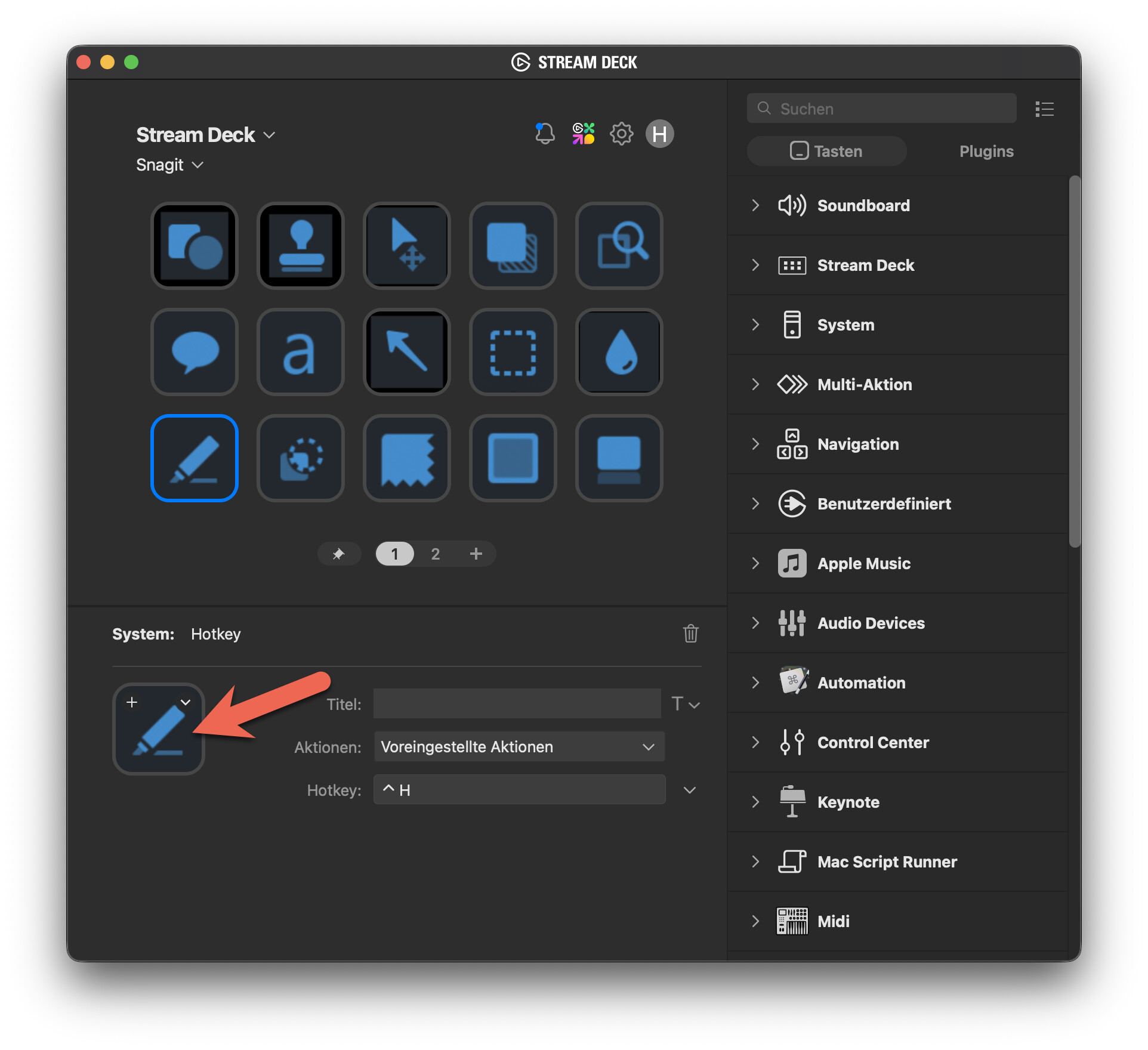
If I may go on a tangent: for any given Stream Deck button, if I change the action (open file instead of KM Link for example), I have to reconfigure the title fore and background colors of the button which is a bit tedious (the default does not look nice). Is there a workaround ? thank you
Buttons take on the defaults of the selected action. Only way I can think of is to set up "colourised" buttons for each action, maybe in a separate "Templates" profile, then Copy one of those and Paste it where you want -- I've just tried, and Copy/Paste works across Pages and Profiles.
Just in case: It literally took me a few years to figure out that you can copy images and paste them directly into the button layout… (though that might not have worked in earlier versions).
It's cheap and it actually gives physical feedback that a button has been pressed (without haptics)?
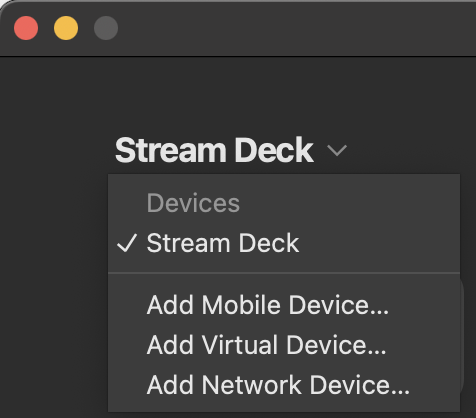
There are plenty of competitors, you can roll your own with your iPad/iPhone -- or, since you have bought the SD hardware you can add your own mobile or virtual device:
Another issue with Stream Deck is quickly turning pages without having to tap a button, and also using the go to page button. Would you have any idea how to trigger those 3 buttons with a Keyboard Maestro macro ? or simply assign a shortcut ? thank you very much
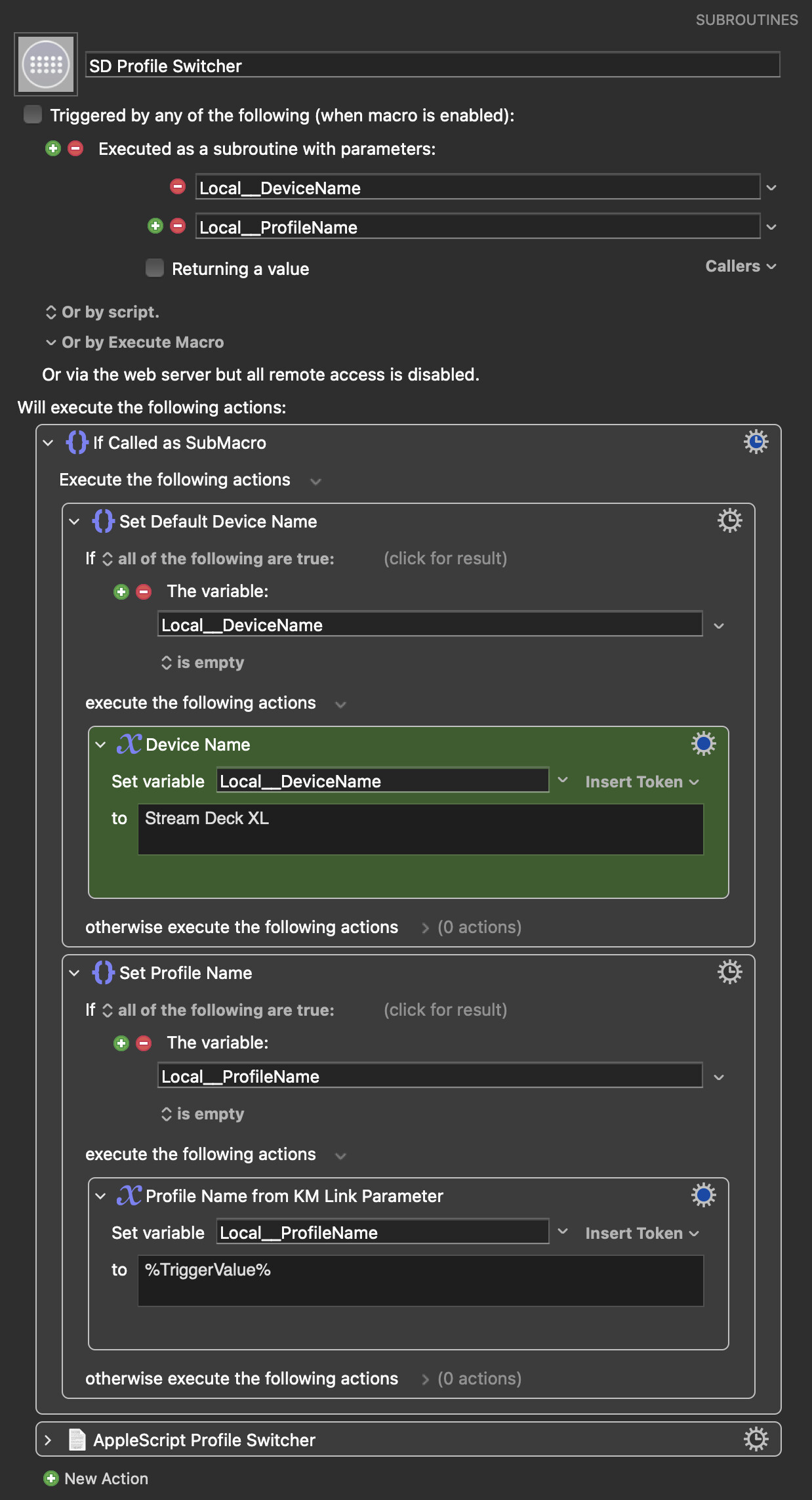
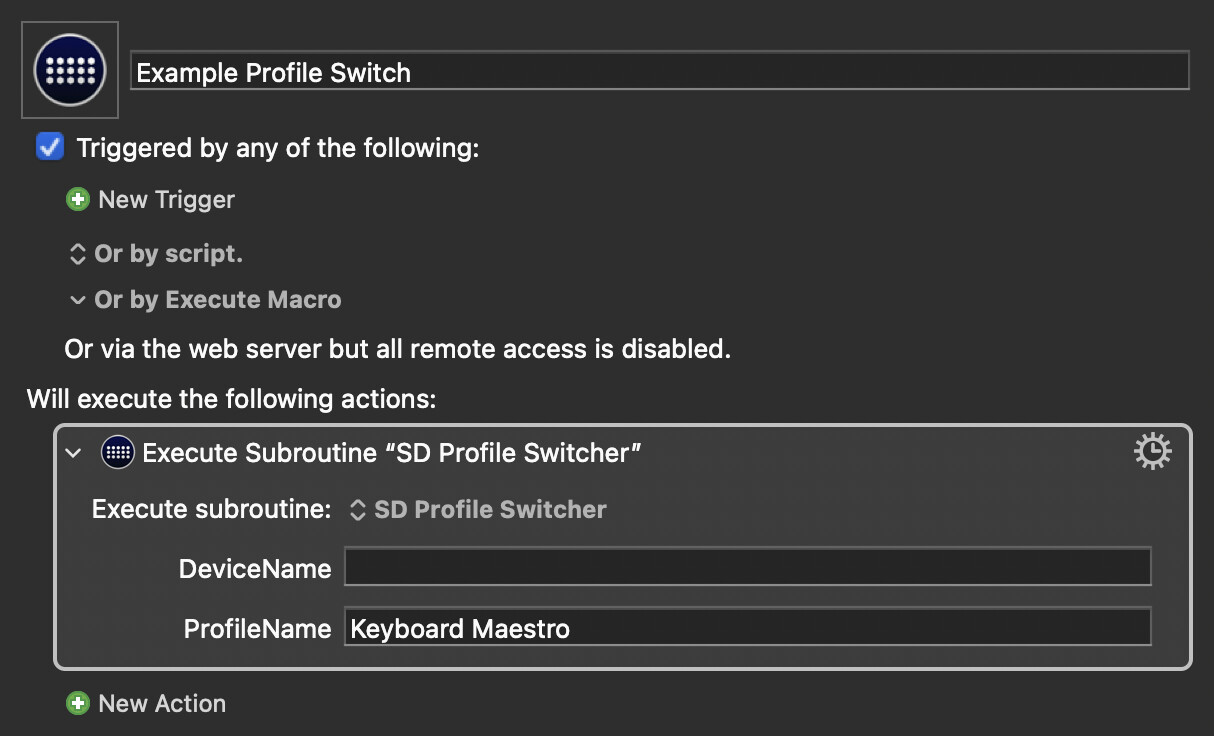
In case I like to use a certain Stream Deck page without having to press a button manually I use this awesome script to change profiles from the following post quite a lot in the meantime:
I am using it assigned to focused application windows. Works great in many cases and I have the correct set of SD actions automatically showing up depending what is necessary on my screen.
thank you for the script. I can switch profiles, no problem. The problem is that many of my profiles contain multiple pages which is a terrible idea because there does not seem to be a quick way to switch pages using a Keyboard Shortcut or a Keyboard Maestro macro. I spent the morning with AI looking for a solution. This is driving me crazy. I will probably have to re-configure all my profiles.
This is what I did. I simply changed pages to individual profiles in cases like this. As far as I’m aware of there is no limit to the amount of profiles.
It just means you can call it from any other macro, just like a regular action, without having to explicitly deal with AppleScript or multiple actions just to change profile.