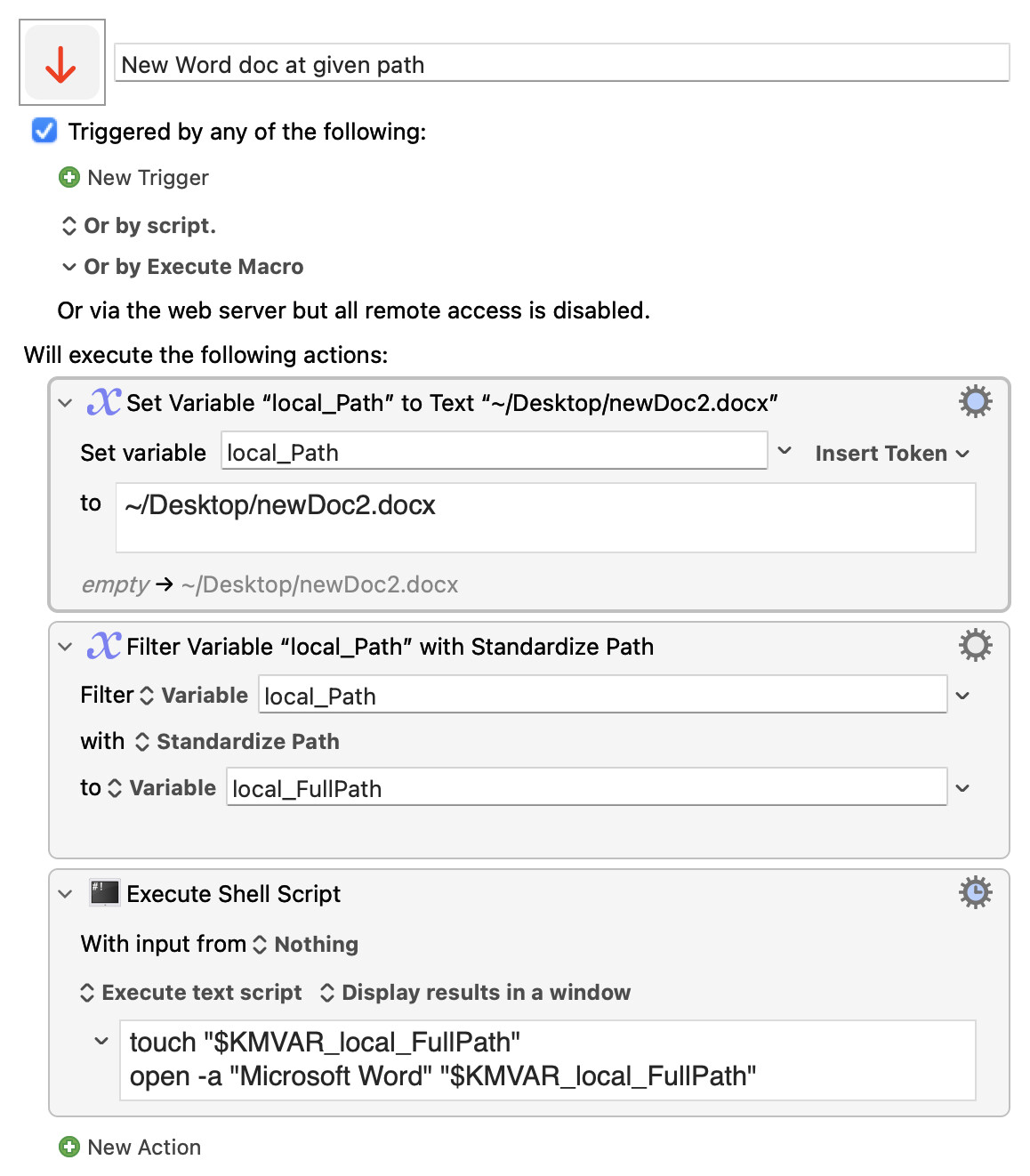
Another broad approach:
New Word doc at given path.kmmacros (2.6 KB)
Just checking here: would it be acceptable to you to put the new Word doc in the current window in Finder? (I’m wondering if the way you got the path in the clipboard was by getting it from the currently open window). If so my Macro runs in less than a second and then selects the filename (without .docx) for immediate renaming so you don’t have to prompt for it.
incredible that there is no apple or shell or other script to do so
it’s a very good idea, but the open with Yoink solution is the simplest IMO. Macro to create a new word document in the folder whose path is in the clipboard - #16 by ronald
thank you for your post
yes, it’s a very good approach, to which I would add input filename and use clipboard is set variable local_path. thank you very much
It's because MBU uses the File > Export > Export all Macros as Folder command, which pops up the macOS standard file dialogs. No way around that! 
-rob.
Another variant:
touch "$KMVAR_local_FullPath" && open -a "Microsoft Word" "$_"