Don't be embarrassed about that. Most of us long-time users have learned almost everything through stumbling around, finally giving up and posting questions here, and (hopefully) finding the answers.
KM is so deep that I doubt that even @peternlewis (the author) remembers everything it can or can't do! (Maybe that's a touch of hyperbole - then again, maybe not...)
I am noticing a considerable lag in switching desktops via a keystroke (^←). It seems that the first attempt to switch desktops works normally, then subsequent ones are delayed. If I wait an about 3 seconds between keystrokes it works normally. Seems like there is a delay after switching.
I recently upgraded to 15.4.1 but I'm not sure that is causing the delay.
Hi Everyone, this seems like a monster thread, I think I’ve read it all, but I’m sorry if I’m repeated any earlier comments!
I’ve been using v2 of the Desktop Spaces Macros for a long time. Ever since I upgraded to Sequoia it has been misbehaving a little, so since I was changing some other things, I finally got round to upgrading the Desktop Spaces Macros to v4 today. I upgraded WhichSpaces to the latest version too. I think v4 has fixed the annoyances, which is amazing, but I found (and fixed) some issues along the way.
The sound effect caught me out for a while (I used sudo fs_usage| grep aiff to confirm that it really was KM that was causing it, then I was able to find the reference to pop.aiffin the macros).
The presence of the sound effect doesn’t seem to be mentioned in the README, and it was only after I found and disabled to appropriate action that I found a reference in this thread.
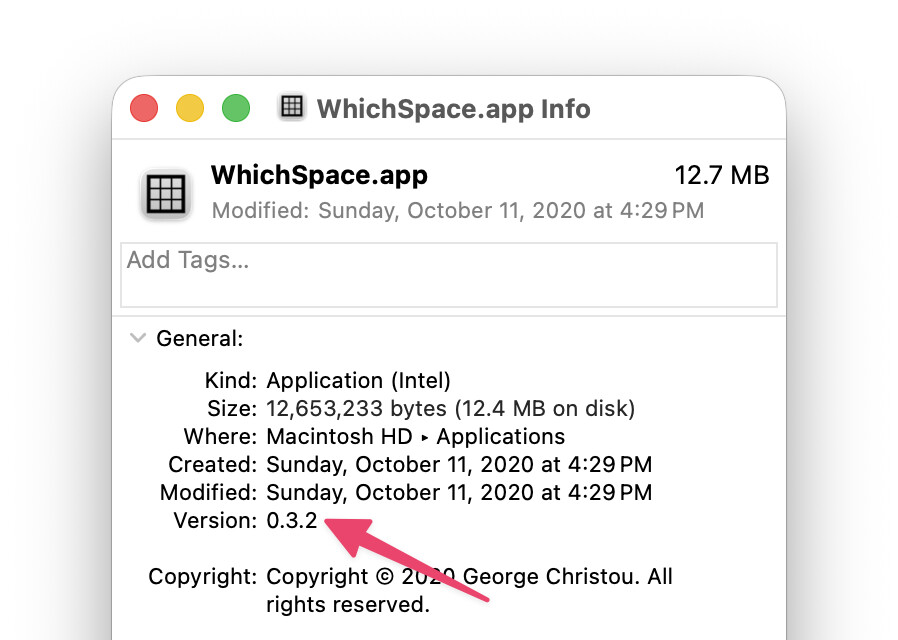
What really stumped me was that ⌃← and ⌃→ didn’t work (even though the native shortcuts do, and now seem to integrate perfectly). I eventually tracked the problem down to be an unintended consequence of upgrading to the up-to-date copy of WhichSpace! The AppleScript macro in GetDesktopNo returns {"Apple", "WhichSpace", "Edit", "View", "Window", "Help"} instead of the correct desktop number!! I don’t know if it’s possible to extract the desktop number from the new version of WhichSpace, I couldn’t see anything obvious, so I reverted to the old version of WhichSpace (so old that I can’t see a version number, but it’s dated 2020-10-11) and this fixes the problem for me, but it’s something that will presumably catch other users out too.
Also, Brew complained about WhichSpace not being notarised and seems to threaten that this might stop it from working soon, which is a bit of a worry.
I notice that WhichSpace is licensed under the MIT license - I wonder if the functionality could be incorporated into KM itself? It would need an attribution in the KM credits, but presumably a lot of the trickiness in the current macros would be a lot simpler.
Albeit it's a bit hidden, but it is mentioned in the Version History, specifically Version 2.0.
So, @steveb, maybe it's the second time you've disabled that sound. My personal preference is to set the volume very low.
This has come up several times in the forum and as I understand it, the Mission Control Desktop Spaces information is not available to macOS programmers via public API thus, per @peternlewis, will not be added to Keyboard Maestro. (IMO this policy has far more pros than cons to Keyboard Maestro users.)