So, you have managed to get the custom title in the Menu Bar to change (using "tokens") depending on the flag but you would rather the icon itself changed?
I was going to say that I didn't think this could be done, but in the Macro Group Settings, I see that as well as setting a custom title for the Menu Bar Display of the Group, there is also an option to set the Group's Menu Bar Icon from a Named Clipboard:

And it is possible to change the contents (the icon image) of that Named Clipboard using an Action called "Set Named Clipboard to Image"
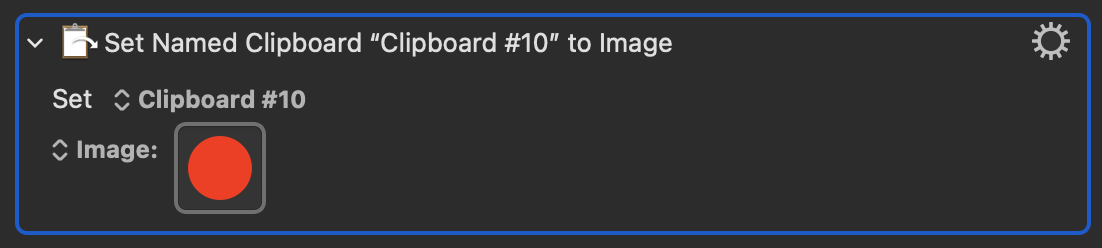
or
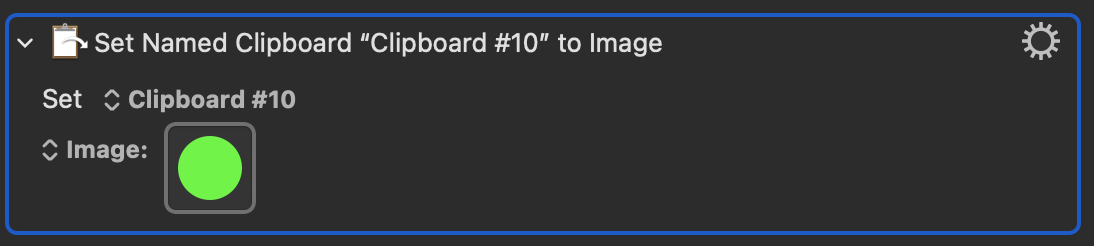
In other words as the image in the Named Clipboard is changed so would the Group's icon in the menu bar change.
I can't tell you exactly how to adapt your existing workflow to this (as I don't know what your Macros do) but if you have already worked out a way to change the Title of the Group that is displayed in the menu bar then you should be able to adapt that approach to this. It might be as simple as just adding in a "Set Named Clipboard to Image" Action at the points in your Macros where you are changing the status of whether you are free or busy.
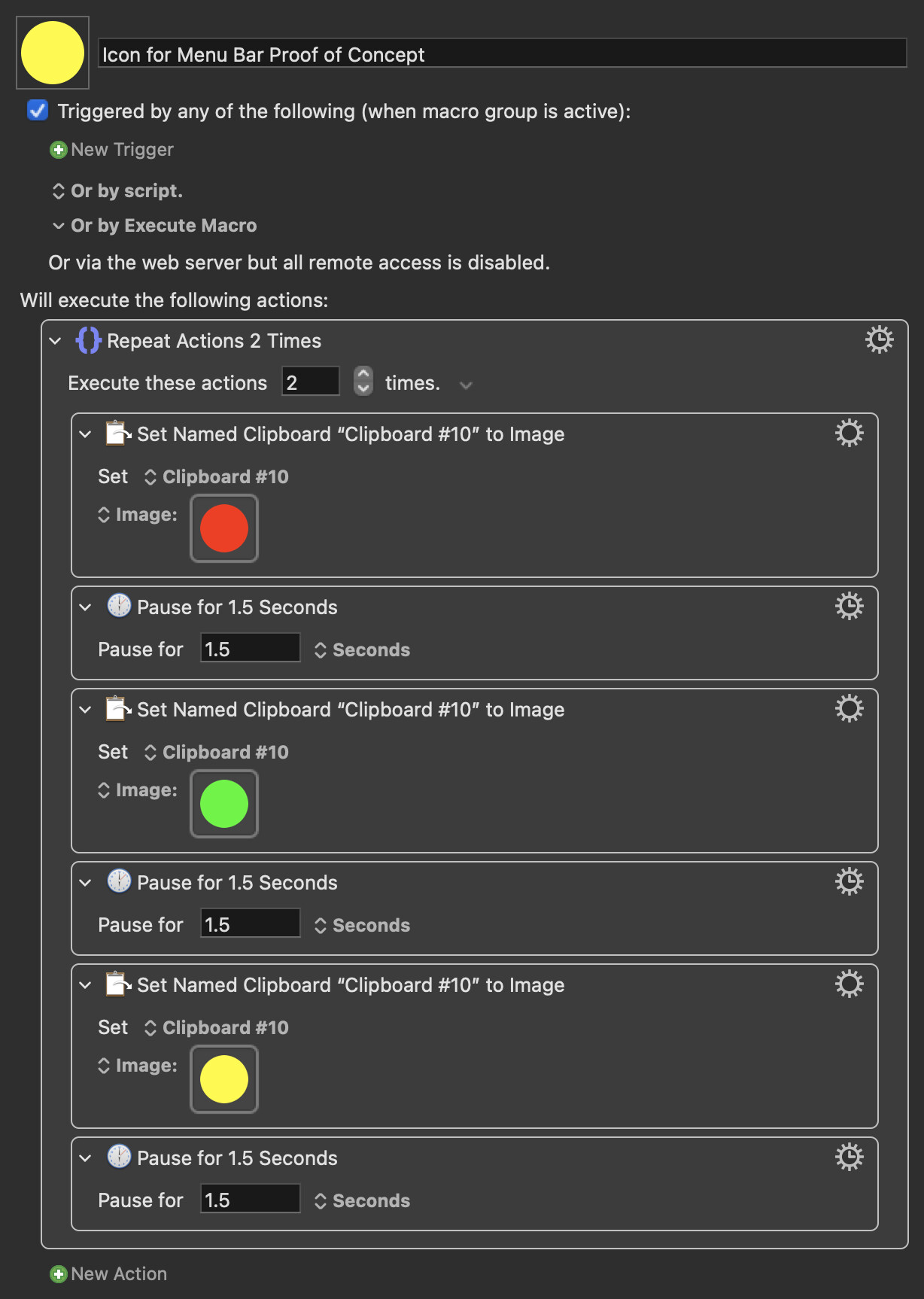
Here is a proof of concept to show that if the contents of the Named Clipboard are changed the icon in the Menu Bar does indeed instantly change:

Icon for Menu Bar Proof of Concept.kmmacros (101.9 KB)