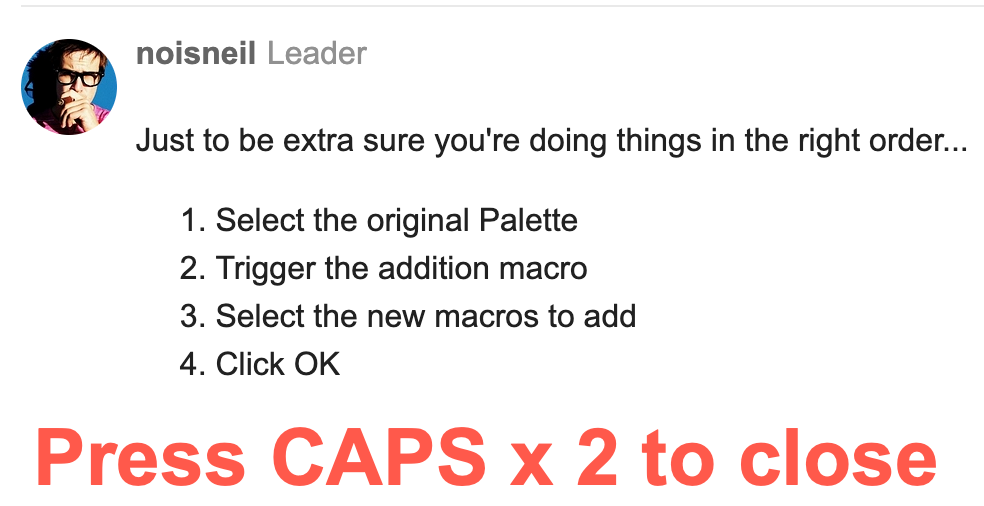
Just to be extra sure you're doing things in the right order...
- Select the original Palette
- Trigger the addition macro
- Select the new macros to add
- Click OK
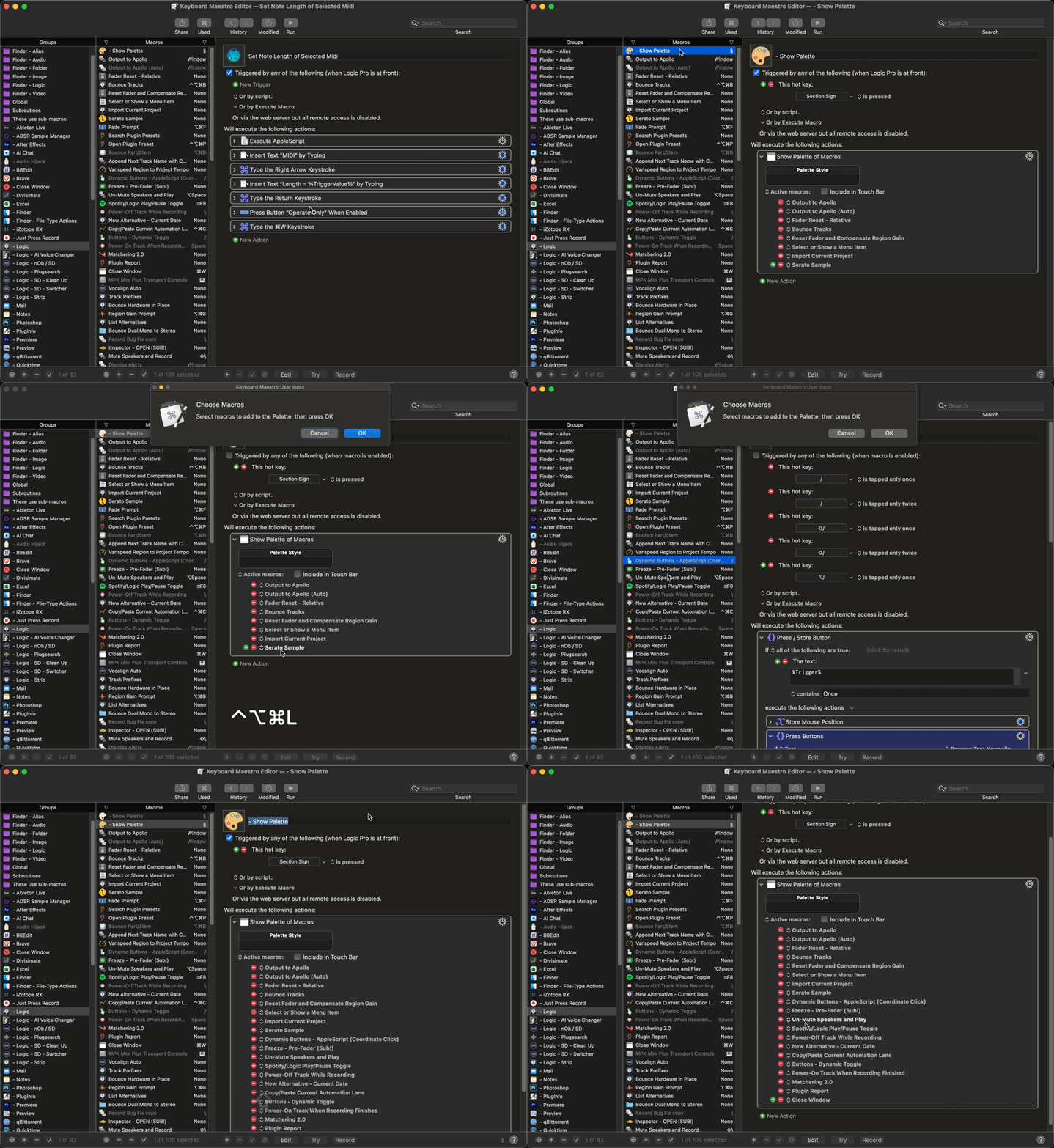
Just to be extra sure you're doing things in the right order...
works perfectly. I had not understood the sequence. My apologies.
Your macro is outstanding. The possibilities are endless. As I had mentioned I find that the macros assigned to the palette are constantly changing.
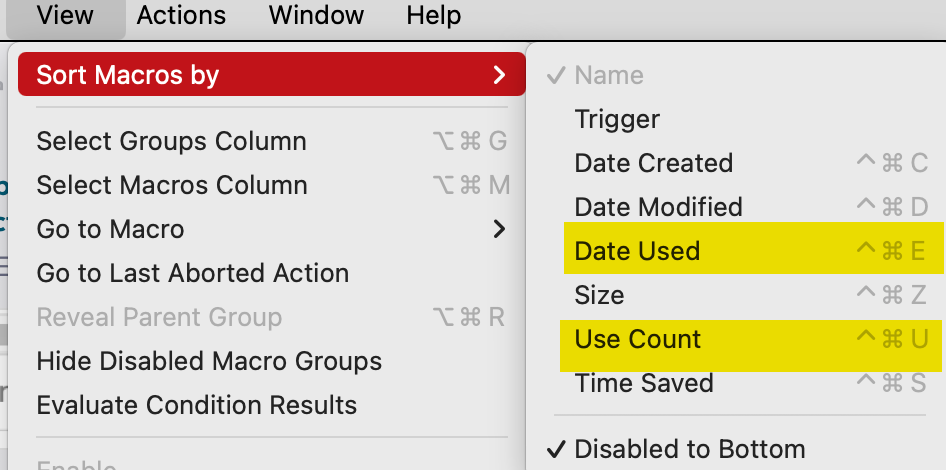
For example, one may want to create a palette of more recently used macros or most commonly used macros in which case the macros are sorted accordingly beforehand. Or to create special palettes, simply add a keyword in the macro name (for example $text for all the text transform macros) and search by that keyword before triggering your macro.
A work of genius. Hugely facilitates and accelerates workflow.
and because the sequence may not be obvious (for people like me), the following image is displayed from a named clipboard each time the macro runs
I'm away at the moment but I'll update the macro to be more self-explanatory when I get back. Glad it's helpful.
If you are going to update the macro, I would add that the choose macros and press ok user input action is displayed at the top right of my screen underneath the notifications and hidden especially the ok button. I have to drag it out from underneath the notifications to press ok
I solved it has simply moving the engine window to the bottom center of the screen
I added another prompt at the start, which hopefully makes the order of events more explicit. Updated above.
Great ! Thanks again
Beaten to the finish line again! I have been trying to send you something similar but I’m having trouble logging in on the Mac. Maybe I’ll iCloud it then do from my phone.
just wanted to say (again) that this macro is an absolute gem ! Big difference in my workflow / efficiency. You are brilliant. and thank you @Nige_S for the work you put into it.
I use your superb macro multiple times a day. I trigger the palette with OPT Esc, and would like to change the default in the script but can’t find where. Thanks very much !
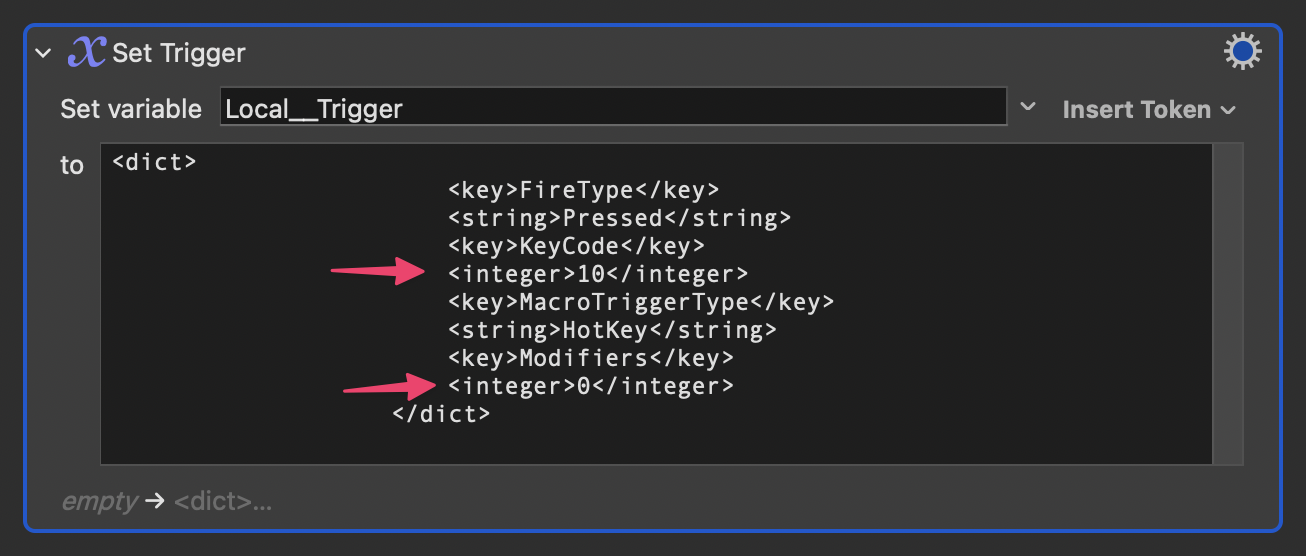
There's an action dedicated to setting the trigger by decimal keycodes and bitmask integers (for any modifiers):
The first indicated line is a decimal keycode. You can look up more keycodes here:
For modifiers, you need to use bitmask integers:
⌘ = 256
⇧ = 512
⌥ = 2048
⌃ = 4096
If you wanted ⇧⌘, you'd add the integers.
512 + 256 = 768
So the code for that modifier combo is 768.
TL;DR:
Sooooo..... for ⌥ Esc, change the values on the indicated rows to 53 and 2048 respectively.
	<key>FireType</key>
						<string>Pressed</string>
						<key>KeyCode</key>
						<integer>53</integer>
						<key>MacroTriggerType</key>
						<string>HotKey</string>
						<key>Modifiers</key>
						<integer>2048</integer>
					</dict>
Wow ! thank you very much. This goes straight into my KM manual. My best wishes to you and your family for Christmas and the New Year !
And to you!