Honestly, I'm a little surprised it worked, let alone as well as it did. It detected every space change. Sadly, it's not forthcoming with information, such as which space you've changed into or come from.
Here's the barebones script:
use framework "AppKit"
use scripting additions

property msgs : "/private/tmp/NSNotifications.txt"

on run
		tell my NSWorkspace's sharedWorkspace's notificationCenter ¬
				to addObserver:me selector:("notify:") ¬
				|name|:(my NSWorkspaceActiveSpaceDidChangeNotification) ¬
				object:(missing value)

		close access (open for access msgs)
		set eof of msgs to 0
end run

on idle

end idle

on quit
		tell my NSWorkspace's sharedWorkspace's ¬
				notificationCenter to removeObserver:me

		continue quit
end quit

to notify:message
		global msgs
		set D to (current date) as «class isot» as string
		write D & linefeed as "utf8" starting at eof to msgs
		display notification "Space changed" with title D
end notify:
This is a Stay Open application, which is one of the options available when choosing which format to save a script as in Script Editor. On running the application, it registers itself as an observer. Then it idles, and does absolutely nothing until you change space. It receives the alert, and the notify: handler is called (there's nothing useful passed to it in the message parameter, but it has to be there; you can name it whatever you want though). All I had it do was log the timestamp at which the space change occurred, and throw up a macOS notification that popped up in the top-right of the screen during changes. As proof:
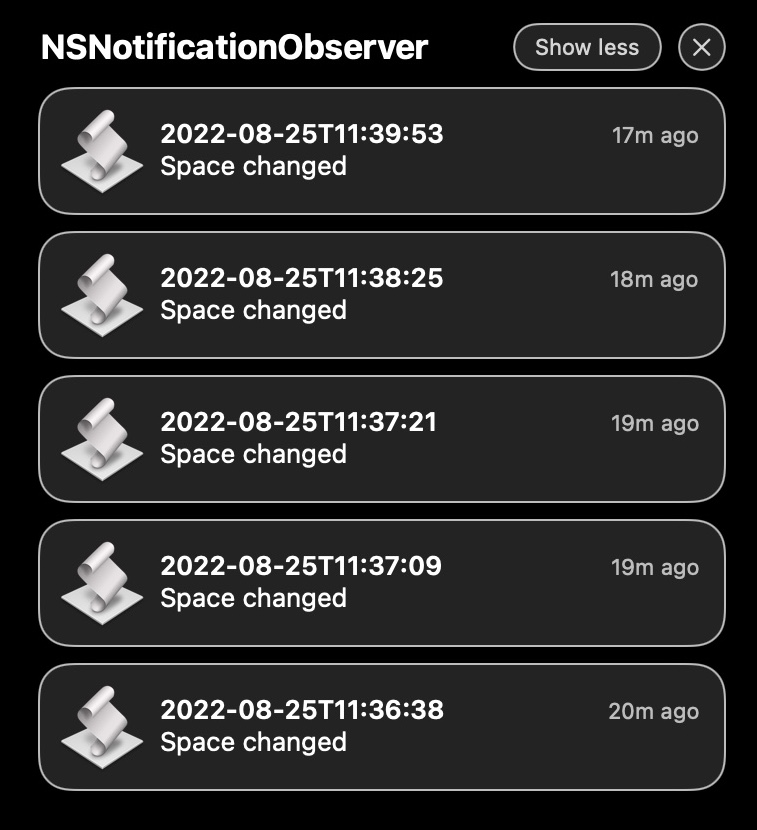
Have to admit, that was pretty nifty.
NSNotificationObserver.app.zip (55.4 KB)