I am reviewing the settings to make sure I have everything optimized and have two questions:
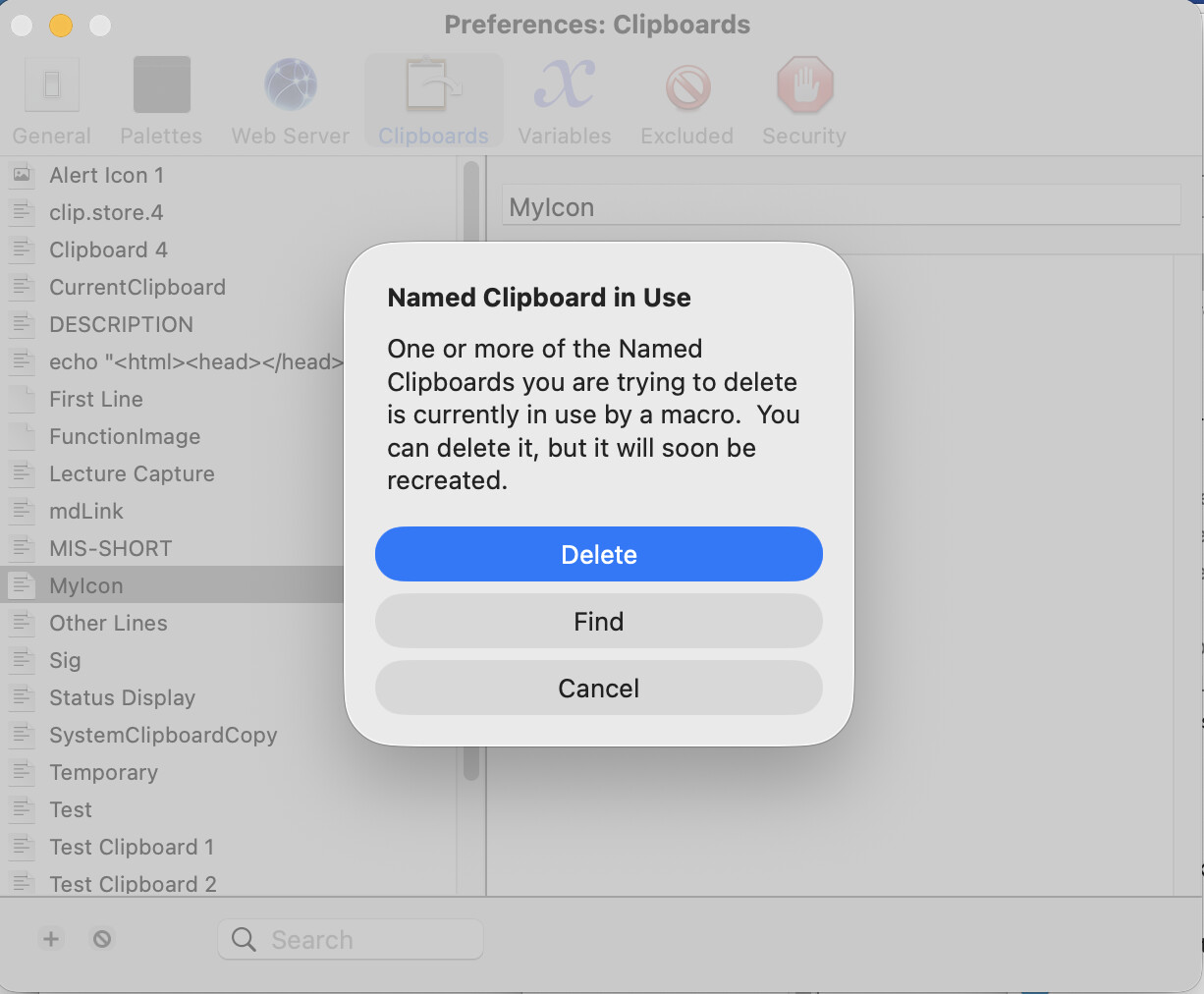
I noticed under the Clipboard settings that there are four clipboards as pictured below. Can someone please explain their differences and uses, as well as the naming convention (i.e., Clipboard 4 seems random and not helpful in understanding).
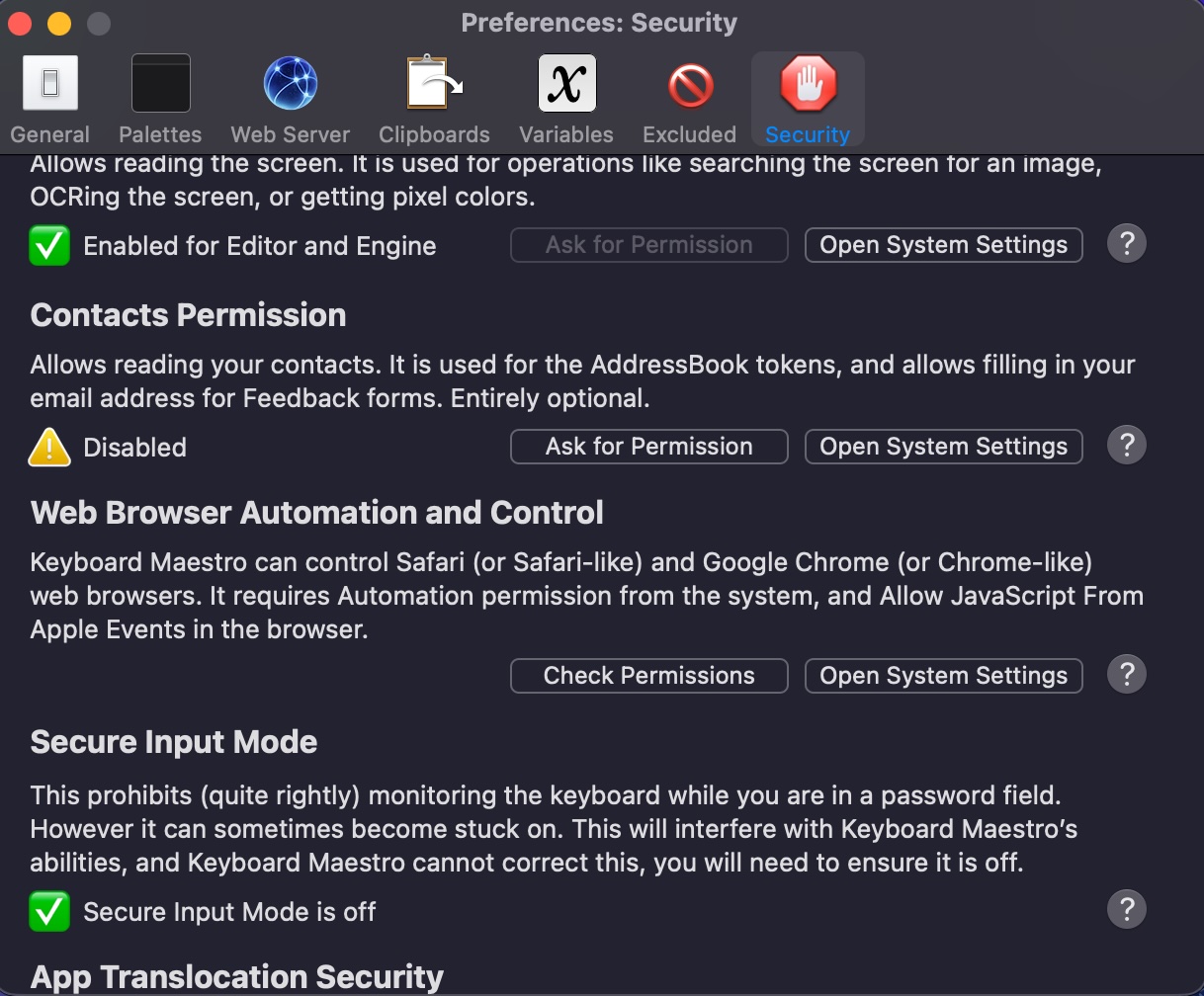
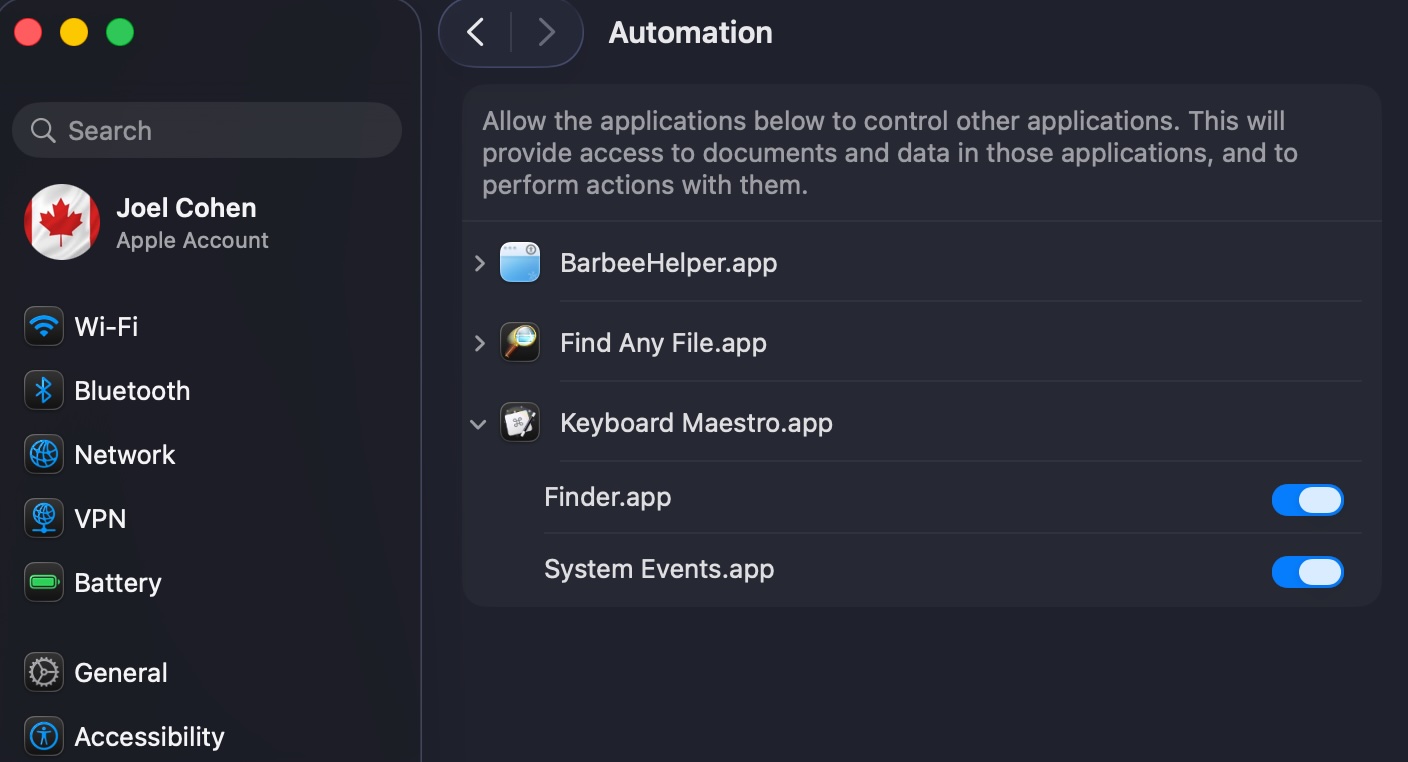
I noticed under the Security settings that unlike the other settings, there is no symbol beside “Web browser automation and control” as pictured below. I further noticed that Safari does not appear under System Settings > Privacy & Security > Automation > Keyboard Maestro (i.e., only Finder and System Events do), also as pictured below. Can someone please explain the correct way of configuring so that Keyboard Maestro can control Safari (which I assume is the purpose of this setting).
Regarding #1, IIRC, that tab in the settings shows your current Named Clipboards, which are “…simply a means to permanently store (like a file does) clipboard contents (like images or styled text)…”
The list of clipboards you see doesn’t have anything special about it, you can name them however you like, as the name doesn’t change how they work. I have used Named Clipboards in the past when I needed to store styled text/images or apply styles to text.
Appreciated! I guess I will leave even though the naming convention makes zero sense to, WOudl you happen to have idea why there are four of them as it seems that 1 would suffice (unless one has different clipboards fro different purposes)?
Most people I know that use Named Clipboards set custom names for them to differentiate them when they reuse them (custom signatures for different accounts/purposes, for example).
As to why those 4 named clipboards… my guess is that those are created by default and show you that you can name them however you like, there is no convention (but you can create your own naming conventions). The list is chronologically reversed, so “Clipboard 4” happens to be the 4th named clipboard created.
AFAIK, naming conventions matter regarding:
VARIABLES, where it radically changes how “accessible” they are (between macros, scripts, etc.) and how they are “stored” (if the variable starts with “Local”/”Instance” are limited the the current macro/instance and they will “dissapear” after the macro finishes running, while variables that start/end with “Password”/”PW” are not directly accessible via AppleScript and they “dissapear” when the system is shutdown/restarted, for example).
PALETTES: The name of the Macro/Macro_group is very important as it can change the order (if sorted “alphabetically”).
CONFLICT Palettes: the name can change the “hotkey” to trigger them.
Whenever you are SEARCHING and FILTERING groups, macros, actions, and even their contents, so it is very useful to establish some naming conventions to make it easy to find what you are looking for.
There are probably other areas where it is important, but these are what come to mind right now.
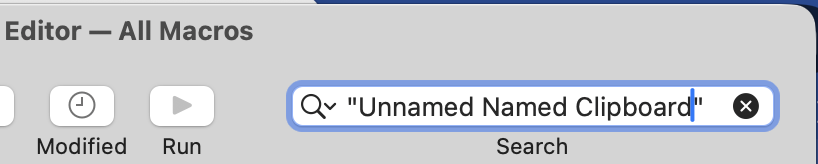
You can also (sort of) search your macros for them -- select the "All Macros" Smart Group then type the name of the Named Clipboard into the Search field, wrapped in double-quotes to treat the text as a phrase rather than individual words:
I was able to delete all the clipboards, I was told that 1 will be recreated but let’s see. If there is one that gets recreated, I will simply rename it to something more helpful.