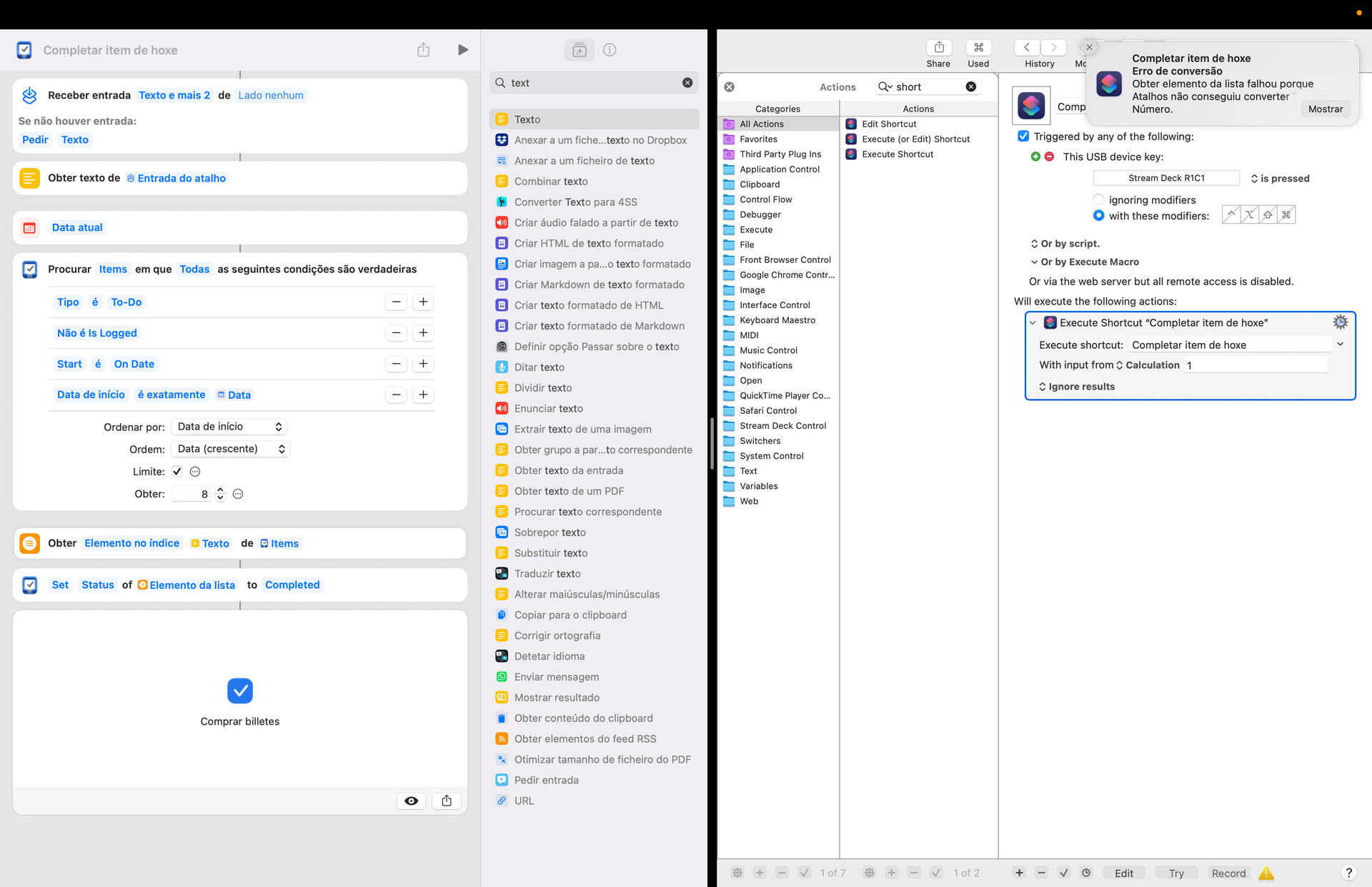
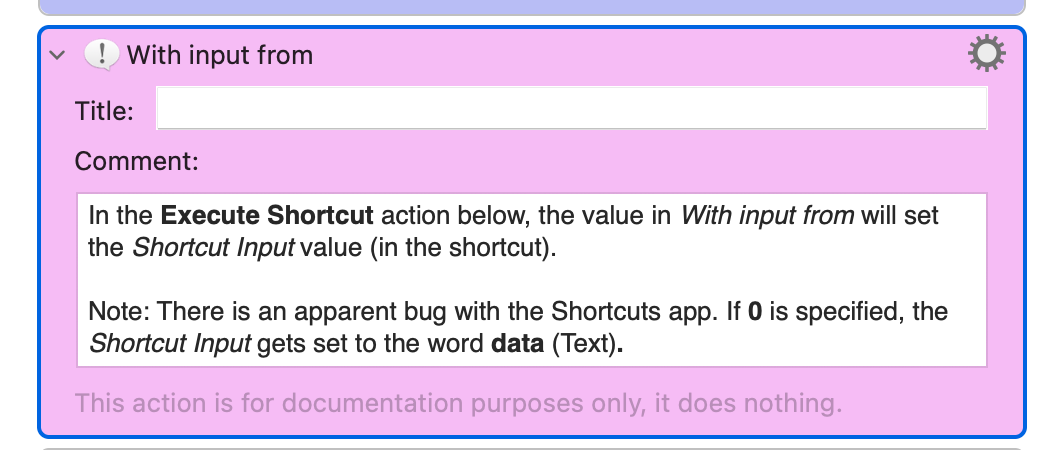
I’m having trouble in executing an Apple Shortcut from KM. The shortcut itself works fine when I execute by itself and I type a number in the input shortcut field. However, I cannot pass “1” from KM and being interpreted as an error. I get an error saying something like Shortcuts couldn’t transform text into a number.
This is what I did. The interface of Apple Shortcuts is in Portuguese, but basically the notification says “Obtain list item failed because Shortcuts couldn’t convert “Text” into “Number”. As you see, I passed the text “1” to the shortcut input, but I got this error. If I execute the the shortcut directly, and ask for prompt if no input is given, and then type “1”, the shortcut behaves correctly.
It doesn’t make a diference if I choose “Calculation” or “Text” in KM.
Keyboard Maestro always sends your input as text. In this case, the text will be the string “1” (no quotes).
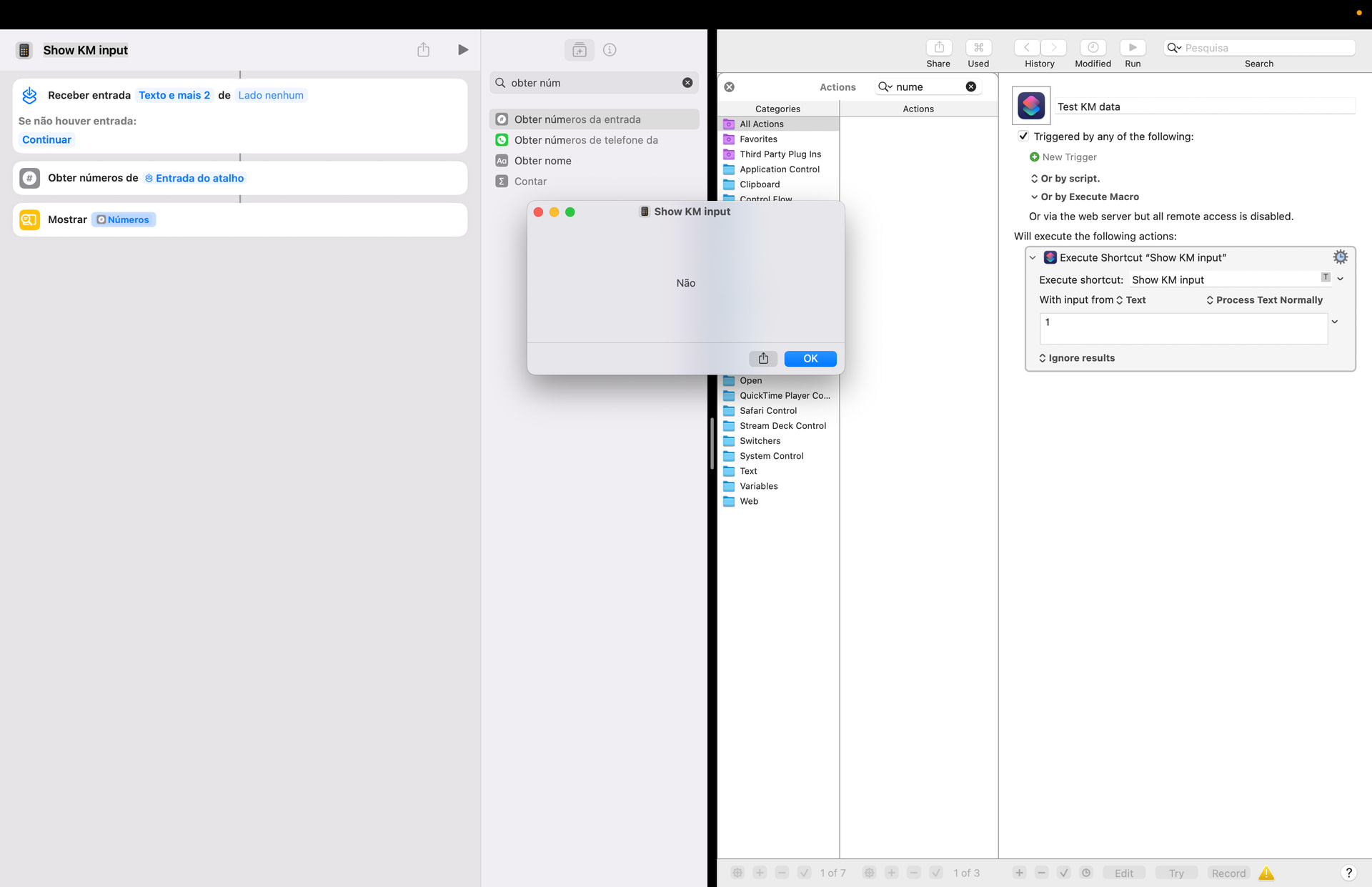
If Shortcuts is incapable of converting that to a number 1, then you will need some sort of Shortcuts action that processes text and returns a number. Perhaps something that calculates the value of an expression?
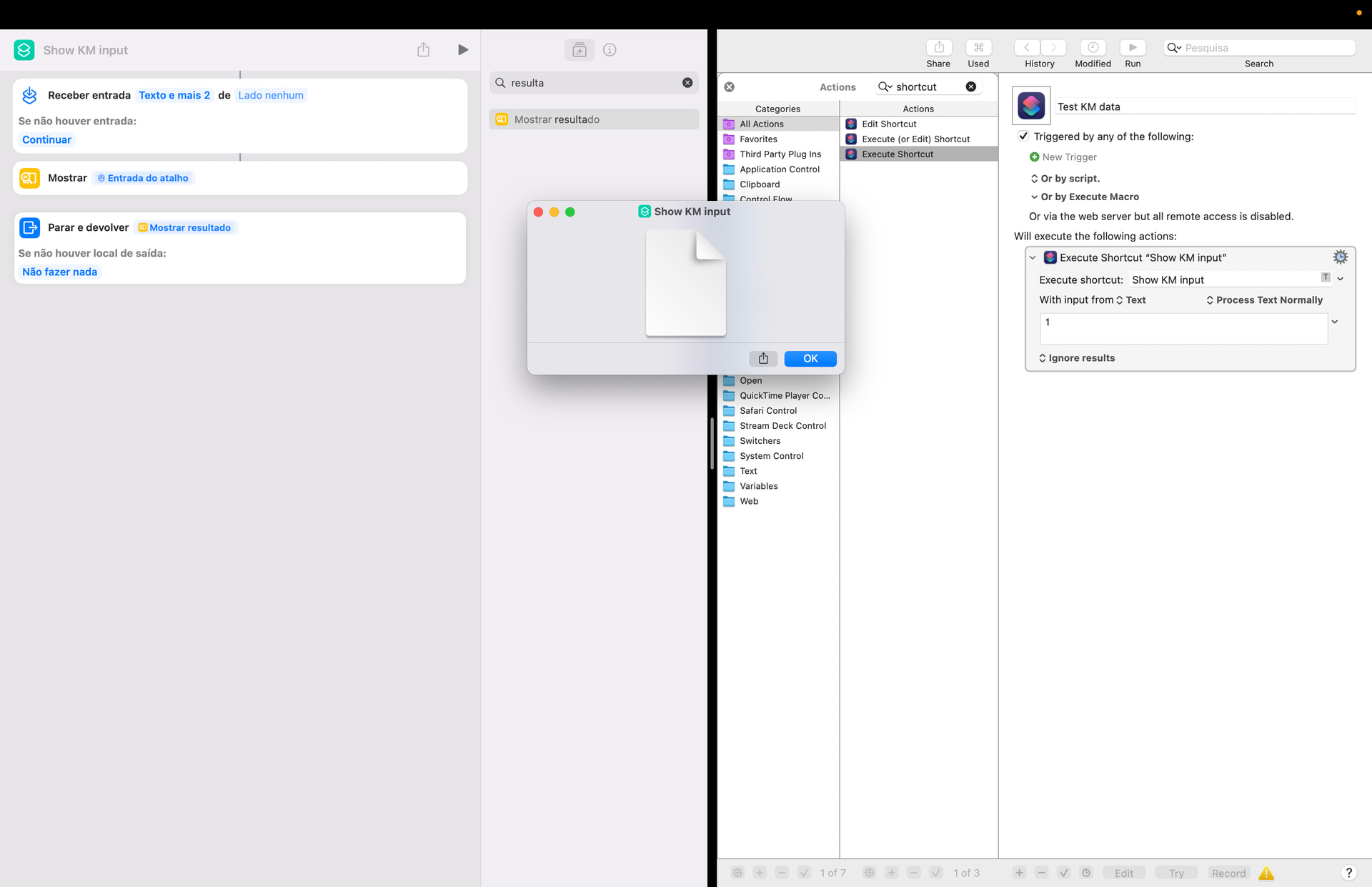
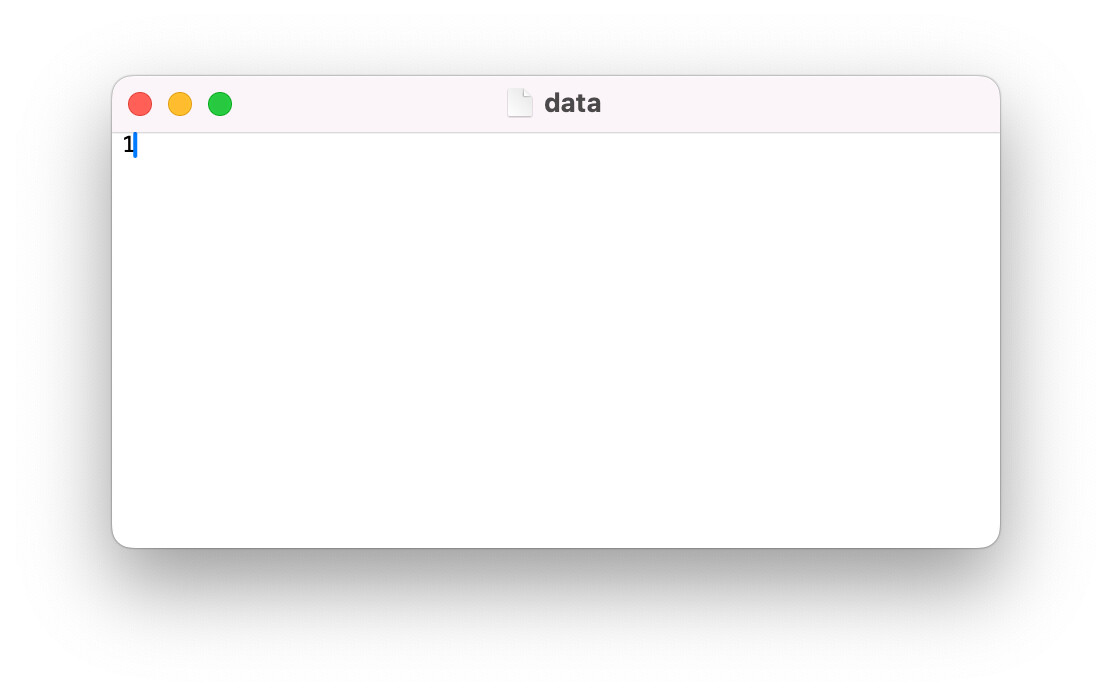
It looks as if KM sends a file, named “data”, instead of the string itself, or that Shortcuts converts into a file. If I try to save that file, it saves a file named “data” whose contents are “1”