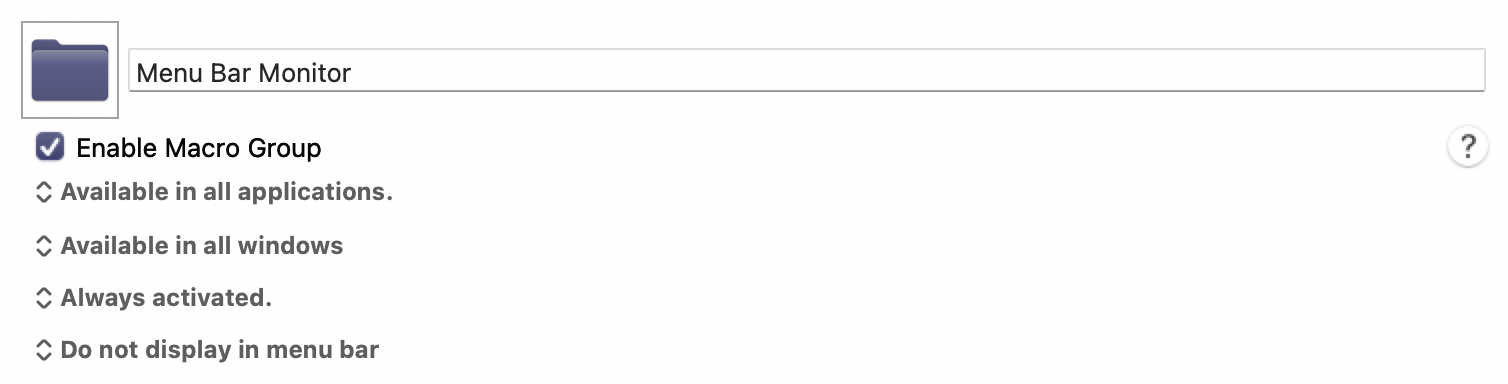
Here is a macro group containing a dozen macros that demonstrate how to monitor the icons on the system menu and essentially create "triggers" when the icons change. It may not be particularly useful to most people, but it's a good example of how to monitor images for changes.
By default, these macros create spoken voices when the icons change. For example, when your WIFI goes off, it will say "WIFI disabled." (That's not a particularly useful example because KM has a built-in trigger to detect WIFI being disabled or enabled.)
There is a README FIRST macro which gives you all the details and tells you how to adjust the macros to make them work on your Mac.
The Apple system menu bar doesn't really contain a lot of useful information that needs to be monitored, so this macro group is more of a technical demonstration than anything very useful to most people. But I think this issue has come up in the past and I decided to write this library to illustrate how to solve this problem.
Menu Bar Monitor Macros (v11.0.4)
Menu Bar Monitor Macros.kmmacros (147 KB)