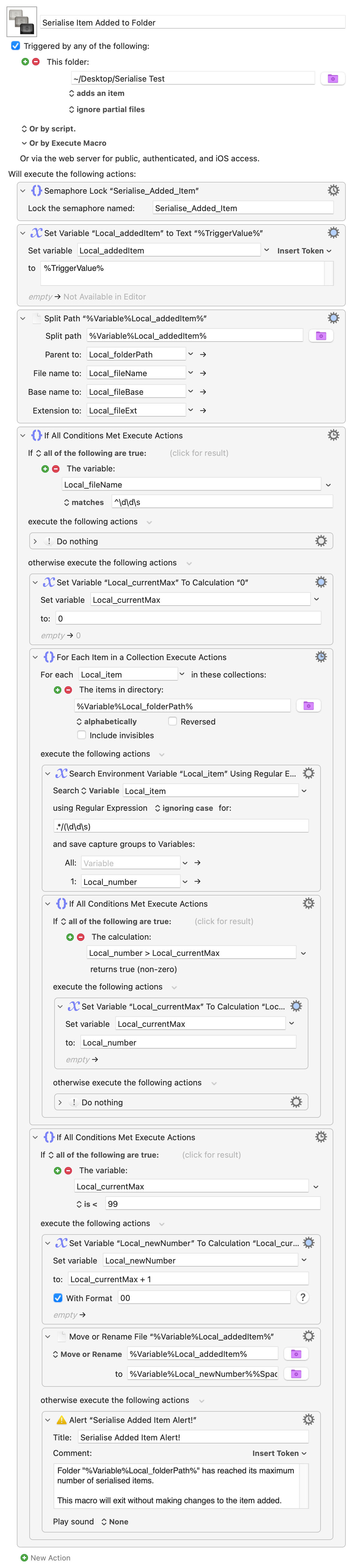
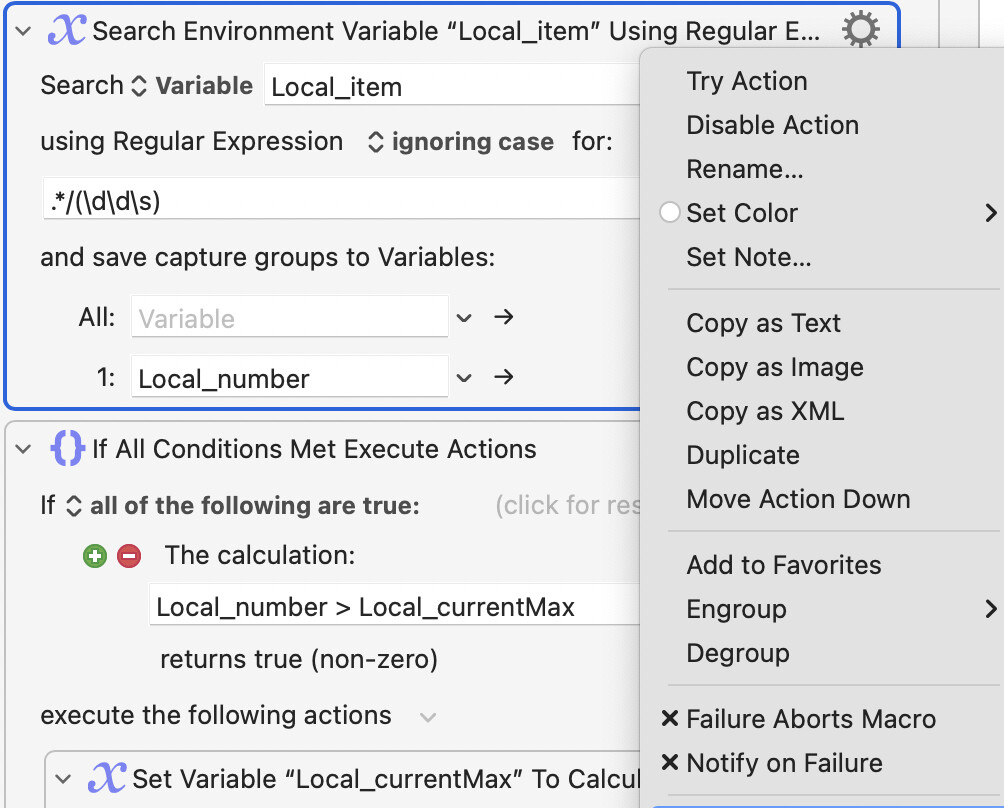
Caveats first!
- I’m NOT a programmer. I’ve used AI to write this AND fuss with it to get it to work, so use it at your own risk.
- While you can ask me for help with this, I probably can’t troubleshoot it for you. Use AI if you need help, or ask the actual knowledgeable folks here on the forum.
- Read 1 & 2 again and do not use this unless you understand and agree with the caveats.
I did this to handle an automation issue; it works well for me, and that’s why I’m sharing it.
Here are a couple of AppleScripts that together will serialize new files added to a folder. I add this Folder Action to many folders and hence the saving and utility.
Once attached to a folder, each new file added to it will be renamed by adding a two-digit serial number, e.g., 01 Test.doc, 02 New File.xls, 03 My Dog.png, etc., to the beginning of the file name.
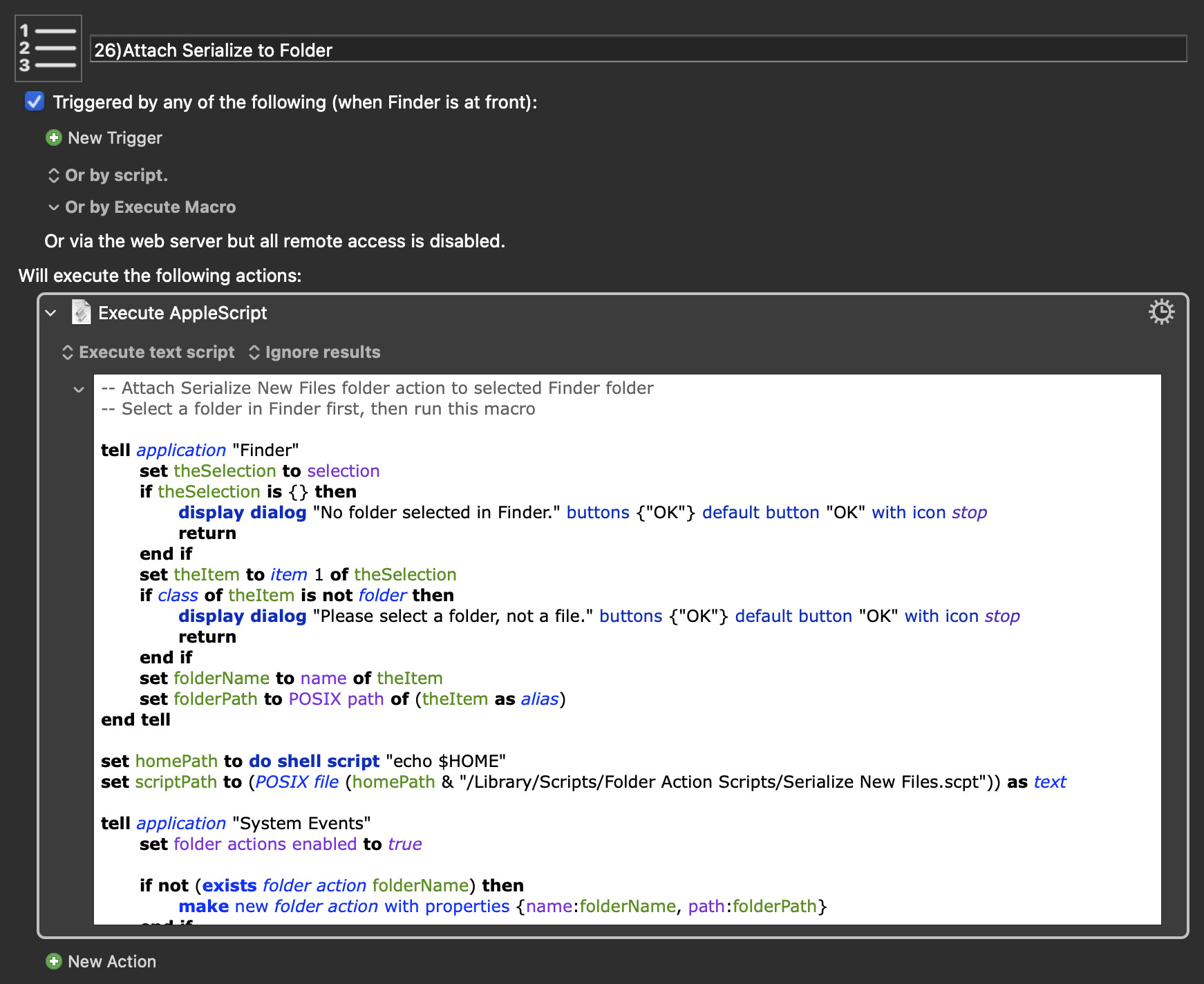
Run as an AppleScript action in the Finder, you can select a folder and, with one click, attach the Folder Action to it. It’s a lot easier than going through all the steps to set up a Folder Action via the contextual menu route Apple provides.
This “Serialize New Files.script” file goes here: Library/Scripts/Folder Action Scripts/Serialize New Files.scpt
-- Rename new files to: "NN OriginalName" (NN = 01, 02, 03, ...)
on adding folder items to this_folder after receiving added_items
	-- Compute current max NN once per batch
	set maxIndex to 0
	tell application "Finder"
		set existingFiles to every file of this_folder
		repeat with f in existingFiles
			set nm to name of f
			if (my isSerializedName(nm)) then
				try
					set nVal to (text 1 thru 2 of nm) as integer
					if nVal > maxIndex then set maxIndex to nVal
				end try
			end if
		end repeat
	end tell

	-- Rename each newly added item
	repeat with anItem in added_items
		try
			tell application "Finder"
				set theAlias to (anItem as alias)
				set nm to name of theAlias
				if not (my isSerializedName(nm)) then
					set maxIndex to maxIndex + 1
					set prefix to my twoDigit(maxIndex)
					set newName to (prefix & " " & nm)

					-- Avoid accidental collisions
					set candidate to newName
					set suffix to 1
					repeat while (exists file candidate of this_folder)
						set candidate to prefix & " " & nm & " (" & suffix & ")"
						set suffix to suffix + 1
					end repeat

					set name of theAlias to candidate
				end if
			end tell
		end try
	end repeat
end adding folder items to

on isSerializedName(nm)
	if (length of nm) < 3 then return false
	set c1 to character 1 of nm
	set c2 to character 2 of nm
	set c3 to character 3 of nm
	return (my isDigit(c1) and my isDigit(c2) and c3 = " ")
end isSerializedName

on isDigit(ch)
	set idv to (id of ch)
	return idv ≥ 48 and idv ≤ 57 -- "0".."9"
end isDigit

on twoDigit(n)
	set t to "0" & (n as string)
	return text ((length of t) - 1) thru -1 of t
end twoDigit
I vaguely remember that the Folder Action Scripts folder may not exist and that you MAY need to create it and its parent folder in your Library folder if it doesn’t exist.
Here's the AppleScript Action as a macro:
26)Attach Serialize to Folder.kmmacros (18 KB)
Hopefully, this will provide you with some ease and spur some creativity.
Let the AI kvetching begin!
(Beginning with a caveat and ending with kvetching, what did you expect?)