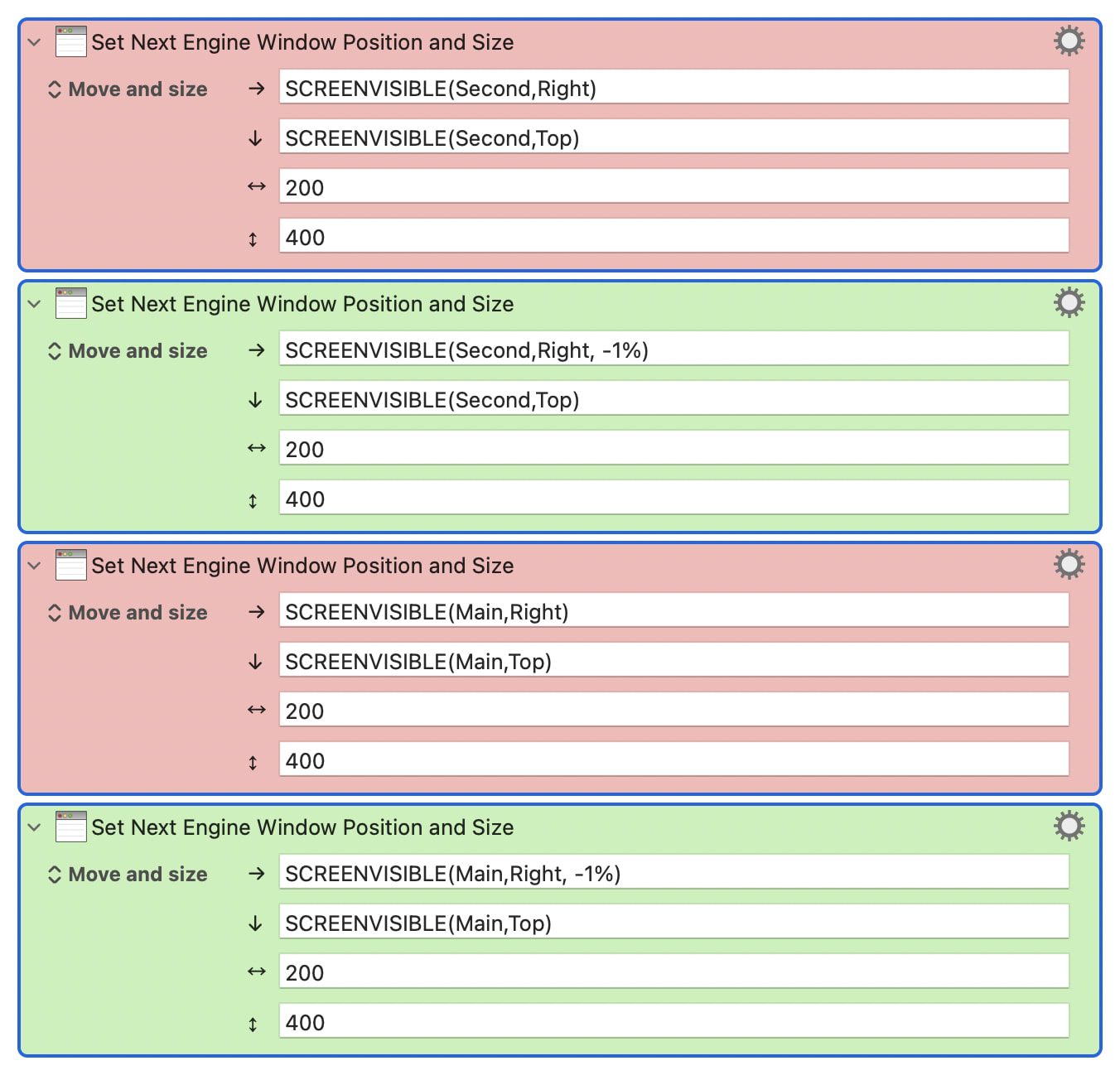
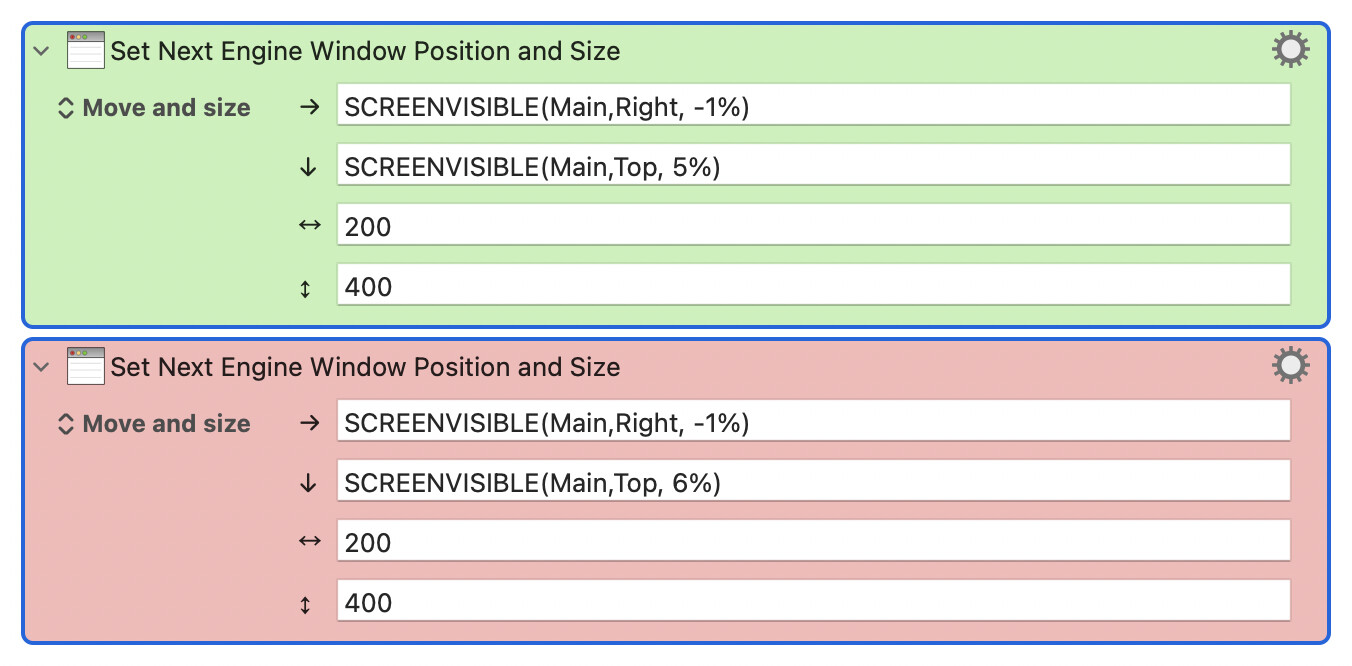
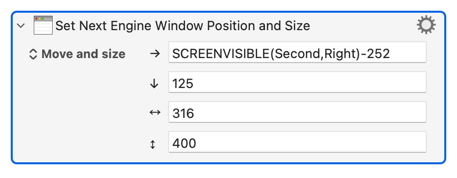
The problem may only occur when two monitors are connected:
Attempting to position a window on the right fails; the window appears on the left side of the second screen (right-side actions).
It works (only) with an additional parameter “-1%” (green actions).
Is there an error in the calculation of the screen width?
Your first action makes no sense (which likely indicates a misunderstanding in how the coordinates work).
Your first action is trying to make the window left edge at the right side of the visible area of the second screen and then proceeding right 200 pixels. Which would be off the screen.
The first coordinate is the left coordinate of the window, and the second is the top coordinate of the window, and then comes with width and height.
The API generally will not place windows off the screen.
If you want the window to be sized 200, and be placed on the right edge of the screen, then you would want:
→ SCREENVISIBLE(Second,Right)-200
…
↔︎ 200
…
If you are positioning the window off the screen, it will likely be moved on to a screen, at which point where it goes is not necessarily predictable.
You really need to describe or provide a screen shot of how your screens are arranged, including which is "Main", for people to make sense of what's happening here. And if you are using percentages you should include the nominal resolution of both screens.
But remember that you are positioning the top-left corner of the Engine window and that the coordinates system is anchored (0, 0) on the top-left corner of the Main screen. And that for a two-monitor setup with edges aligned and Main to the right:
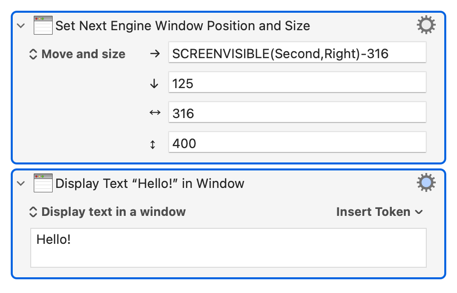
You also need to take into account that many windows have a minimum width -- KM's "Display Text" is 316px, for example -- and that the API will not let you create a window that straddles your displays.
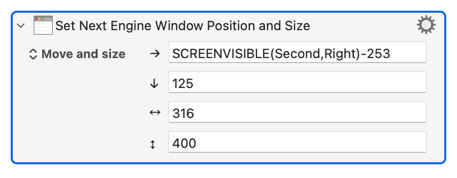
You're setting the window size too small so the window is set to its minimum width. Your offset is now too small for the window to fit entirely on your second display so the whole is moved to Main, butting up against the left edge.
No -- and what's true for me may not be for you, depending on OS version, KM version, settings, on so on.
But there's a minimum window size for most windows of most apps. See how small you can make a window in Safari, Finder, TextEdit, Preview... Tabs or no tabs makes a difference, as does the visibility of sidebars, status areas, and other panes.
There can also be problems resizing windows which rearrange their layout -- like Mail, which hides the sidebar when dragged below a certain width. You often won't be able to go smaller than that break point using the KM "Manipulate a Window" Action (you can usually expand past the break, but the window seldom rearranges).
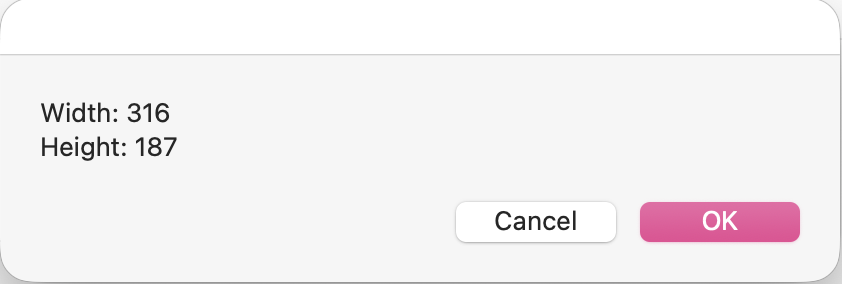
Which is a long-winded way of saying you'll need to find out for yourself for the window sizes you want in the applications you use -- especially when a window-sizing macro doesn't behave like you expect. That's easy for most apps, just drag the window as small as you can then run a macro to display its width and height:
Not so easy with background applications like Keyboard Maestro Engine -- I usually reach for AppleScript:
tell application "Keyboard Maestro Engine"
	set theBounds to bounds of window 1
	set theWidth to ((item 3 of theBounds) - (item 1 of theBounds))
	set theHeight to ((item 4 of theBounds) - (item 2 of theBounds))
	display dialog "Width: " & theWidth & linefeed & "Height: " & theHeight
end tell