Here's a question about the Keyboard Maestro editor that I should have asked about many years ago..!
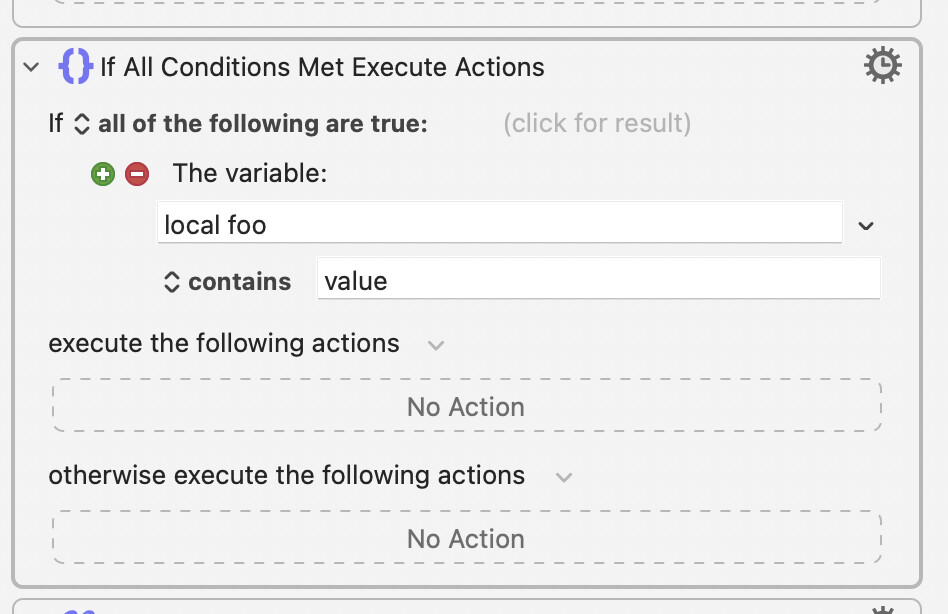
When I click on action field (“No Action” in the image below), the actions palette pops up. I never want it to; I only ever want to select the field and then press ⌃⌘-A to use Insert action by name. I don’t suppose there is a way to prevent the actions palette from popping up, is there?
Here's an answer that I found by random clicking that might work...
Right- (Control-) click on the "No Action" field and, from the bottom of the list, select "Don't Auto Show". Works here, but I don't know how persistent that setting is.