Click the outside of the palette to close the palette?
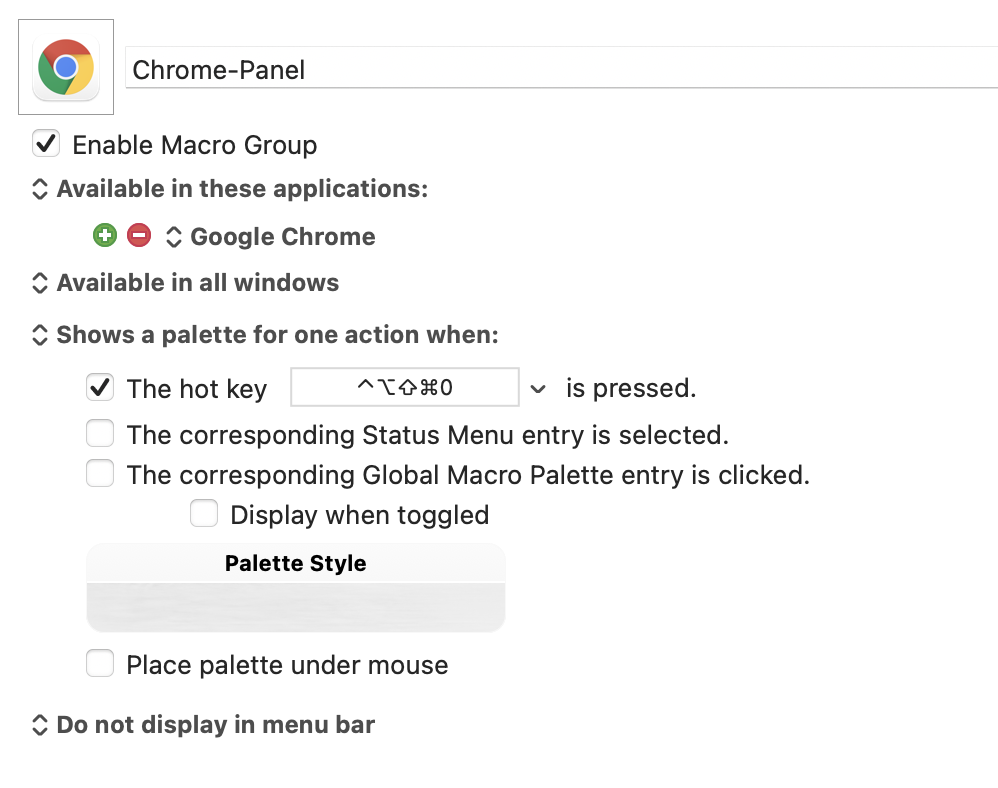
I open the palette by shortcut keys, and Sometimes I wish I could close it quickly instead of having to click a macro to close it.
Thank you for your help!
How about pressing the Escape key?
Or „fn“. Works alone and is even easier to use than esc, at least for me.
Hi @live. You can add a Titlebar by adjusting the palette theme...
Keyboard Maestro > Preferences > Palettes, select the particular palette, and then select the Title checkbox. Then palette Title Bars will include a dismissal X in the upper-left.
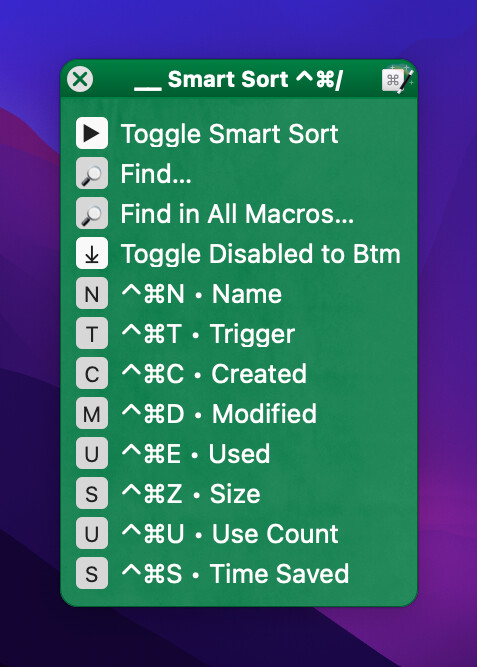
@mrpasini, for me, ESC works for Conflict Palettes, but not others.
Escape works for any palette on my system (Catalina, Keyboard Maestro v10). Interesting. The fn key doesn't, however. And the close box on title bars, while it works on palettes, is not as reliable for HTML prompts so I've trained myself not to rely on it.
"fn" works for any palette on my system. I use it to toggle my Finder palette.
Thank you for your help! @_jims @mrpasini @Frankb
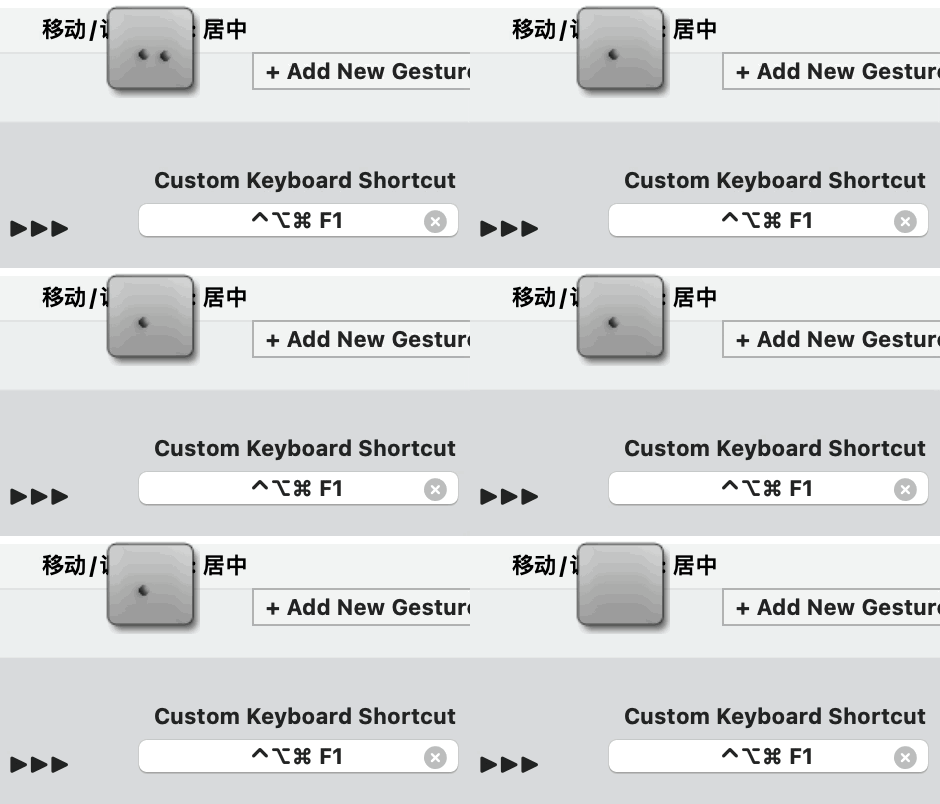
Well, combined with btt(BetterTouchTool), I opened quickly the palette by gesture on the touchpad(Very efficient,You can also try.).
So the hand is always on the touchpad, and clicking outside the panel at this time is the fastest way.
Click X, and the mouse needs to move to the button accurately.
Click ese/fn, you need your finger to leave the touchpad, and then move to the precise position.
It's four years later and I would really like this simple functionality added if at all possible. I know there are ways to do it and I use the Esc key to dismiss at the moment, but it would be smoother and more in line with other apps if it just dismissed with a click outside (or had that as an option)
The problem here is that Keyboard Maestro isn't the frontmost app, even though its palette is there. When you click, that click is sent to the background app, not to Keyboard Maestro. If Keyboard Maestro wanted to behave like this, it would have to monitor every mouse click, capture it and act on it, and then (I assume) pass it back to the source app.
And how would you handle multiple palettes on-screen? Again, Keyboard Maestro isn't the frontmost app, and there may not be a specific app associated with a global palette. So what's the expected behavior if you have a Chrome palette and a global palette open and you (for example) click something on the global palette, then click off it. Chrome is frontmost, so should your Chrome palette close? Or should the global palette close because that's the one you just used?
I'm not saying these problems are insurmountable, but it's not as simple as "please add dismiss on click."
-rob.
Hi Rob, and thanks for answering. One option might be, I suppose, to have an option for a palette to appear for N seconds and a click outside within that N seconds to dismiss it. KM could then poll the mouse without actually taking the click for the N seconds. That'd be okay as you wouldn't be leaving a background process running indefinitely, it'd also sort your 'multiple palettes' idea.
Not really -- a click on another palette would be outside the palette too, and would dismiss it. That may or may not be the desired behaviour.
Either way, closing a palette by clicking anywhere else seems to conflict with the "standard" user experience -- palettes generally remain open until used or closed and I can't think of an app that behaves in the way you describe. Do you have some examples?
Regardless...
You can do this yourself by having a macro run a Swift script that captures the next mouse click, not allowing it through. If you've access to AI then try a prompt along those lines and directing it to use CGEventTapCallBack. You could then get the click coordinates, compare it to the palette's bounds, then either simulate the click on the palette or close the palette if outside the bounds.
The problem is that you'll need to activate the palette with a macro so you can also start the Swift script -- and "Show Palette of Macros" is a blocking Action so you'll need to run that in a separate async macro. All of which is a lot of messing around compared to opening palettes the usual way and pressing the Esc key to abort...