Zoom works great, just click on a link, and the browser opens a tab, that pages launches zoom. Easy Enough.
But, annoyingly, those stale browser Tabs fill up the browser.. Annoying.
I'm trying to figure out how to close a Chrome Browser Tab.. The Tabs have a common Title.
The title is Something like this "Launch Meeting - Zoom"
Any tips, or advice to close these tabs, I think I can figure out the rest.. I guess worst case, I could open a new Chrome Browser, then Close that Chrome Windows once I launch a Meeting.
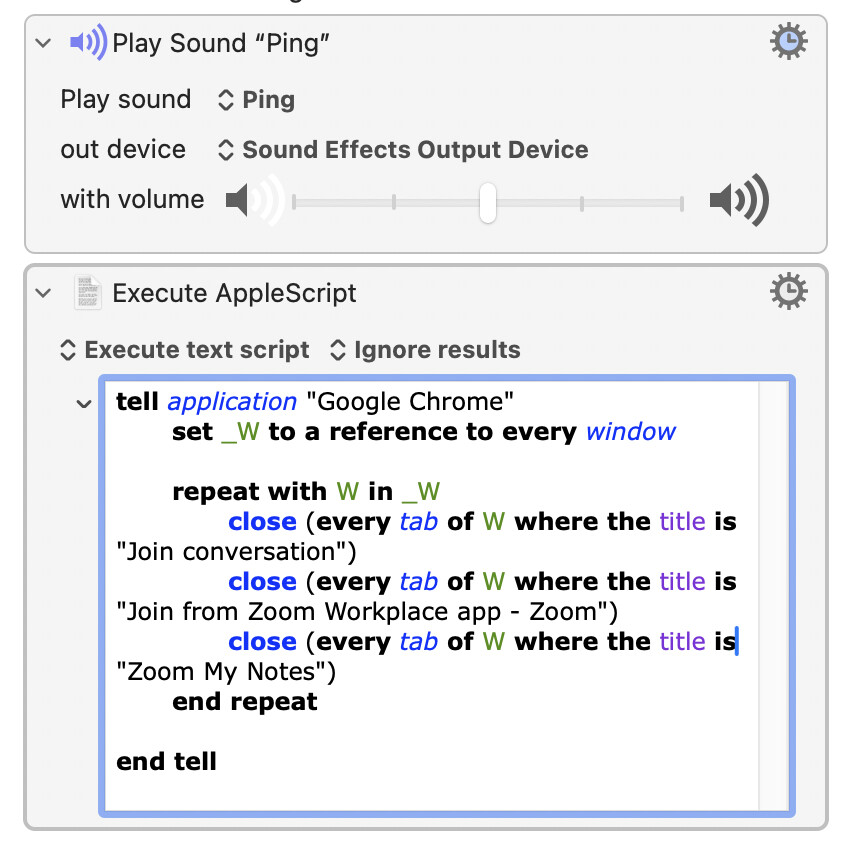
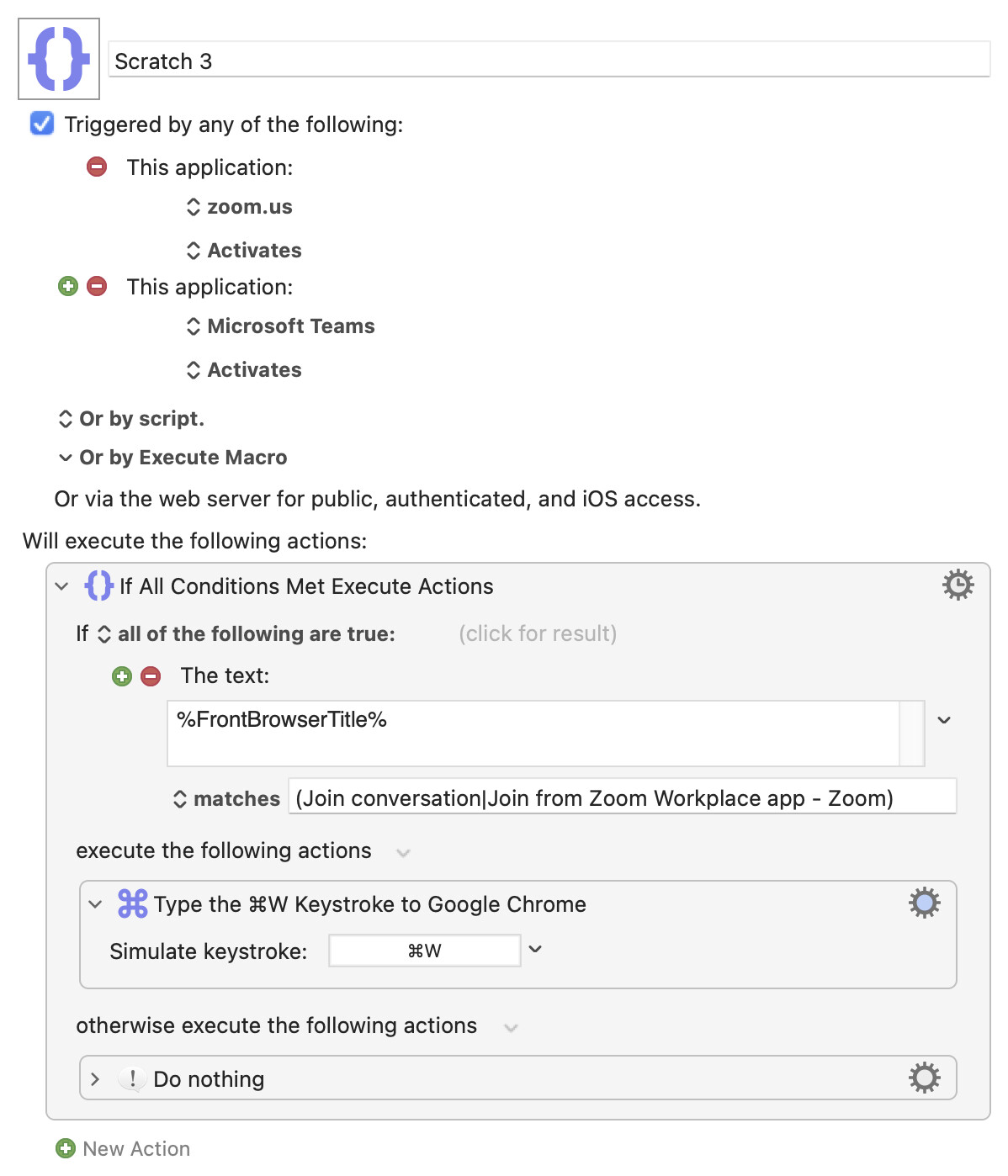
This is what I came up with, and it's working well for me. It scans all Chrome windows, and closes all of the open "leftover" browser tabs left by MS Teams meetings as well as Zoom meetings.
oooh, I really like your approach from the standpoint of "avoid the mess in the first place" - however there is an occasional situation where I might still reference that leftover tab, perhaps as an easy way to quickly rejoin the same meeting. So I think I'll stick with my slightly-more-manual cleanup.