Is this the best place to request a new browser as an action? Similar to how Google Chrome specific actions are available. I would like to see Comet browser actions.
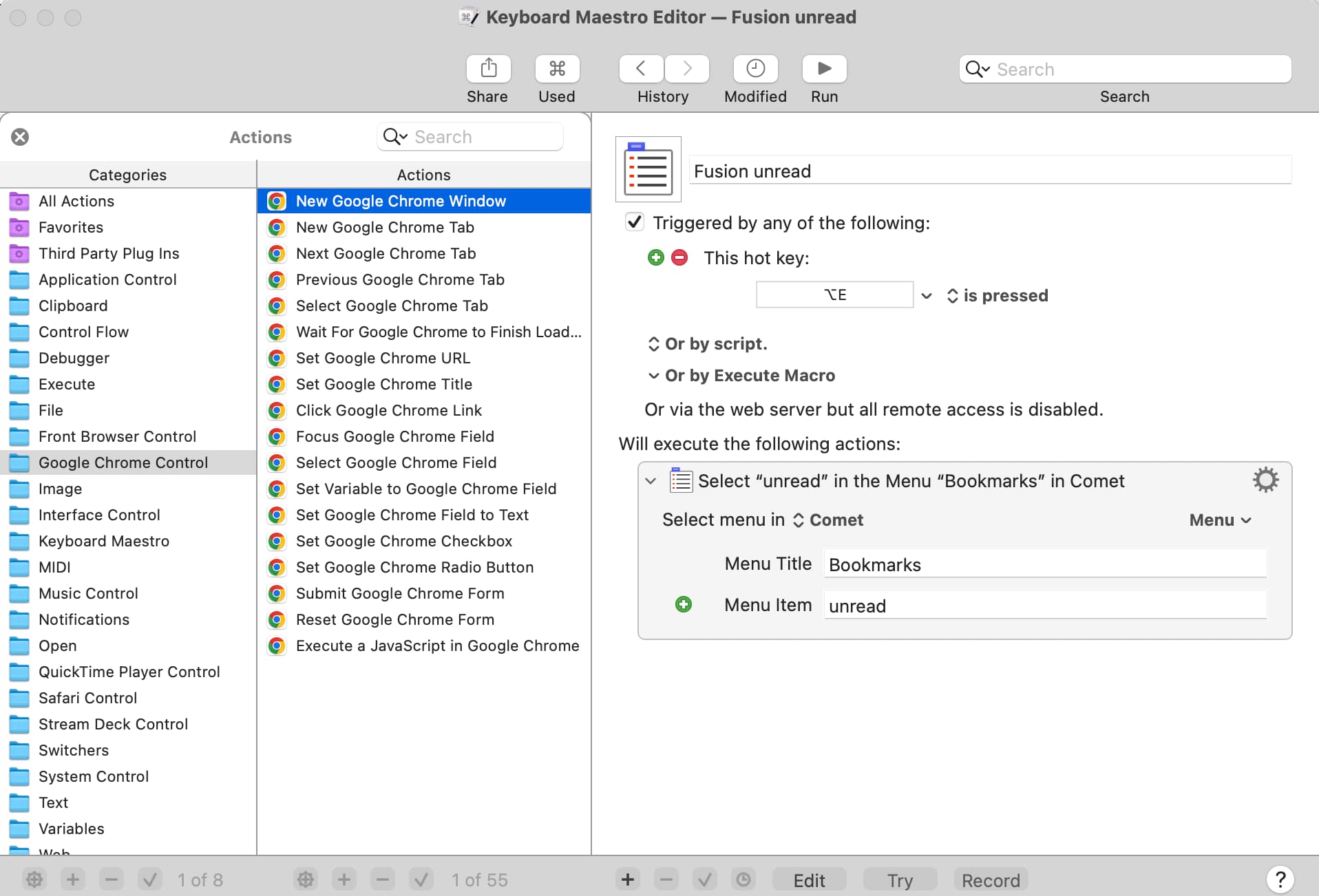
You can ask. That's fair. But I would point out that Comet is an extremely new browser, and its support for AppleScript may be (in the worst case) changing every week. KM needs a stable browser before it can support it. Without stability, KM would have to issue a patch every single time Comet's AppleScript dictionary changes. Also, in my opinion, its support for AppleScript probably needs to be officially documented before KM can support it. Chrome has become widely used and (therefore) stable, but Comet doesn't have that guarantee yet.
P.S. Did you know that the Comet Browser is (partly) owned by Jeff Bezos, whose goal in life is to gather information on everybody? I exclusively use Safari, in part because it's the only browser that provides the security of Apple's "Private Relay" feature. I've been using it since it came out, and it's amazing. I don't trust giving all my browser data to Bezos.
2 Likes
The other issue is that Comet isn't generally available to everyone:
We will always provide a free version of Perplexity for all users, and that will include Comet. Comet is currently available to Perplexity Max subscribers, select Perplexity Pro subscribers, and by invitation as we open our extensive waiting list.
It's pretty hard to justify development efforts on a browser that's not available to everyone.
-rob.
2 Likes
AFAIK, Comet is Chromium-based. So you may be able to target it directly by changing the browser that reacts to "Chrome Related" actions -- see this bit of the manual. Or follow the instructions on that page for adding additional browsers to "front browser" and target it that way.
All that does, of course, depend on them including at least some AppleScript integration -- and I'll believe that when I see it... 
1 Like
If Comet supports the same AppleScript as Chrome, then you can add it as an alternative to Chrome (or a replacement for Chrome) by configuring the Keyboard Maestro preferences:
https://wiki.keyboardmaestro.com/manual/Preferences#Browser_Used_in_Actions_Tokens
If it does not support the same AppleScript, then it likely wont be supported by Keyboard Maestro natively. If it has a different AppleScript support, then it may be possible to get whatever you want done via explicit AppleScript scripts.