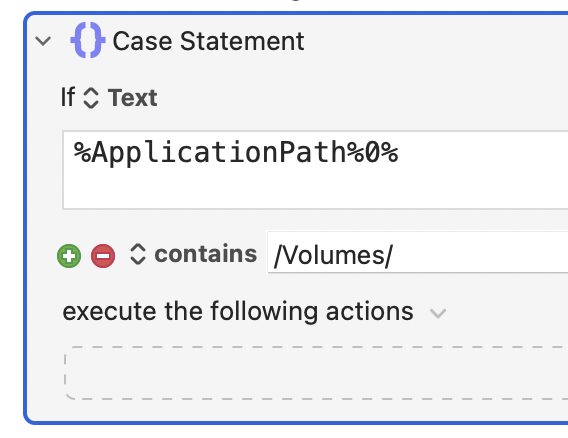
I have the same application installed on my mac's hard drive and an external drive. The application on the external drive has been renamed to make it distinct from the local application. While they have some macros in common, each has its own specific macros that should not be available in the other. Either app may be running independently as frequently as both apps are running simultaneously.
The problem, as you may have already guessed, is that when the external drive is unmounted, KM loses the path to the externally installed application and reverts its group to the locally installed application. This, of course, means that the group specific to the externally installed app must be manually reassigned to the correct app whenever the external drive is mounted.
If the group for the locally installed app is set to match by path and the group for the externally installed app is set to match by bundle ID, then the externally installed app can reliably access its specific group without any intervention and does not have access to the locally installed app's group. But then the locally installed app can also access the external-specific group, as well as its own. This is an issue when both are running simultaneously because the shared macros throw the conflict palette in the local app.
Changing the hotkeys for the shared macros in one of the groups isn't really feasible either. And even it were, the problem of one of the app's having access to the other's specific macros would remain.
I'm a bit stumped. The only potential solution I can come up with is a macro to edit the external app's group on launch. But I know it's generally ill-advised and strongly discouraged to have macros editing macros. Maybe there is no solution.
I'm using Firefox as an example here because it's free and fast to un/install.
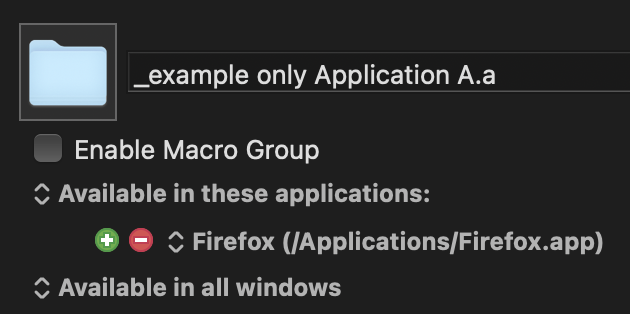
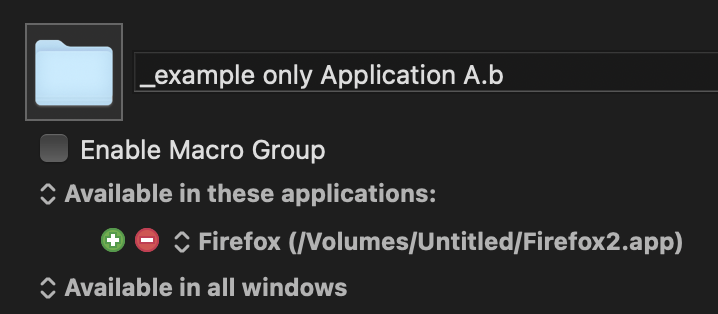
_example groups for applications A.a and A.b.kmmacros (9.1 KB)