Copies selected OmniGraffle 7 shapes as tab-delimited Custom Data records, for pasting into Excel etc.
(Based on the Name and Custom Data keys and values exposed in the OmniGraffle Object Inspector)
Copy from OmniGraffle 7 as Tab-Delimited Object User Data of Shapes.kmmacros (24 KB)
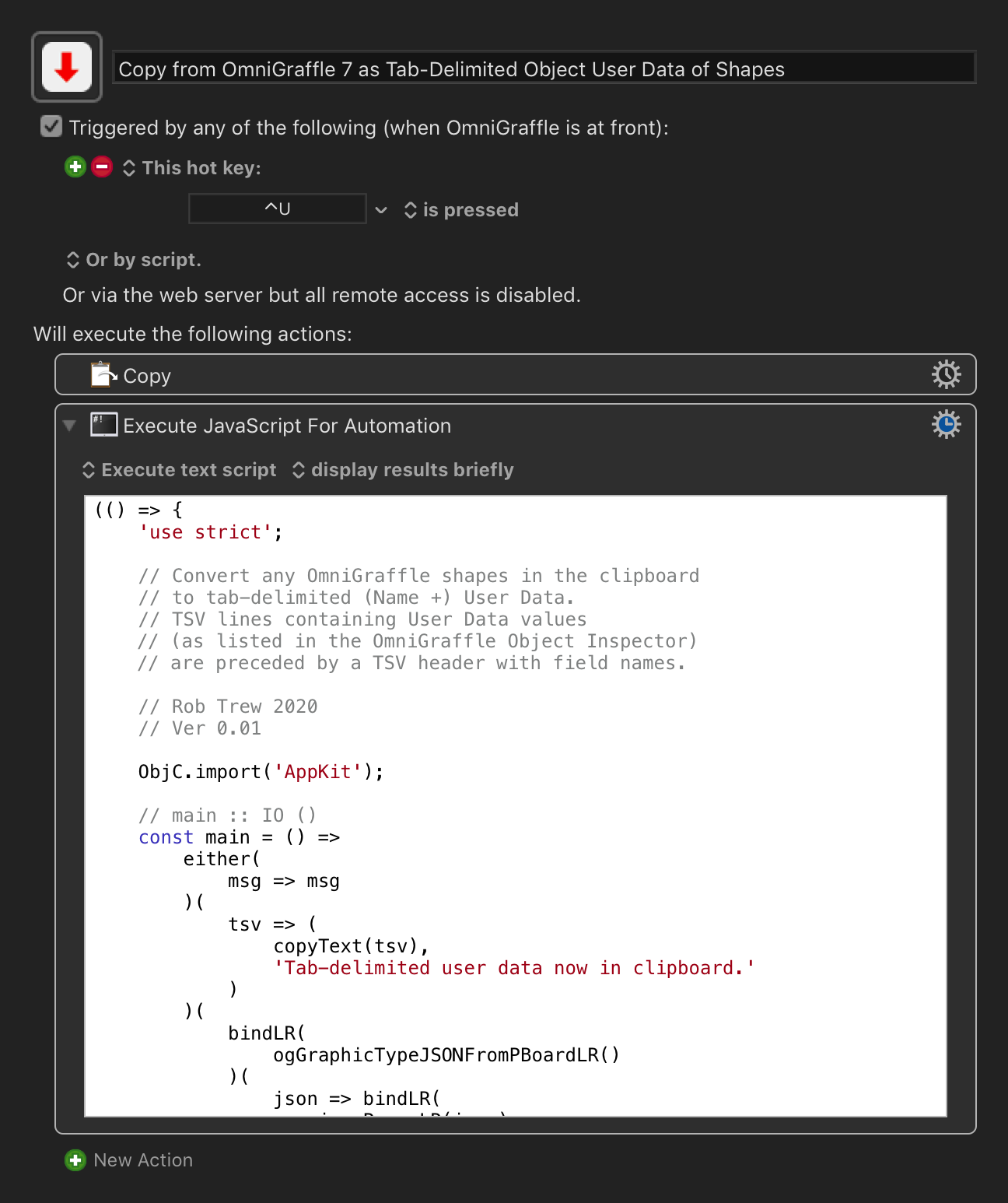
JavaScript source
(() => {
    'use strict';

    // Convert any OmniGraffle shapes in the clipboard
    // to tab-delimited (Name +) User Data.
    // TSV lines containing User Data values
    // (as listed in the OmniGraffle Object Inspector)
    // are preceded by a TSV header with field names.

    // Rob Trew 2020
    // Ver 0.01

    ObjC.import('AppKit');

    // main :: IO ()
    const main = () =>
        either(
            msg => msg
        )(
            tsv => (
                copyText(tsv),
                'Tab-delimited user data now in clipboard.'
            )
        )(
            bindLR(
                ogGraphicTypeJSONFromPBoardLR()
            )(
                json => bindLR(
                    jsonParseLR(json)
                )(
                    dct => Right(tsvFromShapes(
                        dct.GraphicsList.filter(
                            g => 'ShapedGraphic' === g.Class
                        )
                    ))
                )
            )
        );

    //----------- TSV FROM OMNIGRAFFLE CLIPBOARD -----------

    // ogGraphicTypeJSONFromPBoardLR :: IO () ->
    // Either String String
    const ogGraphicTypeJSONFromPBoardLR = () => {
        const
            ogType = 'com.omnigroup.OmniGraffle.GraphicType',
            pBoard = $.NSPasteboard.generalPasteboard;
        return ObjC.deepUnwrap(
            pBoard.pasteboardItems.js[0].types
        ).includes(ogType) ? (
            Right(JSON.stringify(
                ObjC.deepUnwrap(
                    pBoard.propertyListForType(
                        ogType
                    )
                ),
                null, 2
            ))
        ) : Left('No OmniGraffle content in clipboard.')
    };

    // tsvFromShapes :: [Dict] -> String
    const tsvFromShapes = shapeDicts => {
        const
            userDicts = shapeDicts.flatMap(x => {
                const dctUser = x.UserInfo;
                return Boolean(dctUser) ? (
                    [dctUser]
                ) : [];
            }),
            userKeys = allKeysFromRecords(
                userDicts
            ),
            emptyRecord = userKeys.map(x => '');
        return unlines([
            'Name\t' + userKeys.join('\t'),
            ...shapeDicts.flatMap(x => {
                const
                    maybeName = x.Name,
                    maybeUser = x.UserInfo;
                return (
                    (maybeName || maybeUser) ? [
                        [maybeName || ''].concat(
                            maybeUser ? (
                                userKeys.map(
                                    k => maybeUser[k] || ''
                                )
                            ) : emptyRecord
                        ).join('\t')
                    ] : []
                );
            }).sort()
        ]);
    };

    //------------------------ JXA -------------------------

    // copyText :: String -> IO String
    const copyText = s => {
        // String copied to general pasteboard.
        const pb = $.NSPasteboard.generalPasteboard;
        return (
            pb.clearContents,
            pb.setStringForType(
                $(s),
                $.NSPasteboardTypeString
            ),
            s
        );
    };

    //----------------- GENERIC FUNCTIONS ------------------

    // Left :: a -> Either a b
    const Left = x => ({
        type: 'Either',
        Left: x
    });

    // Right :: b -> Either a b
    const Right = x => ({
        type: 'Either',
        Right: x
    });

    // allKeysFromRecords :: Dicts -> [String]
    const allKeysFromRecords = dicts =>
        Object.keys(
            dicts.flatMap(Object.keys)
            .reduce(
                (a, k) => Object.assign(a, {
                    [k]: true
                }), {}
            )
        ).sort();

    // bindLR (>>=) :: Either a ->
    // (a -> Either b) -> Either b
    const bindLR = m =>
        mf => undefined !== m.Left ? (
            m
        ) : mf(m.Right);

    // either :: (a -> c) -> (b -> c) -> Either a b -> c
    const either = fl =>
        fr => e => 'Either' === e.type ? (
            undefined !== e.Left ? (
                fl(e.Left)
            ) : fr(e.Right)
        ) : undefined;

    // jsonParseLR :: String -> Either String a
    const jsonParseLR = s => {
        try {
            return Right(JSON.parse(s));
        } catch (e) {
            return Left(
                `${e.message} (line:${e.line} col:${e.column})`
            );
        }
    };

    // unlines :: [String] -> String
    const unlines = xs =>
        // A single string formed by the intercalation
        // of a list of strings with the newline character.
        xs.join('\n');

    // MAIN ---
    return main();
})();