Thanks for the suggestion. I am on Mojave (10.14.6), so I followed the instructions on the help page you referenced:
- quit both Keyboard Maestro and Keyboard Maestro Engine
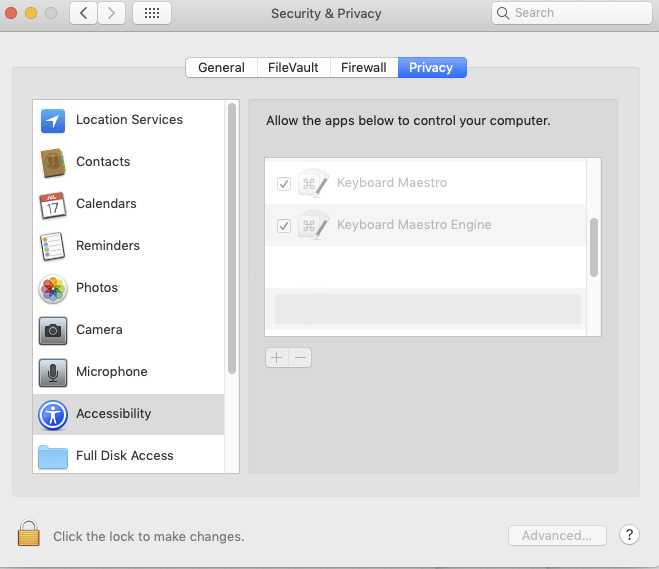
- open System Preferences > Security & Privacy > Privacy pane
- select Accessibility
- delete entries for both Keyboard Maestro and Keyboard Maestro Engine
- launch KM and ensure that the Accessibility for both KM and KME are ticked
Alas, the problem remains: the Copy action results in a timeout, when accessed anywhere (Finder, Stickies, TextEdit, etc.).
However, the Paste action works as expected.