Hi there, i’m working on my side project which involve a large amount of create/insert Markers, and rename markers in Protools.
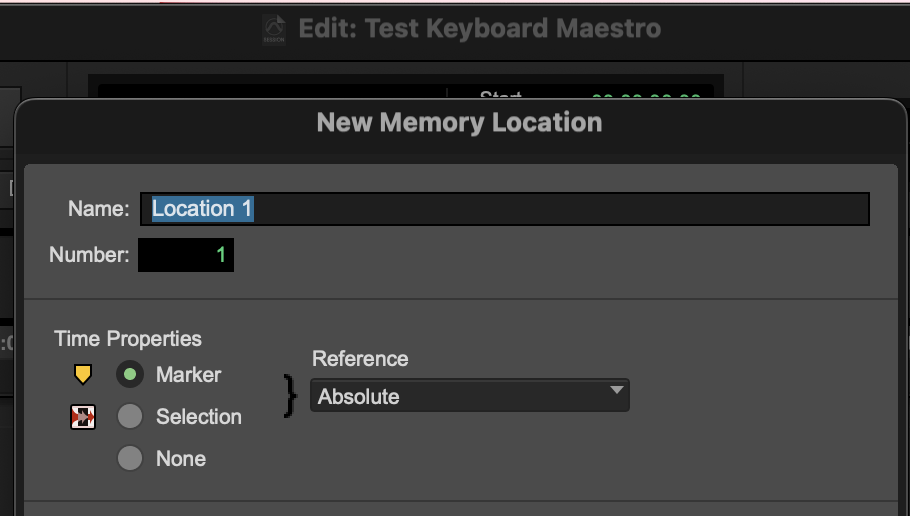
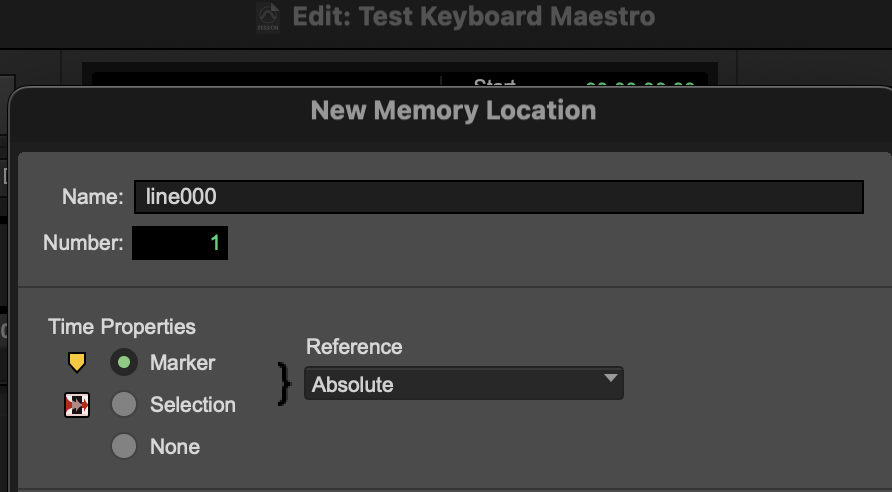
I only get to the point telling Protools to create new marker, but got stuck at naming the new location marker. The concept is simple but because i don’t understand Script and coding and New to KM so it took me hours trying before I post this.
I want each time I press ENTER, it create new marker, the default name for that marker in Protools is “Location01” , i want this to change into “line0001”, and next marker will be “line0002” and so on to “line0500”
I read some articles about “Sequential Number of Variables” here. but nothing works for me.
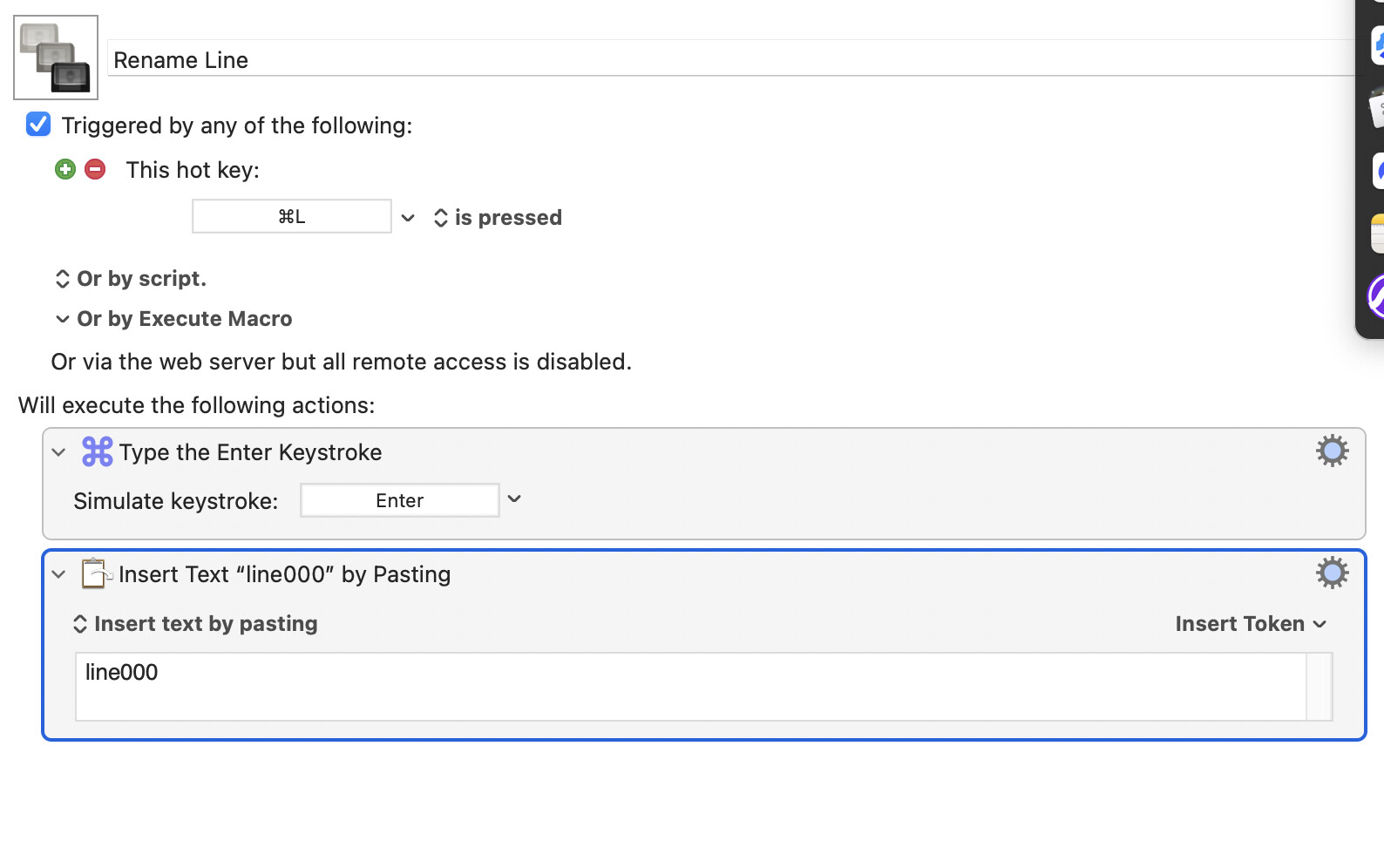
from what i understand, i have to set the naming in KM, and copy from there, and paste into protools at “location1” for example. So i’m trying the simple way first, copy something from KM, and paste in protools, but nothing shown up so far..
You can use either the "Paste" action (which pastes whatever is on the System Clipboard) or the "Insert Text" action. I'd go with "Insert Text" in this case.
You can insert values into what you "type" using the Tokens -- the "Variable" token will be useful here.
What you will need to do is a) keep track of the number to use, and b) increment that number every time. The first you can do using a Global variable (have a read of this bit of the manual to understand why to must be Global rather than Local), the second is a simple "Set Variable to Calculation" action.
So, assuming you are already at a place as shown in your screenshot, your macro would be:
add 1 to the variable Global_myNumber
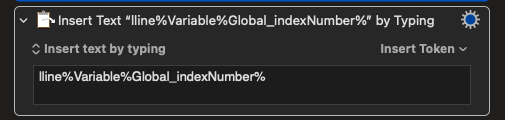
insert by typing "line" and the value of Global_myNumber
See if you can put something together using the above and what you've already got -- a good start that you made while I was typing
Hi Nige, after 12 hours scrambling today. I couldn’t get it through. Do you have a template or can you share step by step to archive this? i’ve tried to work around with variable to calculate and best i can do is 0001, 0002 and then it stays at 0002
Once again, I made a mistake and posted my reply in your OTHER thread about this subject. I just can't seem to do anything right today. Check it out, and see if I need to change it.
Never do that! If you're stuck with a macro after 10 minutes, ask here -- there's a lot helpful people and someone's around 24/7, so you'll soon get a reply.
You've got help in the other thread already, but keeping this here in case anyone's following along in the future...
In KM you can't add 1 to a variable until that variable holds a value, so we have to make sure our Global exists. If it does we add1, if it doesn't we set it to 1.
We then do the keystroke and text insertion.
You've also said there's a hard-stop at 0500, so we then check for that and act accordingly. You haven't said what should happen, so I'm going to show an alert and then delete the variable entirely -- just to show you how.
I like to rewrite my "plan" in pseudocode at this point -- with a bit of practice you'll soon be able to write this like a list of KM actions, making it easy to then build your macro.
if Global_indexNumber is empty
then
   set Global_indexNumber to 1
else
   set Global_indexNumber to Global_indexNumber + 1
endif

type the 'Enter' keystroke
insert text 'line' then the value of Global_indexNumber

if Global_indexNumber >= 500
then
   display alert to say Global_indexNumber will be deleted (a reset)
   delete Global_indexNumber
else
   do nothing
endif
I've done the number padding at the calculation stage, unlike some other answers. IMO that makes it clearer what's happening, but you have to remember to do the formatting in (at least) the last calculation Action before you use the number as text.
You'll find the "Format Result" option in the calculation Action's cogwheel menu:
i know right? but i’ll be using Keyboard Maestro for my upcoming job a lot so that’s why i want to play with it just for more understanding. If i didn’t try, then i don’t understand anything you said here then. ;). Thank you. i’m gonna try it now
I hear ya! I'm the same, so take this as a "Don't do as I do..." warning
It's fun, and educational, to solve your own problems. But an hour stuck on one thing is 50 minutes less learning than if you spent 10 minutes on it, asked for help, and used that help to learn another dozen things.
For now, concentrate on the basics. 90% of macro writing is defining the problem, breaking it down into smaller steps, re-defining the problem because that process has revealed something skipped, forgotten or mistakenly assumed.
Rinse and repeat until you've got a series of unambiguous single-action steps that do what you want.
Convert those steps into KM actions within a macro.
Thinking programmatically and understanding basic KM concepts like getting/setting/manipulating variables, variable scope, Tokens, Functions, Conditional ("If", "Switch/Case") and Repeat ("Repeat", "While", etc) structures and so on is way more important than knowing the ins and outs of every Action -- such details are, after all, only a Wiki- or Forum-search away. But you need to know the concepts enough to be able to ask the right questions.
Anyway...
Is the macro enabled? Is the Macro Group containing it enabled? The default is that imported items are disabled, for security.
hi @Nige_S how do i reset the global number? As i start a new project. it’s counting up from where i left in the previous session. also, i want to change the name line to char, seems like i the number of new character counting up but i want it to start at 0001 as a new name. e.g char0001, right now i have line0009, char0010
Remember what I said about most of macro writing being defining the problem
KM can't "know" that you've started a "new project" -- and, still defining, is that actually "new" or an old file that you're opening to insert/rename Markers in?
The quick solution for now is to manually reset the Global, either by hand or with a macro.
By hand -- you open up KM Editor's "Settings...", go to the "Variables" tab, find "Global_indexNumber", and either set the value to 0 or delete the variable entirely by hitting the "Delete" button:
By macro -- copy the %Delete% action from the above macro into a new macro, which you can then run from the Editor or set up a trigger for.
i tried your code, and it shows ine0001, instead of line0001, i’ve check the name in the code and it’s right, so what’s wrong with this. I’ve been trying Airy code and thought that’s yours.
ok, i’ve tested. Everything is right now. i just remove “return” keystroke and it didn’t affect the code. Also, i’ve created another macro name “Initial Counter” then set Variable to text as %Delete% and once i hit the hotkey, it reset the counter. Everything works well now. !! Thank you a bunch !
When you are macroing an app's UI you'll find that KM actions frequently out-pace the UI's response -- that's why you see so many macros here with "Pause" or "Pause Until..." actions after simulated keystrokes, menu selections, and so on.
That first l is probably disappearing in to the ether, the field not ready to accept it. Pop in a "Pause: 0.2s" after the "Keystroke: Enter" action and see if that helps.
(@Airy's macro probably uses "Insert text by pasting" -- I prefer to not fill my Clipboard History with junk, plus most of my apps work better with "typing" for short text snippets.)
Hey Nige, now if i want to do it with 2 different names simultaneously, how can i do that? I guess i’d have to use counter instead of Global_Index , i’ve changed all the global index into counter, but it didn’t work out for me