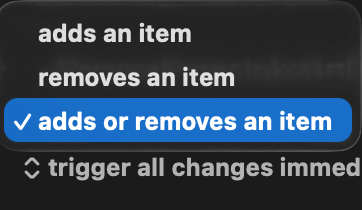
No -- the Event is fired by the directory changing, which requires something to be added to or removed from the directory. Modifying a file in place doesn't count, nor do any changes to subdirectories.
You'll find it easiest to use something other than KM for this -- Hazel, for example, can detect file modifications and subdirectory changes and trigger KM macros as a result.
Otherwise you're looking at a periodic macro that generates a recursive listing, including modification times, and diffing the current list against the last one gathered.
You may be able to limit Hazel's triggers to certain file types (not a user, but others here are an may chime in), but you can always check as one of the early Actions of your macro and exit if the type isn't in your list of file types you care about.
I can highly recommend Hazel. It’s purpose built for exactly this type of thing, and works great in tandem with Keyboard maestro. It’s saved me a lot of time and headaches trying to get this type of macro trigger working with other methods.