Is it possible to create one or more macros to open a floating menu in a DAW (audio multitrack) plugin?
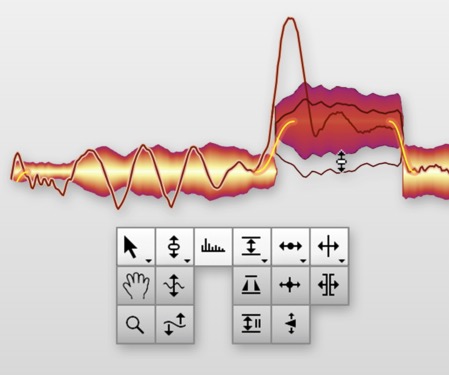
Welcome, @Djoum.
I recognise Melodyne there. I haven’t used it in quite a while. It might also help us to help you if you told us what the DAW was!*
Depending on the DAW, there might be some special way of doing this, but otherwise: how does one open that floating menu manually? A macro might well be able to reproduce that action.
* For tips on asking questions here effectively, see: Forum [Keyboard Maestro Wiki]).
You can open Melodyne's Quick Menu by right-clicking anywhere in its note grid.
Great. So, @Djoum, you might want to use one of the following actions in your macro:
Move or click mouseClick at found image
Have a go and let us know how you get on. People are always glad to help.
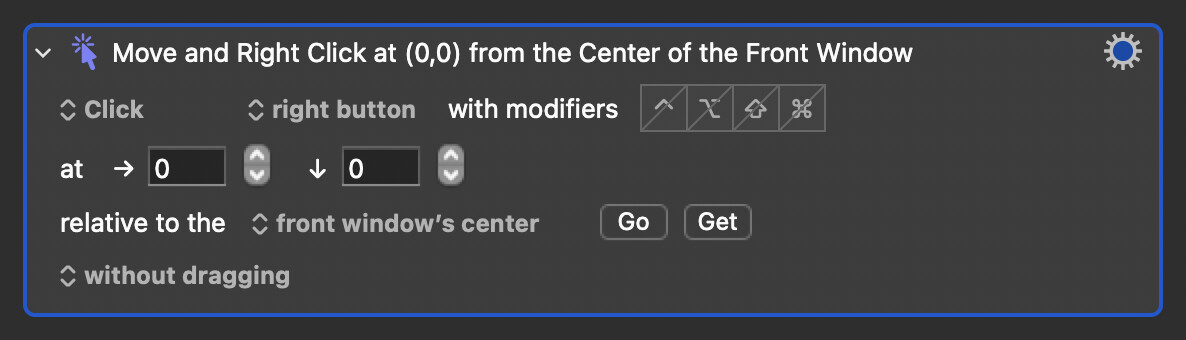
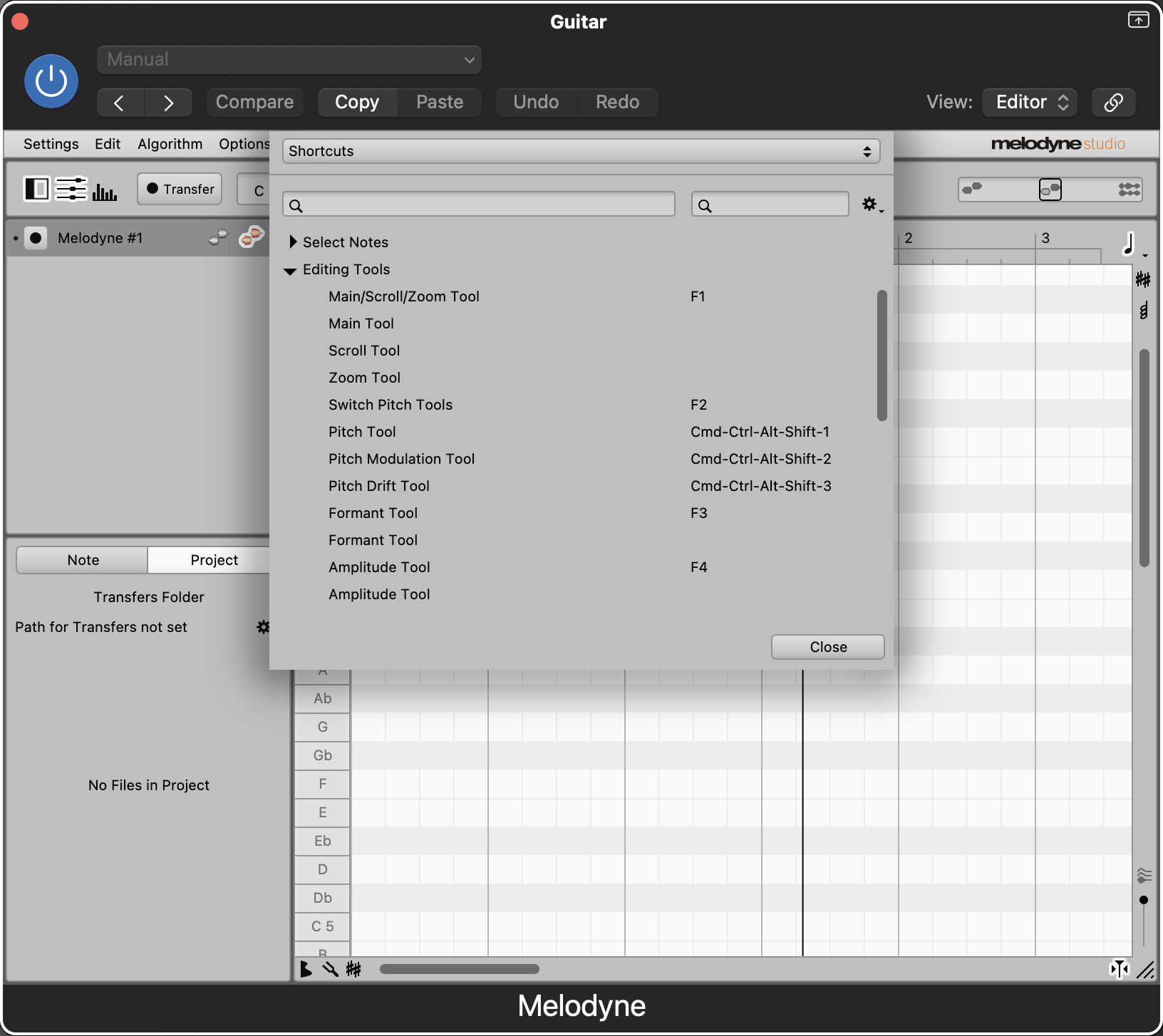
Yes I know all this, that’s what I use but I’m locking for faster jump to jump from one sub menu in the pitch to stretch or fade tool with the stream deck on Left hand
Thanks, I already fill in this to try with Stream deck, but no lucky.
The point can we activate the floating menu then get the second sub menu to reach the lowest one
Found image is not able to work the floating menu no open
Could you try to be a little more clear in the description of what you're trying to do?
At first it sounded like you were trying to figure out how to call up the Quick Menu, but now it sounds like maybe you already had that going?
Ok that's great! In terms of triggering it via your Stream Deck, you should add the KM Link plugin. This will allow you to choose any of your Keyboard Maestro macros to trigger via a button.
In terms of activating sub-tools, there are shortcuts for all tools in the Melodyne preferences. Take a few minutes to explore the various options.
Good luck and welcome to the forum!
I'm 75 years old and have difficulty using my fingers, so I'm looking for a way to simplify certain commands. The floating menu that appears after a right-click disappears when I release the button, making it impossible to select the submenus (which are grayed out in my first screenshot). I've already assigned shortcuts. To make these menus work, I need to select a note to edit.
Therefore,I need to determine the order in which the macros should run, including the pause times. Do you have any advice on how to do this?
Let's keep Stream Deck separate for now, as it's just a way of triggering a macro once it's up and running.
So far, you've told me that things aren't working, but you haven't actually said what you want your button to do.
For example:
"I want a macro that selects the Pitch Modulation tool."
(As I mentioned before, you don't need a macro for this.)
So I would need a second mouse to move the pointer over the note to be processed and select it, then select the symbol I need.
Is it possible to do this with a single command using KM?
I'm sorry to keep pressing you for clarity, but it would really help if you told me exactly what you want to happen when you press the button.
Do you want to select a note, then select a tool?
If so, how will you determine which note to select? It seems like the easiest route would be to use the left and right arrow keys to select the notes, then use a shortcut to select the tool. I can't see a problem with this method, and I'm afraid I can't help you further unless your end goal is made clear.
Sorry Neil but I have to try myself to see what I can do with 2 mouses. It is dificult for you guys and certainly for me to analyse the way I use.
I know a lot off shortcut but it’s a problem sometimes in my condition.
It can be great if we can found solution for people who have good ears and hands problem
May be with voice command but I have a strong brussels accent.
Every macro starts with a plan. It can be as simple as:
- Open this menu
- Click that item
- Select this option
...but it's still a plan!
Manually work through the process you want to make the macro for, writing down every step -- and every assumption and decision -- as you go. It will make it clear what you need to do and, when you post it here, it will make it clear to us too.