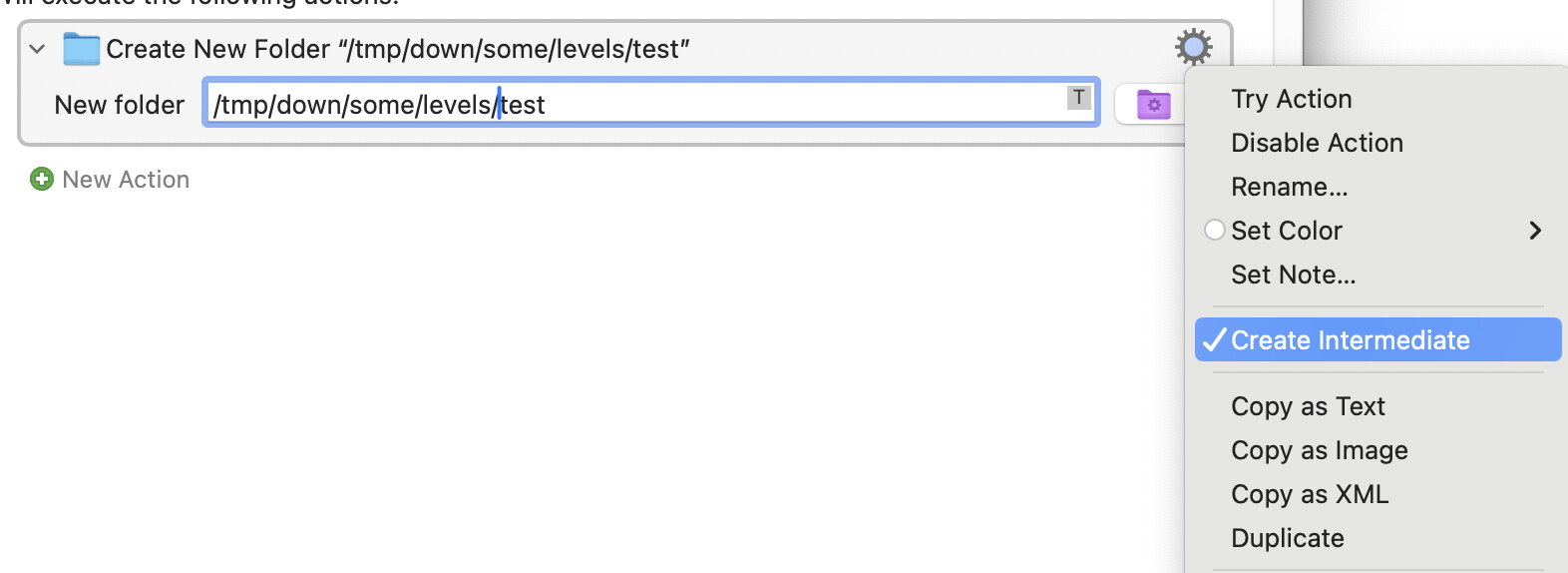
I've got a simple script to create a folder. The code is correct. I can copy out the text, paste it, run it.
Test with ls - present.
Remove with rm -r.
Test with ls - not present.
I run the execute shell with
		Execute Shell Script
		Get input from Environment Variable “newsDirectory”.
		/bin/mkdir -p '$KMVAR_newsDirectory' Display trimmed results without errors in a window.
		Stop macro and notify on failure.
Not only does it fail but I get no notification of it failing
The error logs are like
2025-11-25 21:06:40 Execute macro “Create News Folder” from trigger The Hot Key ⌃F13 is pressed
2025-11-25 21:06:40 Action 16955379 failed: Execute a Shell Script failed with script error: mkdir: $KMVAR_newsDirectory: Read-only file system
2025-11-25 21:06:40 Execute a Shell Script failed with script error: mkdir: $KMVAR_newsDirectory: Read-only file system. Macro “Create News Folder” cancelled (while executing Execute Shell Script).
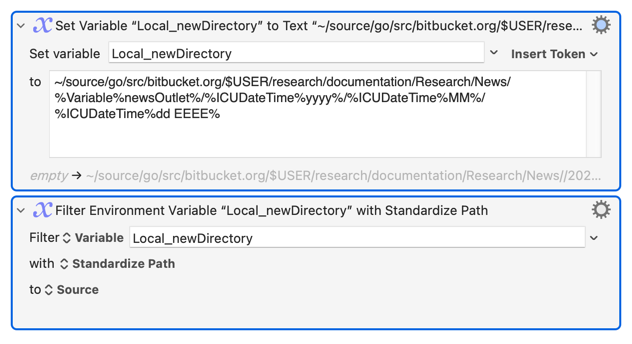
		Set Variable “newsDirectory” to Text
		~/source/go/src/bitbucket.org/$USER/research/documentation/Research/News/%Variable%newsOutlet%/%ICUDateTime%yyyy%/%ICUDateTime%MM%/%ICUDateTime%dd EEEE%

		Display Text in Window
		/bin/mkdir -p '%Variable%newsDirectory%'

		Execute Shell Script
		Get input from Environment Variable “newsDirectory”.
		/bin/mkdir -p '$KMVAR_newsDirectory' Display trimmed results without errors in a window.
		Stop macro and notify on failure.
You've used single quotes, preventing variable expansion, and so you're trying to make a directory at the literal path $KMVAR_newsDirectory. That's what the last two errors in your log listing is for.
Try double-quotes instead:
/bin/mkdir -p "$KMVAR_newsDirectory"
Your Terminal testing would have shown the same issue if you'd used a variable and not a string for your path:
So now you've got the double-quotes in (and I've read your post again!) -- remember that ~ is not expanded when within double-quotes!
iMac-3151:dateTest nigel$ ls "~"
ls: ~: No such file or directory
The easiest way round that is "Filter: Standardize Path" your "newDirectory" variable after setting it to your concatenated string, to make it an absolute path: