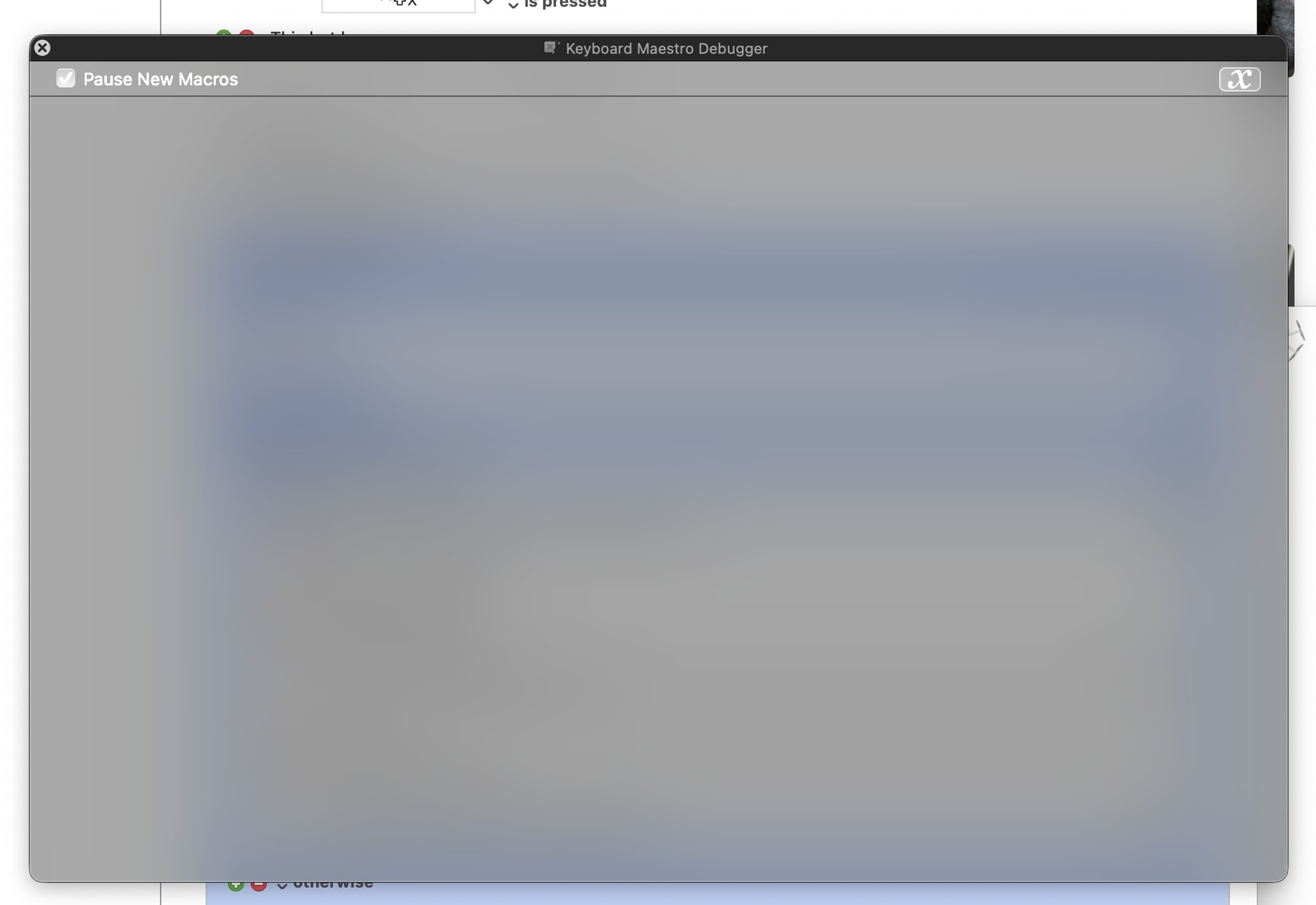
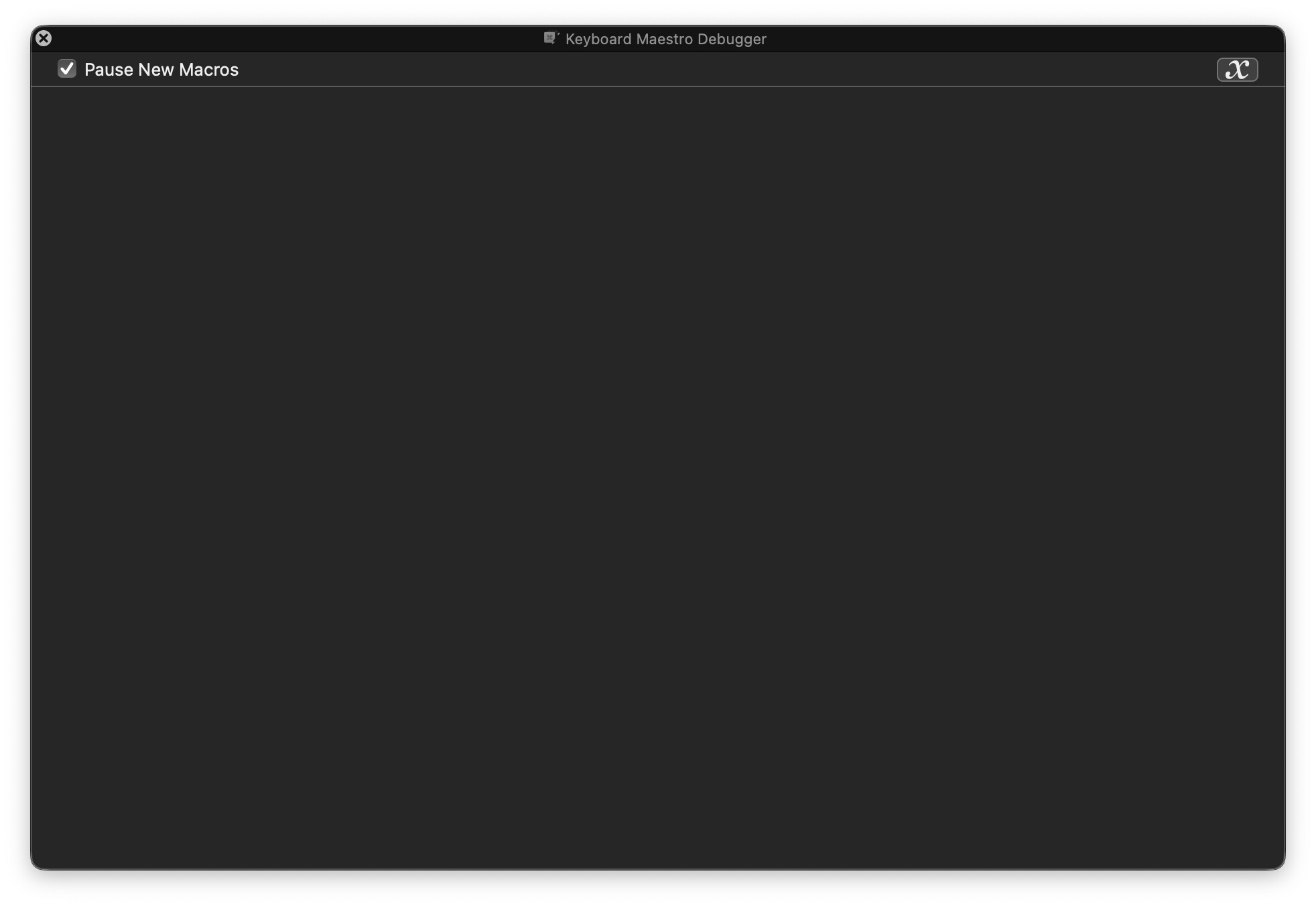
The debugging tools and window are invaluable but on my machine (MacOS 26.2.2 in "dark mode" the debug window is very difficult for my aging eyesight...
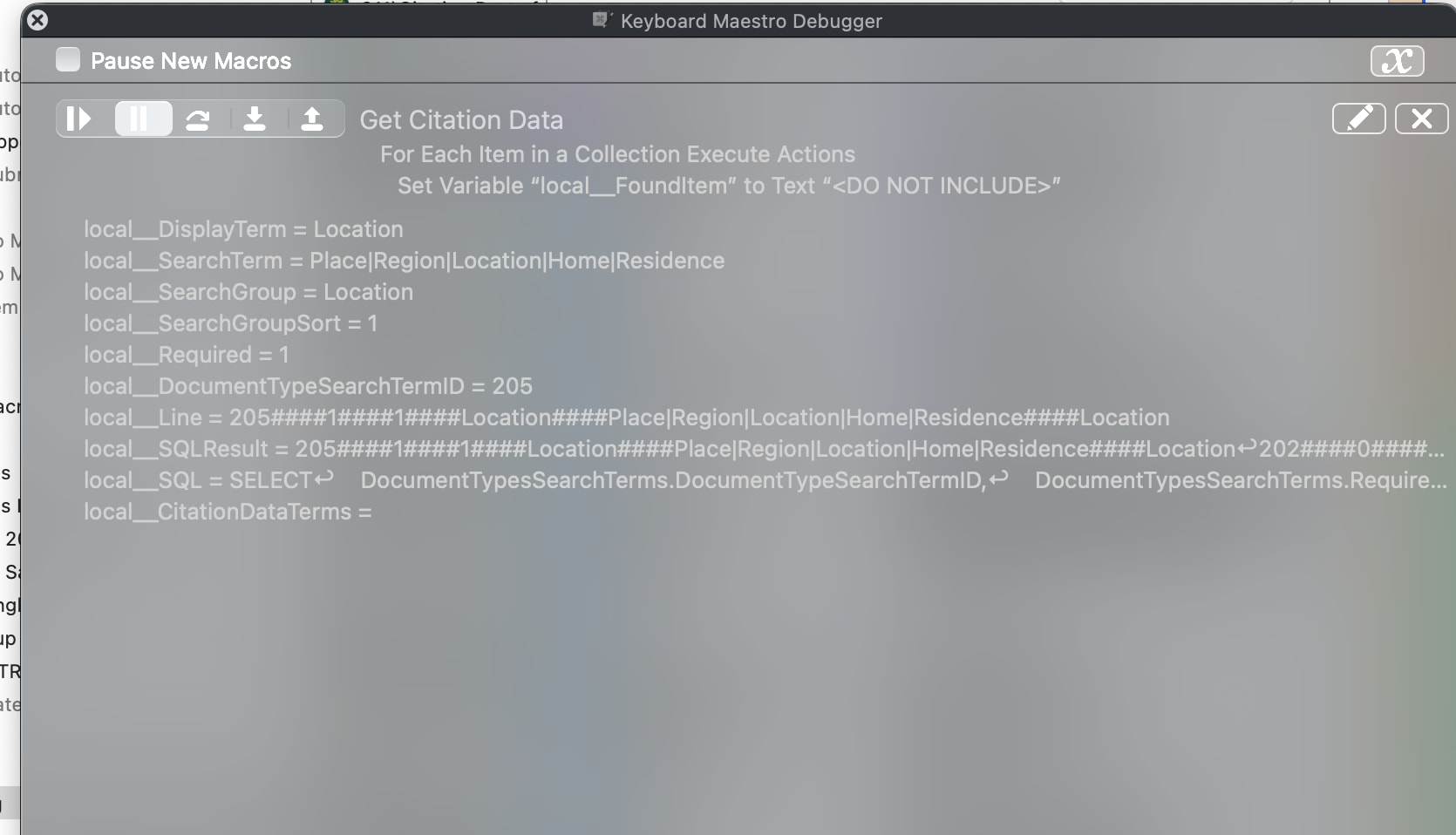
is there a way to increase the contrast or change the colors ?
I just updated my test Mac to 26.2.2 and the debug window is the correct colors (white on black, no grey background).
Is this the current version of Keyboard Maestro?
I have no idea why it is displaying differently for you.
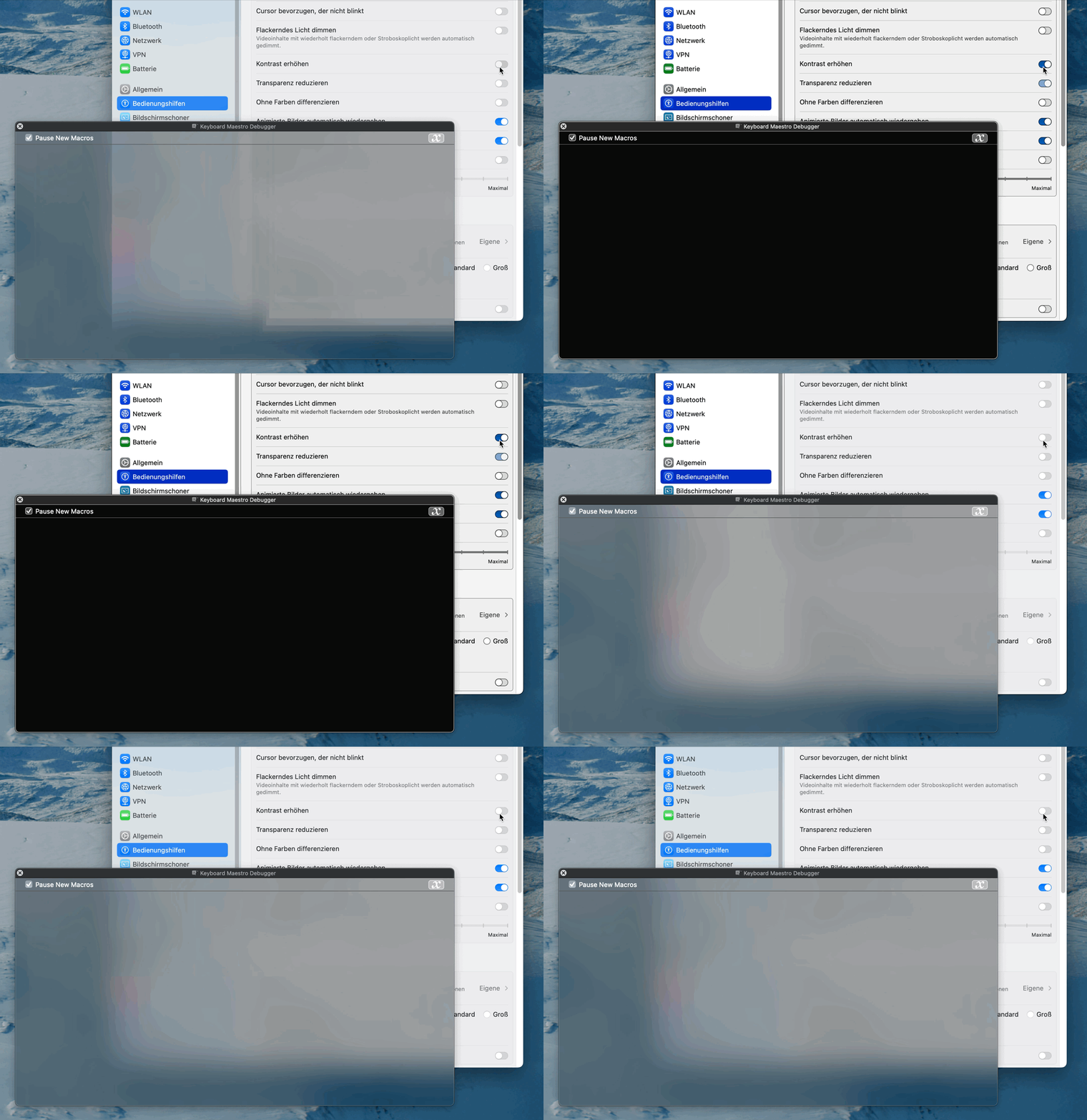
Have you tried activating
System Settings → Accessibility → Display → Increase Contrast?
Alternatively you could just Reduce Transparency (right below Increase Contrast)
This turns the debug window black. (Sorry, german system in the gif.)
MacBook Pro 2025 Dave
MacOS: Version 26.6.2 (Build 25G83)
Keyboard Maestro 11.1.1, Copyright 2004-2026 Stairways Software Pty Ltd.
11.1.1
the checker says this is the current edition. Ralph's suggestion to Reduce Trasparency helps a whole lot
DAVe
Thanks Ralph. Reducing Transparency does the trick!
It does seem likely.
.... and even mort thanks to Ralph... now I can read my mail more easily too... I guess the 'featrue' of Liquid Glass is great for the young at sight 
Thank you! I'm glad I could help.
You can make translucency toggling very simple: There's a Shortcuts action that does it.
This replaces a much more complex macro I used to use to toggle translucency; just create that shortcut and assign it a keyboard shortcut.
(Note that I refuse to call it "Reduce Transparency," because you can't reduce transparency. By definition, transparency is defined as letting 100% of the light through without any changes. You can reduce translucency, though, as that's defined as allowing some but not all light to pass through. I filed a bug on this years ago, but Apple ignored me :)).
-rob.