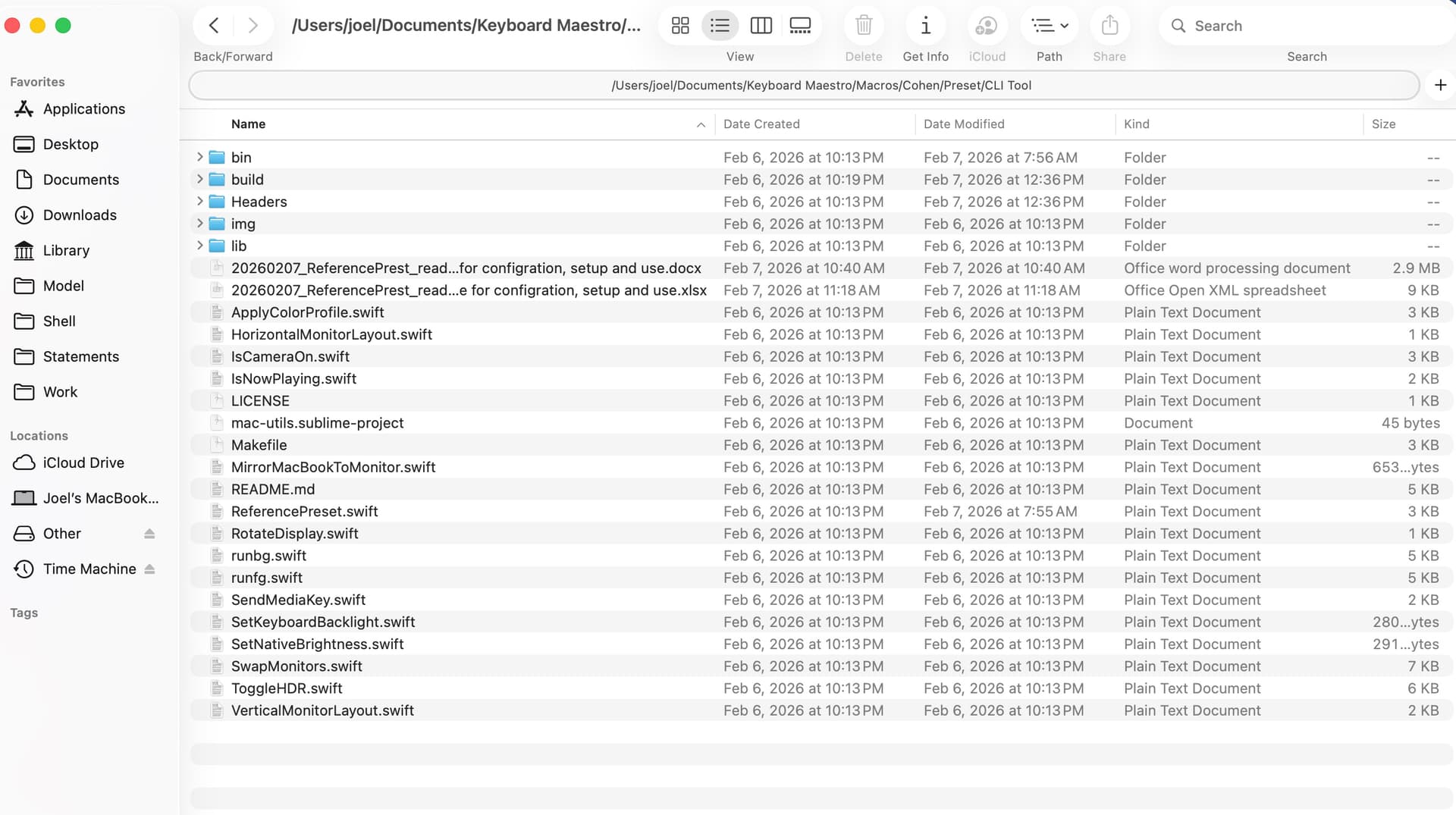
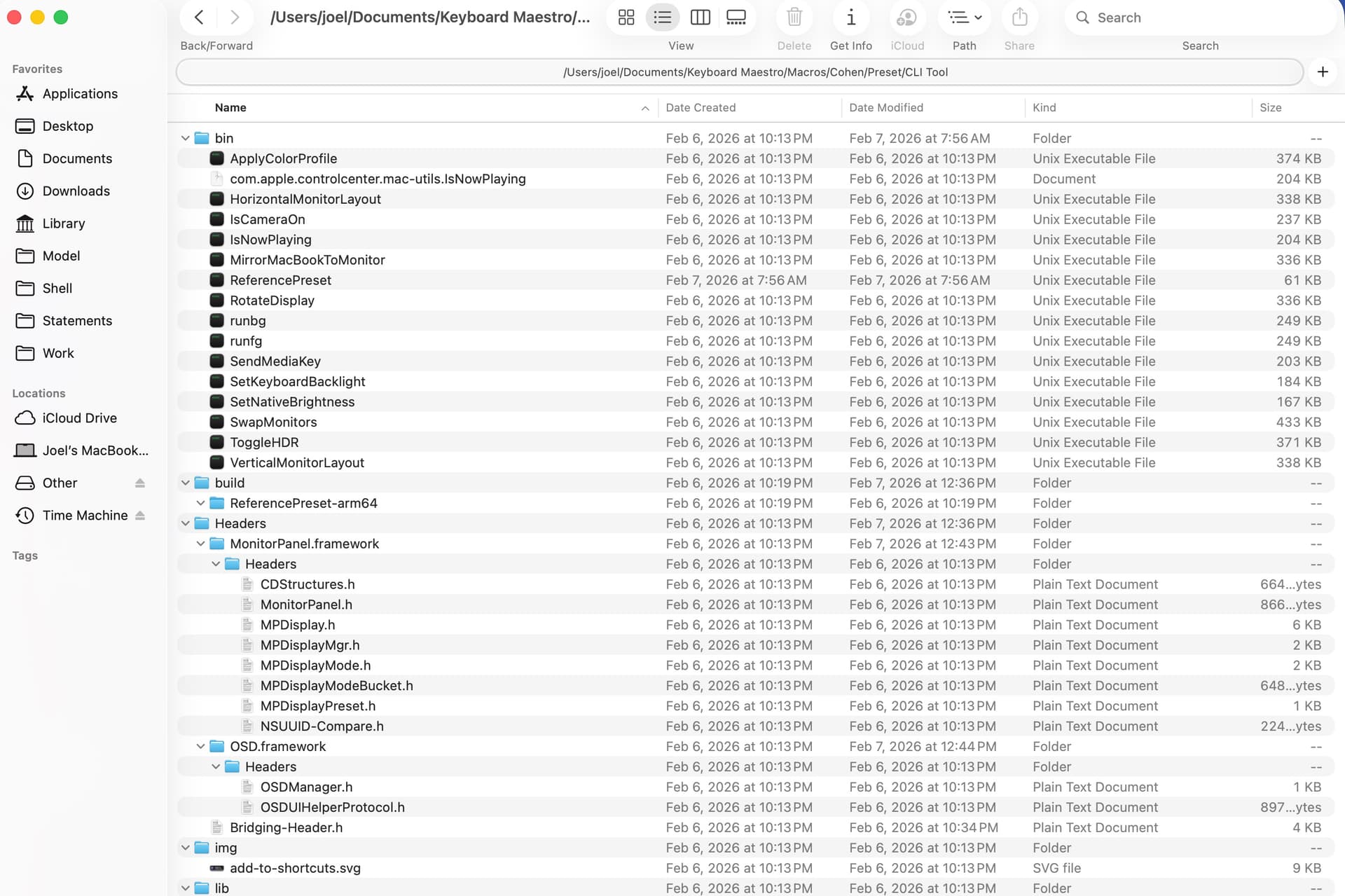
I know it may be a small group but should anyone (else) be interested in a CLI Tool that can be used to change the preset on a MacBook with a Retina display, a Studio Display, and/or a Pro Display XDR, the following file does the trick (far easier and faster than stepping through Control Center or System Settings)!
It works very well!
import Foundation
import ObjectiveC

// Define the function type for the CoreDisplay transaction lookups
typealias TransactionFunc = @convention(c) () -> Void

class ReferenceDisplay {
    let id: CGDirectDisplayID
    init(id: CGDirectDisplayID) { self.id = id }

    func set(preset: MPDisplayPreset) {
        // 1. Load CoreDisplay to manage hardware transactions
        let cdHandle = dlopen("/System/Library/Frameworks/CoreDisplay.framework/CoreDisplay", RTLD_NOW)
        let beginTx = dlsym(cdHandle, "CoreDisplay_Display_BeginTransaction").map { unsafeBitCast($0, to: TransactionFunc.self) }
        let endTx = dlsym(cdHandle, "CoreDisplay_Display_EndTransaction").map { unsafeBitCast($0, to: TransactionFunc.self) }

        print("🔗 Opening Hardware Transaction...")
        beginTx?()

        if let manager = MPDisplayMgr(),
           let mpDisplay = (manager as AnyObject).display(withID: Int32(self.id)) {
            let obj = mpDisplay as AnyObject

            // The "Winning" selector we found via introspection
            let hwSelector = NSSelectorFromString("setActivePreset:")

            if obj.responds(to: hwSelector) {
                print("📡 Triggering hardware switch via setActivePreset:...")
                _ = obj.perform(hwSelector, with: preset)
            } else {
                print("⚠️  setActivePreset: not found, falling back to setPreset:")
                _ = obj.perform(NSSelectorFromString("setPreset:"), with: preset)
            }

            // Sync the Manager state so System Settings stays in step
            let mgrObj = manager as AnyObject
            let mgrSel = NSSelectorFromString("setPreset:forDisplay:")
            if mgrObj.responds(to: mgrSel) {
                _ = mgrObj.perform(mgrSel, with: preset, with: mpDisplay)
            }
        }

        endTx?()
        print("✅ Hardware Transaction Committed.")
        if let h = cdHandle { dlclose(h) }
    }
}

// --- Execution Logic ---
let displayID = CGMainDisplayID()
let display = ReferenceDisplay(id: displayID)

guard let manager = MPDisplayMgr(),
      let mpDisplay = (manager as AnyObject).display(withID: Int32(displayID)) else {
    print("❌ Error: Could not initialize Display Manager.")
    exit(1)
}

// Get available presets
let presetsSelector = NSSelectorFromString("presets")
let unmanagedPresets = (mpDisplay as AnyObject).perform(presetsSelector)
guard let allPresets = unmanagedPresets?.takeUnretainedValue() as? [MPDisplayPreset] else {
    print("❌ Error: Could not load presets.")
    exit(1)
}

if CommandLine.arguments.count < 2 {
    print("✅ Main Display ID: \(displayID)")
    print("Usage: ./ReferencePreset \"Preset Name\"")
    print("Available Presets:")
    allPresets.forEach { p in
        if let name = p.presetName { print(" - \"\(name)\"") }
    }
    exit(0)
}

let targetName = CommandLine.arguments[1]
if let targetPreset = allPresets.first(where: { $0.presetName == targetName }) {
    print("🚀 Target Preset: \(targetName)")
    display.set(preset: targetPreset)

    // Final notification broadcast to update the macOS Control Center and UI
    let note = NSNotification.Name("com.apple.ControlCenter.DisplayChanged")
    DistributedNotificationCenter.default().postNotificationName(note, object: nil, userInfo: nil, deliverImmediately: true)
} else {
    print("❌ Preset '\(targetName)' not found.")
}