While setting the position for "Display Progress" works, setting the size seems to fail.
I tried "Set Next Engine Position and Size" and "Set Next Engine Window Size".
Is "Display Progress" excluded from resizing?
While setting the position for "Display Progress" works, setting the size seems to fail.
I tried "Set Next Engine Position and Size" and "Set Next Engine Window Size".
Is "Display Progress" excluded from resizing?
Yes -- and no.
You can't resize the dialog manually, nor with the "Set Next Engine Window" Action. You can do it with AppleScript:
tell application "Keyboard Maestro Engine"
	set theWindow to item 1 of (get every window whose name contains "Progress")
	set theBounds to bounds of theWindow
	set bounds of theWindow to {100, 100, 300, 400}
end tell
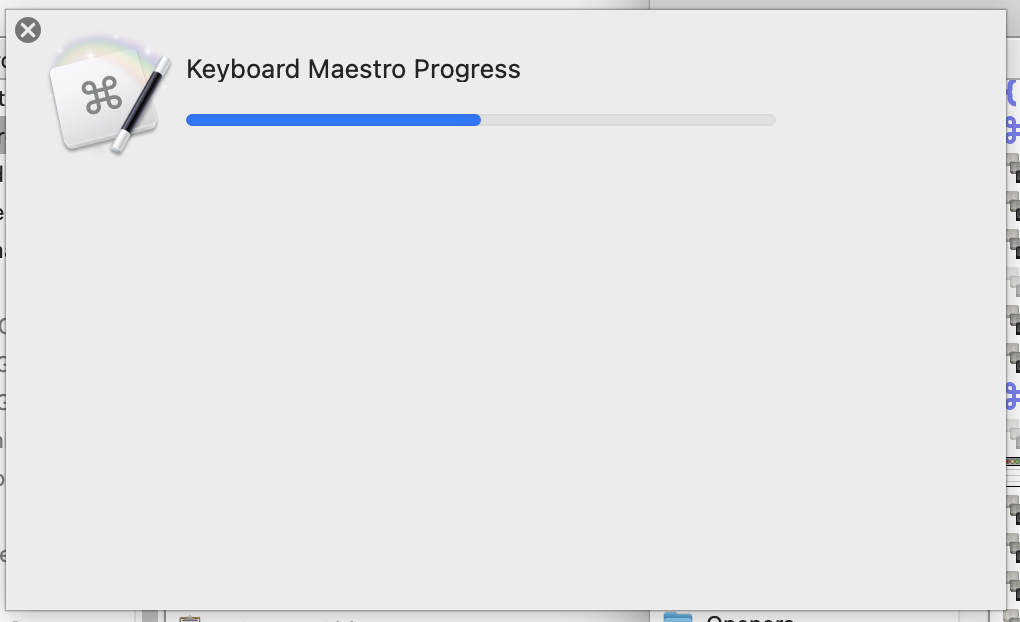
...but there isn't much point because the contents of the window don't resize -- you'll get either the same size contents with lots of extra space:
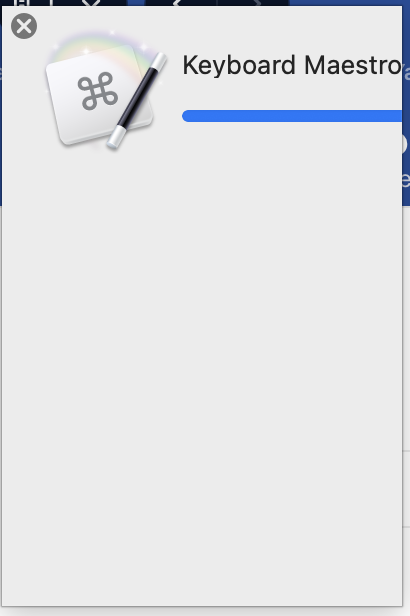
...or clipping:
Thank you.
I agree that this solution is of little value, since it does not increase the space available for content.
The Display Progress window is not resizable.
Depending on what you are trying to achieve, take a look at using a "Custom HTML Prompt" -- for example, @DanThomas's excellent Floating Progress Bar macro -- or, if you don't mind going third-party, something like Swift Dialog.
As an alternative, I wrote a thing that shows progress through the various stages of a macro:
It's more work to set up, but much simpler to maintain if you've got a complex series of things being done in a long macro.
-rob.
Floating Progress Bar macro
griffman
Nice! I left a suggestion at your original post.