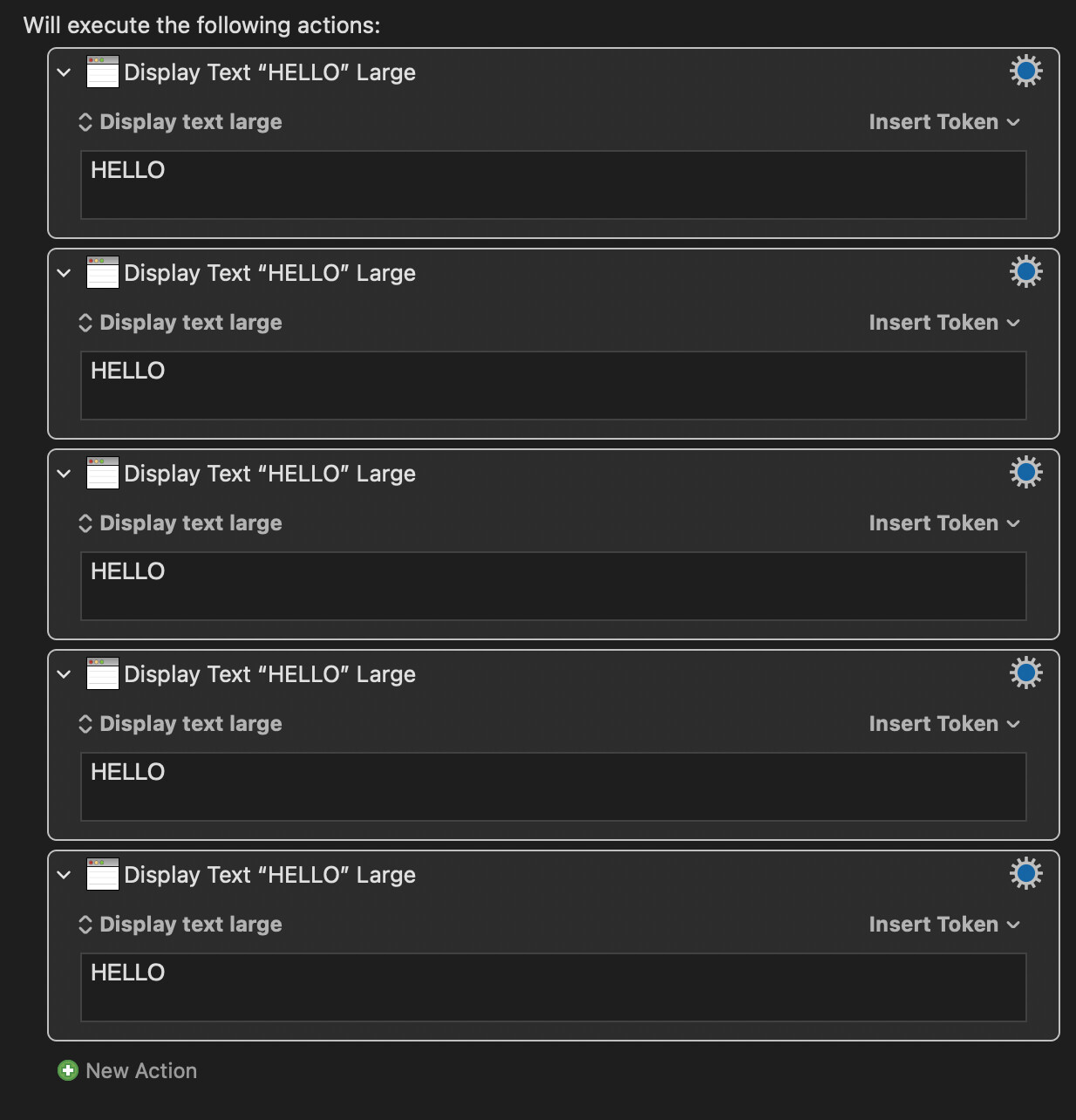
If you want to increase the opacity of the background of a message like "Display Text Large" execute the same action several times at the same time, until you see it completely opaque or with reduced transparency:
1 Like
This is a perfectly servicable approach. You could also drop one Display Text Large action inside a Repeat action, which would be a bit more efficient, easier to adjust, and achieve the same result.
Alternatively, for even more granular control over the appearance of Display Text Large, you could try this superb macro by @DanThomas:
1 Like
Wow, thanks a lot for the link @hemicyon ! 
There is a hidden preference to control this described in the wiki.
Although ironically it does not actually work if you include an alpha (fixed for the next version).
defaults write com.stairways.keyboardmaestro.engine DisplayLargeTextColor -string "000000C0"
2 Likes
The example on the wiki is a RRGGBB code without a final alpha. In some forum thread I saw that you said that you could add the alpha, but then I saw that users said that the alpha did not work.
I had assumed that the transparency could not be modified, so I tried repeating the same text to increase it until it was solid, which is how I like to see this type of text in large.
Great if in the next version we can control the transparency!
It is supposed to allow formats RGB, RRGGBB or RRGGBBAA. But the latter format does not work - will work in the next version.
1 Like

I think this information is not written in the wiki. I say this in case you want to add it.
I don't, since the wiki currently accurate and it does not support the latter form.
1 Like
Will the next version be a minor update or a major update?
Do you think you will release it within a month or will it take longer to come out?
Thanks.
Minor. Probably 11.1
I don't know the timing.
2 Likes