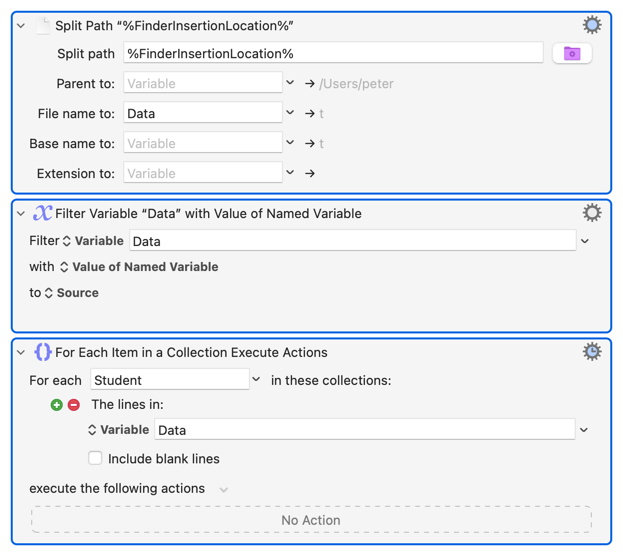
I’m sorry, I’ve read some threads on dynamic variables, but I’m having a hard time getting my head around it.
I’m trying to use a dynamic variable in a For Each action…
Bottom line:
If a Finder folder is Smith, then the variable “Smith” should be used in the For Each action. If the Finder folder is “Roberts,” then the variable “Roberts” should be used in the For Each action.
Further explanation:
Assume I have a Variable titled “Smith” with the several lines of data (student names).
Assume I have an open, front-facing Finder folder with the title “Smith.” (I use a script to get the title of that folder and put it in a variable called “Folder.”)
Obviously, the Finder folder and the variable share the same title of “Smith.”
However, the front-facing open folder title can vary. It might be “Roberts” or “Benjamin.” So, I want to use a dynamic variable in a For Each action so that, whichever folder is open and at the front, the variable of the same title will be used in the For Each action.
So, if the folder is Smith, then the variable “Smith” will be used in the For Each action.
If the folder is Roberts, then the variable “Roberts” will be used in the For Each action.