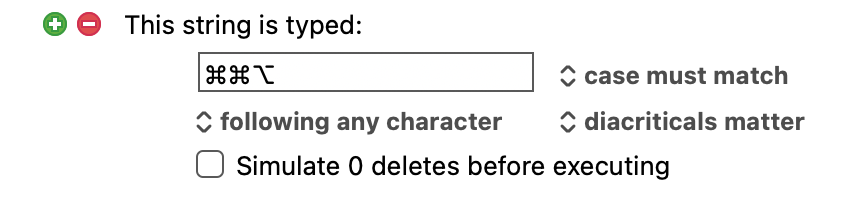
Hi! I would like to create a macro that includes the action of pressing the command key, not as a modifier for another key, but as itself (the sequence in the application I am working with that I want to simplify is something like pressing command twice, then other keys in order to trigger functionality).
how is that possible with KM? I can’t seem to get it to work with the “Type a keystroke” action and don`t see another one.
Thanks for the answer – and also kind of sorry for the original question. Because when I read your answer and looked for the action your screenshot showed, I found the “Type modifiers” action that I just somehow missed before. So in my case, simply setting things up like this works just fine. Thanks!