For years I’ve been using F2, F3, and F4 as quick shortcuts for Cut (Command-X), Copy (Command-C), and Paste (Command-V). Suddenly they are no longer working to trigger shortcuts. In some applications nothing happens at all. In others I get a beep. I’ve confirmed that the KM shortcuts are not being triggered at all.
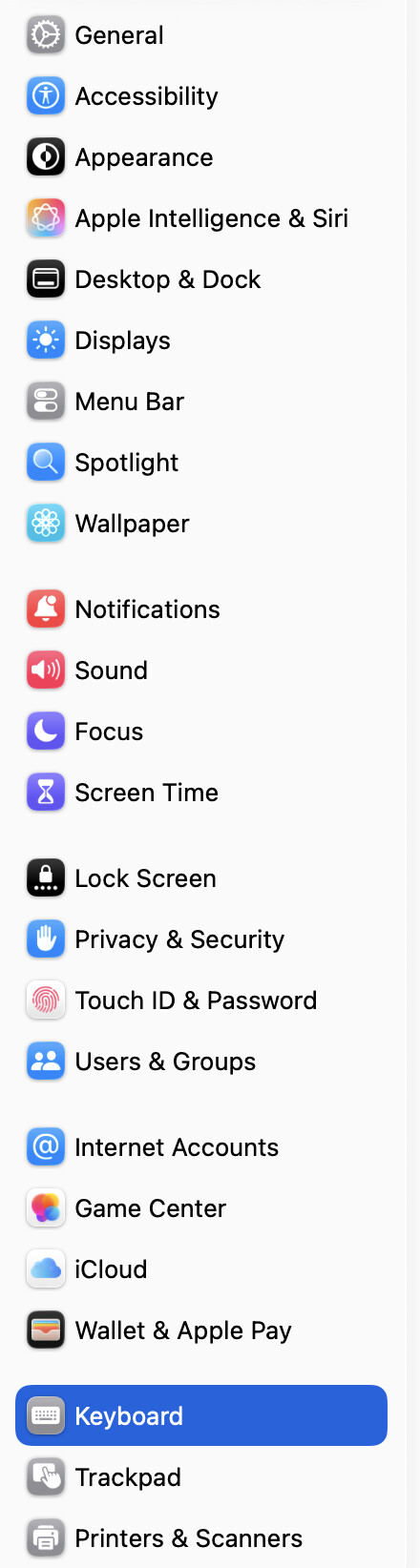
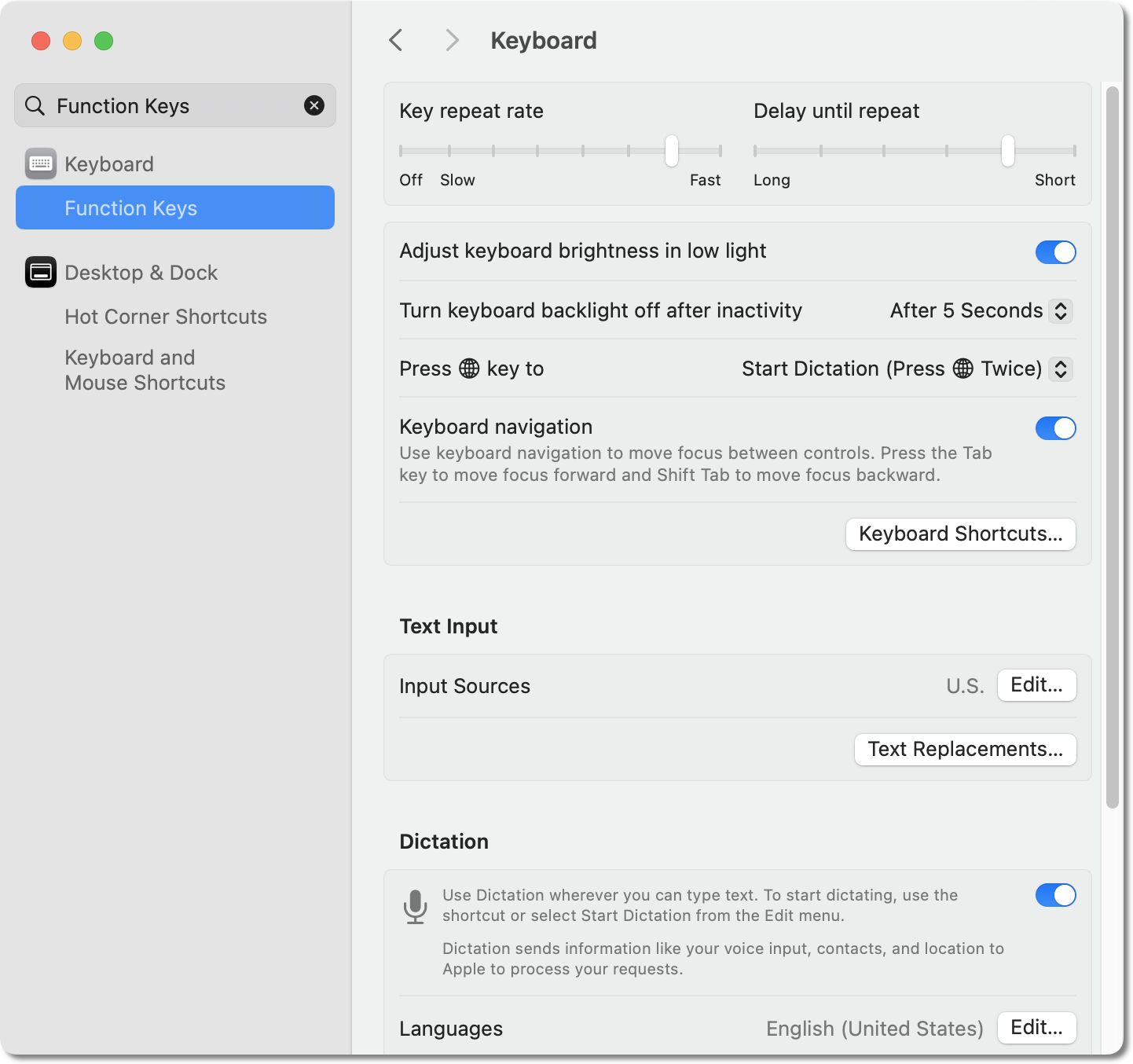
Last night I installed the macOS 15.7.3 update, which seems like it’s what has caused the problem. But the Keyboard Shortcuts in System Settings are not showing any interfering shortcuts. The KM Editor is able to see them to set the hotkey trigger.
It’s as if they are being passed directly to the front application and the KM Engine is no longer able to see the trigger keystrokes. I did try following the Interactive Help troubleshooting and disabling and reenabling the Security for both the Editor and Engine in System Settings.
Any ideas about why this is happening and how to fix it?
Yes, that was one of the things I double-checked. The KM Editor is receiving the F-keys when I tested there by setting them as a hotkey for a test shortcut.
This is on an older Intel based MacPro. I also have an Apple Silicon based MacBook. It has also been updated to macOS 15.7.3, but the F-keys are being handled just fine on that machine. I’m wondering if maybe this is an Intel specific issue.
I've had F-key triggered macros working fine on 15.7.3 -- but I'll check again when I get home in case I'm mis-remembering.
Meantime, make sure your macros are actually available/active in the context you want to use them in -- for example, by changing the hot key from F2 to, say, ⌘2 and seeing if the macro triggers.
How? No triggering listed in the Engine log, or just that nothing seemed to happen?
I added a Speak command to the macro. When it’s triggered it tells me it’s triggered.
I was finally able do make some time to do more troubleshooting.
First, I restarted my machine in safe mode. (Shift key down while booting.) KM was able to successfully use the F-key triggers. That ruled out the macOS update.
Fortunately, my next suspect turned out to be the culprit: The Kensington Konnect 2.1.x software to support their trackballs. (I’ve been using generations of their large ball trackball “Expert Mouse” since the days of the Macintosh SE. I’ve never found an equivalent by someone else. But in recent years their support software has become hot garbage.) I’ll have to inform them of this problem. I’ve rolled back to an older version that doesn’t have this bug.
In the mean time, does anyone have any ideas about how to prevent other third-party software from interfering like this? Or maybe another equally good track ball?
I recommend using the mouse but changing the third-party mouse software (ie. Stop using KK):
Check out SteerMouse by a Japanese developer. Almost every update adds new mouse models. I use one version or another of Kensington Expert 4 button track ball. The KK(k? Why so many install screens with exactly three word salad-y K’s on them, guys???) software is truly weird to me, I had to find something else when “Kensington Works” went away several years ago.
SteerMouse allows for per-app customization, button chords (with modifiers), backup+restore settings (can transfer settings from Adobe xyz “2025” to “2026” versions etc), per-app scroll direction \ pointer speed and acceleration.
In Google, I want to scroll FAST sometimes, down the page. In Ableton or Adobe apps, something finicky happens and rather I need to turn scrolling acceleration off entirely and (lol!) the direction opposite…
It was a one time payment at the time, I don’t remember what, but would recommend highly.
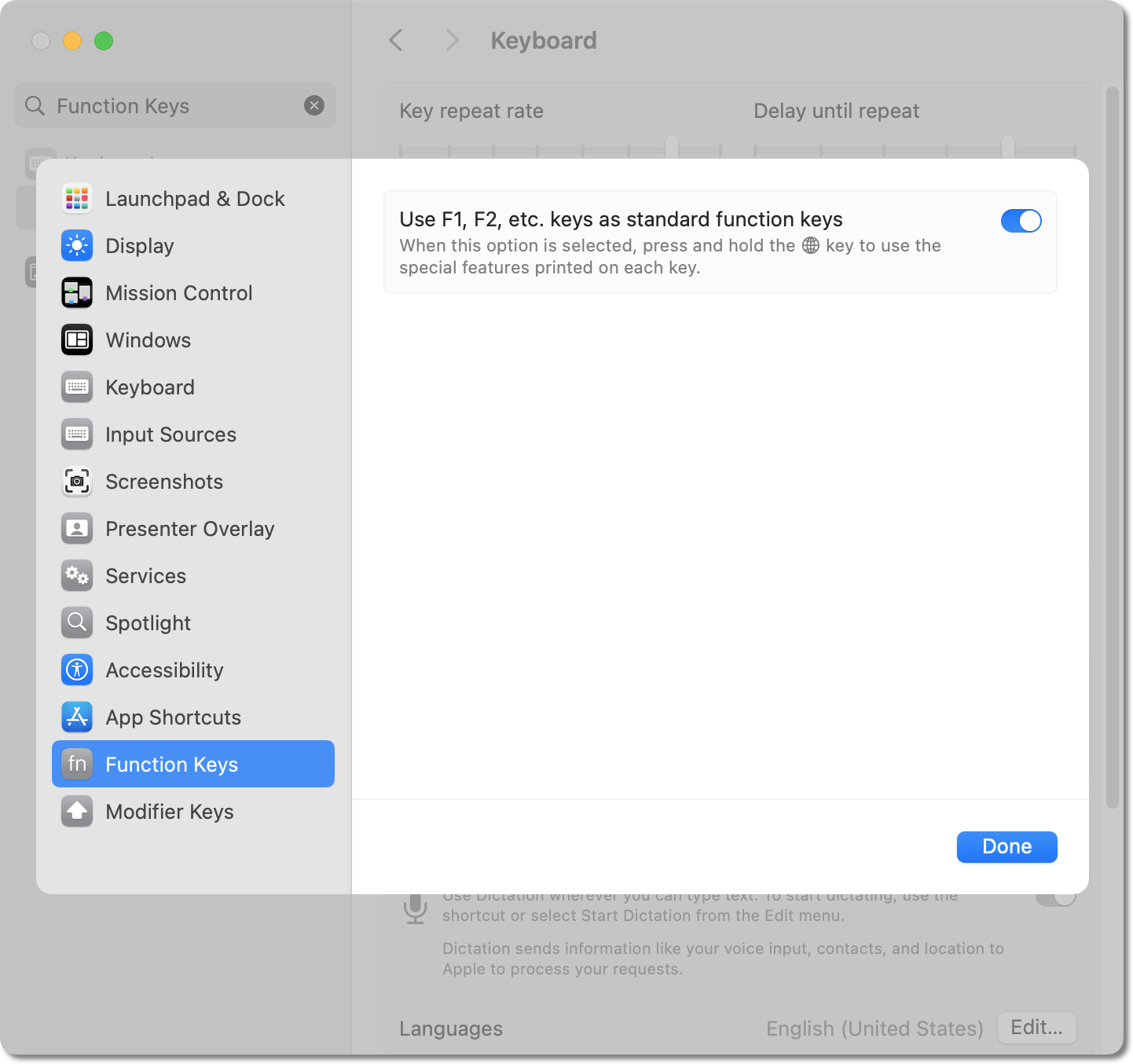
Answering own question: Searched for function in System Settings and the setting exists. The following describes that Function Keys aren’t showing up for me on 26.2 on a clean install.
I’ve remapped F1, F2, etc. forever. I just did a clean install on my M3 MBP and it’s gone. And I don’t see the option set it on 26.2