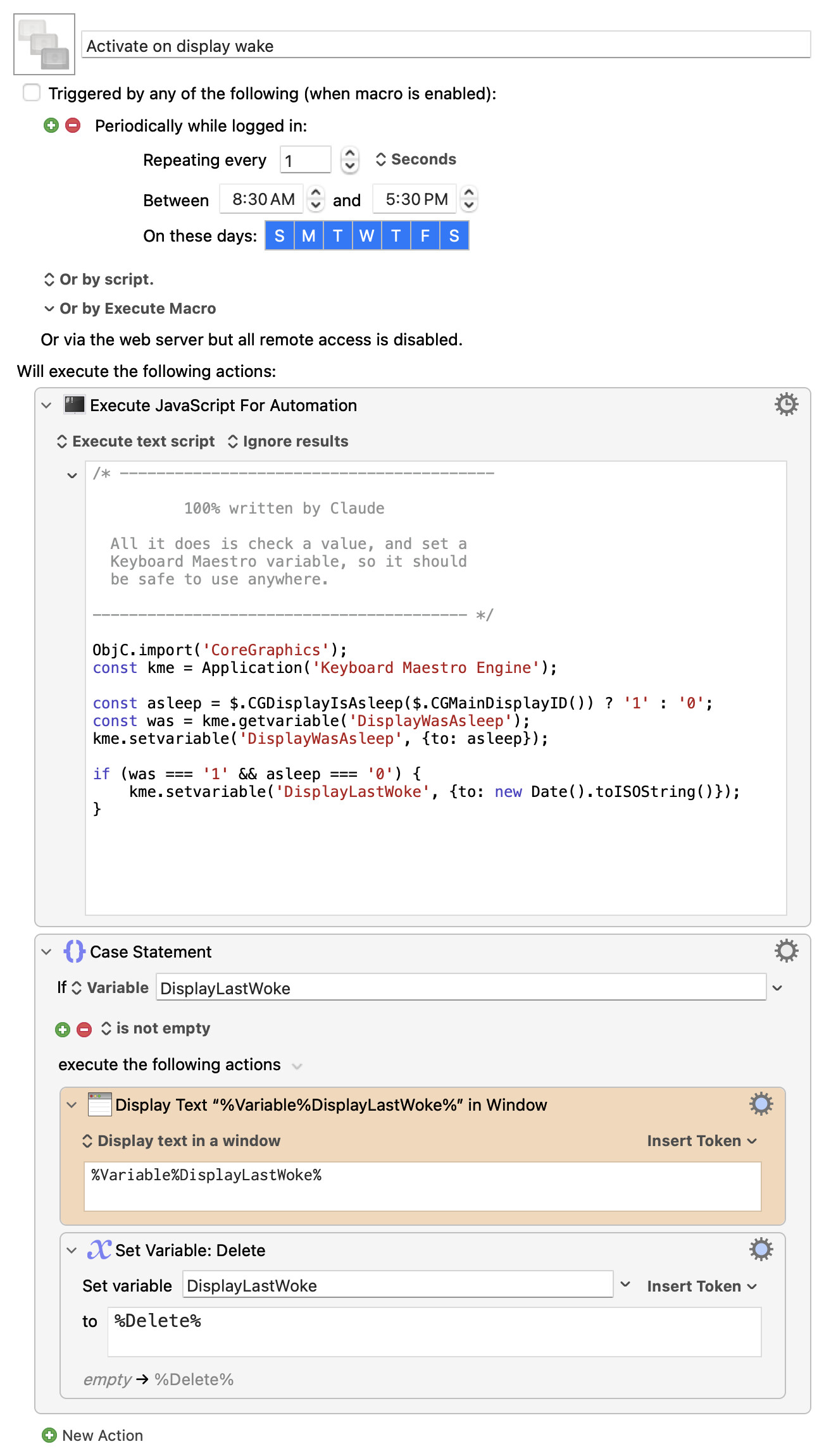
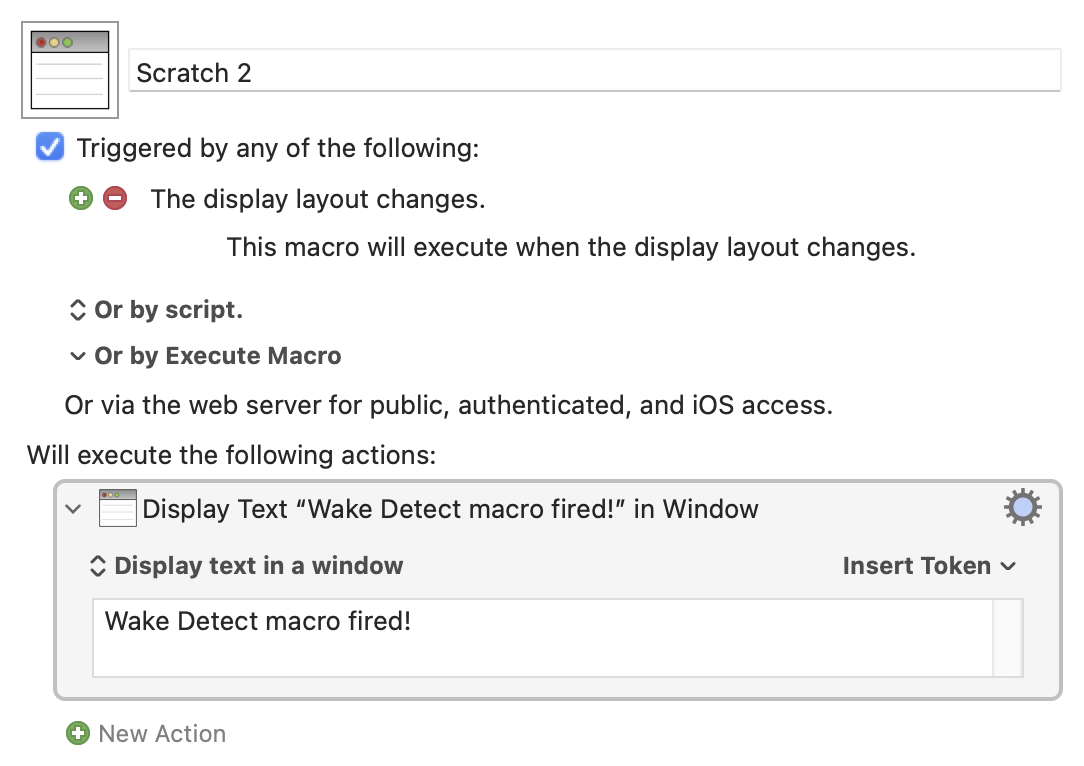
Thanks for your reply.
I realize that AI can make mistakes, but according to ChatGPT, there is a "display has woken up" event, and it recommends an app called EventScripts to access it. ChatGPT wrote:
"EventScripts would trigger your existing Keyboard Maestro macro. You would need a tiny AppleScript, but you wouldn't have to duplicate any of your macro's actions.
Here's how it would work:
- EventScripts detects that your display has awakened.
- It executes a short AppleScript.
- That AppleScript tells Keyboard Maestro Engine to run your existing macro.
The entire AppleScript would be:
tell application "Keyboard Maestro Engine"
    do script "Your Macro Name"
end tell
You'd replace Your Macro Name with the actual name of your macro.
You would save this as a separate AppleScript file and configure EventScripts to execute it when the display wakes. Your Keyboard Maestro macro would remain completely unchanged.
EventScripts supports screen wake events specifically, independently of system wake events."
Again, I acknowledge that AI can make mistakes, but ChatGPT seems confident that EventScripts can do this. The $8 cost isn't prohibitive; I'd just prefer not to have a separate app doing something that KM might be able to do (in theory, if implemented).
I'm going to write the developer of EventScripts to confirm this functionality.
Lastly, to answer your question, there's a long-standing Finder bug (affecting some users) that causes desktop icons to move to different positions when the Mac restarts or reawakens. (I'm in Tahoe on this particular Mac, but the same bug occurred in Sequoia.) I have a KM macro that returns all icons to their correct position, but I'm tired of having to trigger it multiple times a day. So, I'd like to automate it so that the macro runs whenever the screens awaken.