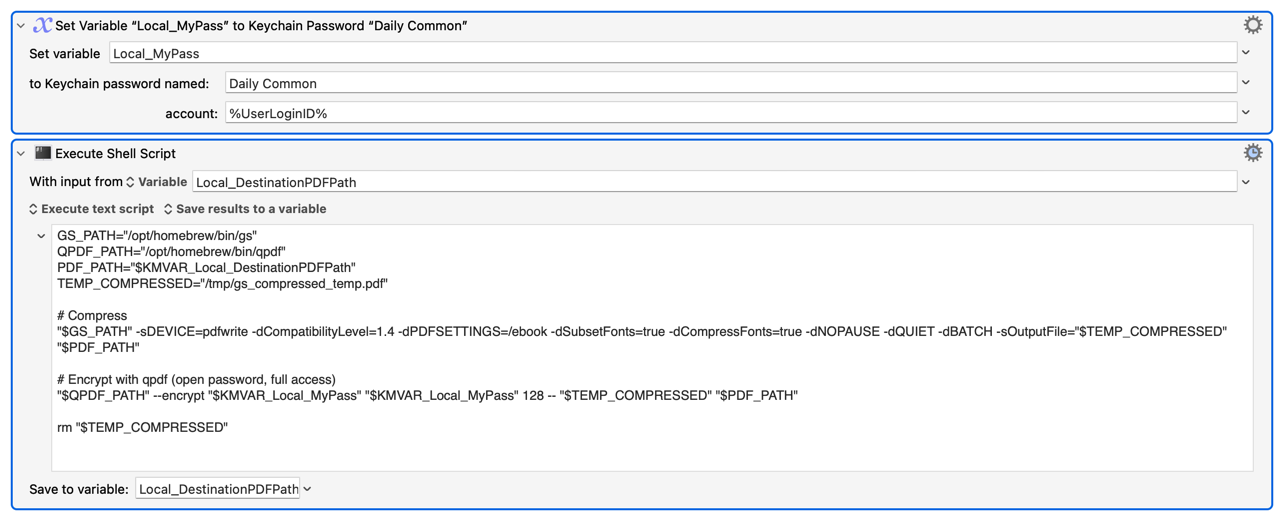
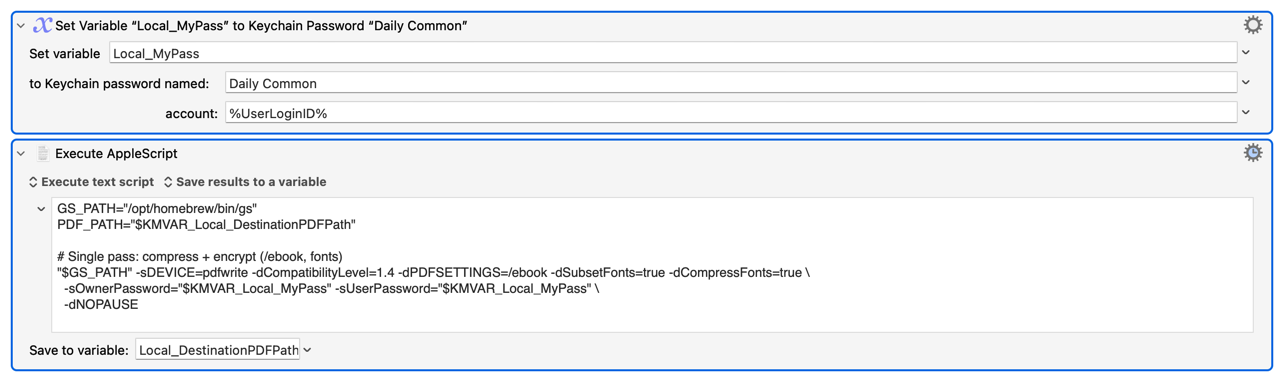
Please assist us to assist you by posting a demo macro, the shell script Action (so people can check settings), or at the very least the code in your shell script. Not many people will have time to re-type all that from scratch or thoroughly check an OCR of your images.
But, from a quick scan, isn't qpdf called with
qpdf [infile] [options] [outfile]
...while you seem to be doing
qpdf [options] [infile] [outfile]
It's always worth trying these commands in Terminal, typing out everything instead of using variables, to check syntax. Then bring them into KM and make sure the environment is correct. Then start switch hard-coded paths for variables. One step at a time until you've got it working.
I started with the basics -- no variables -- and worked my way up and finally got it to work.
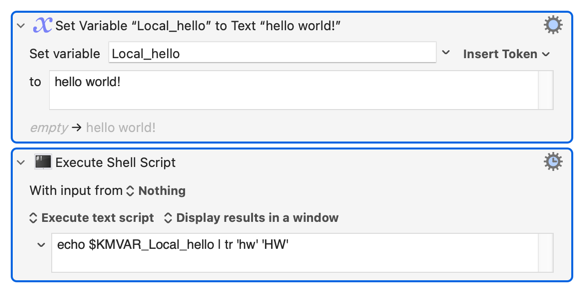
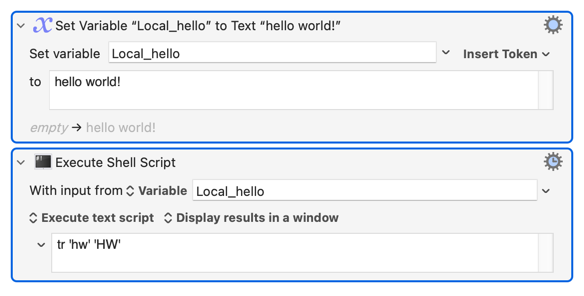
One follow up, is my understanding correct that because the Shell Script contains code along the lines of $KMVAR_Local_VariableName" that the Shell Script option "With input from" should be set to Nothing as the Shell Script has already pulled the variable in (and it would be redundant and unnecessary to also have the variable set here)?
# Trimming whitespace is key for KM variables
PASSWORD=$(echo "$KMVAR_Local_MyPass" | tr -d '\n' | xargs)
It really isn't! Trimming unwanted whitespace may be -- but unwanted whitespace is usually the result of a previous macro step or (and more often!) an accidental trailing Return in a "Set Variable to text" Action.
The way you've done it will also remove newlines within the text.
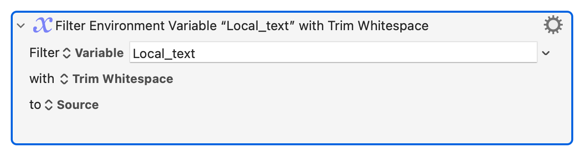
If you do want to sanitise your input like this, KM already has an Action for it -- "Filter: Trim Whitespace" -- which removes leading and trailing spaces/newlines:
Appreciated, I will get on it and learn how to fix it.
Gemini / Perplexity here I come!
Excellent, thank you!
On it! Thanks you!
Appreciated but all I can take credit for is the logic, not the programming.
I am lousy at programming -- my self-assessment -- but my formal math education and training des come through at limited times!
A combination on things including i) not specific the full path to Ghostscript ii) no error handling to help identify it [hence why I added it] iii) and a white space!
I ended up staring from scratch this morning with a clear head and got through it in about 1 hour.