Annoying... How about when using osascript in Terminal?
osascript -e 'tell application "Keyboard Maestro Engine" to process tokens "%ShortDate%" instance "1"'
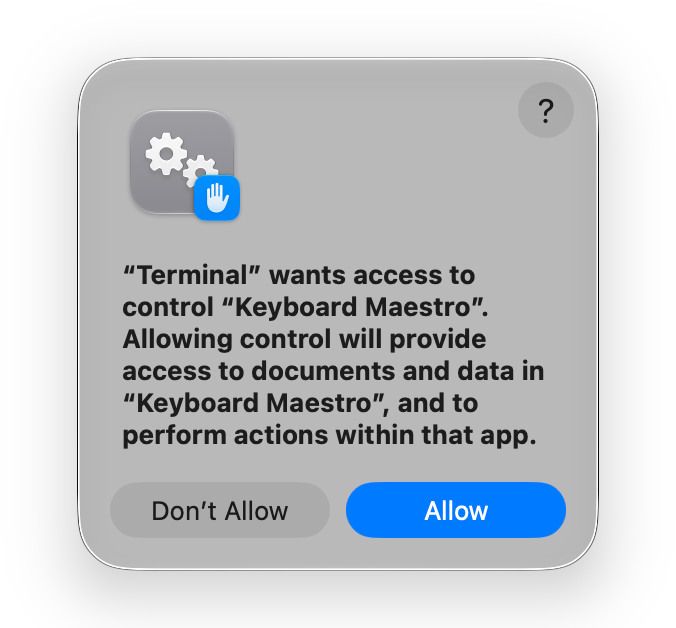
Again, that might show a PPPC issue that's being masked when run from a macro Action.
Annoying... How about when using osascript in Terminal?
osascript -e 'tell application "Keyboard Maestro Engine" to process tokens "%ShortDate%" instance "1"'
Again, that might show a PPPC issue that's being masked when run from a macro Action.
I guess the next step is try the same command from an "Execute a Shell Script" Action and the same one-liner from an "Execute an AppleScript" Action.
Skimming the thread it looks like more people are successful than are having the issue, so the odds are that @peternlewis won't be able to replicate it. So the more we can narrow down the issue the more precise he can be with a log request.
And those both work. But the problem is still present when trying to use KMINSTANCE.
-rob.
I quit Keyboard Maestro's engine and the app, removed both from Device Control and Data Access, then reapproved both on app launch. No change, the scripts still fail.
I assume at least some of the people who say it works are on Apple Silicon, right? That's what my laptop is. I'm struggling to think of anything else that could be causing this to not work only on some Macs.
-rob.
Yep, it's working for me on an M2 MacBook Air.
Heaven knows how, but could localisation be a factor in this? I'm in the UK with appropriate keyboard and language settings.
We saw earlier that you can get that value. And use the UUID if sourced elsewhere. So it appears there's only a problem when getting and using the UUID within the same script. And using a spoofed UUID works in a KM AS Action.
It would be worth trying a one-liner, taking the AS variable out of the equation:
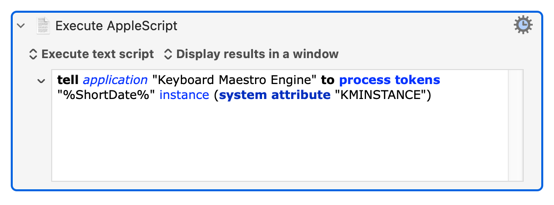
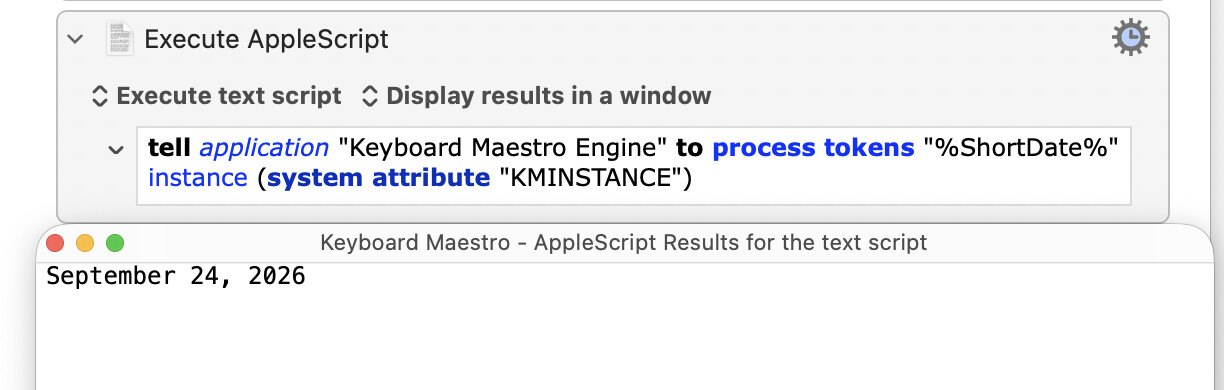
tell application "Keyboard Maestro Engine" to process tokens "%ShortDate%" instance (system attribute "KMINSTANCE")
It's not a type problem, solved by casting through KM variables etc, as a) all AS text is Unicode text, and b) non-text would cause a problem when "Display"ing in the above tests. It's not included variables, since system attributes are always included. I guess you could try setting the AS Action to "Include no variables" in case your other variables are overloading the environment (though I don't think that would push out attributes).
If this is a Golden Gate problem then we're all on Apple Silicon.
I've tried changing my region from UK to US -- no difference.
I set my machine locale to the UK and rebooted, no change.
-rob.
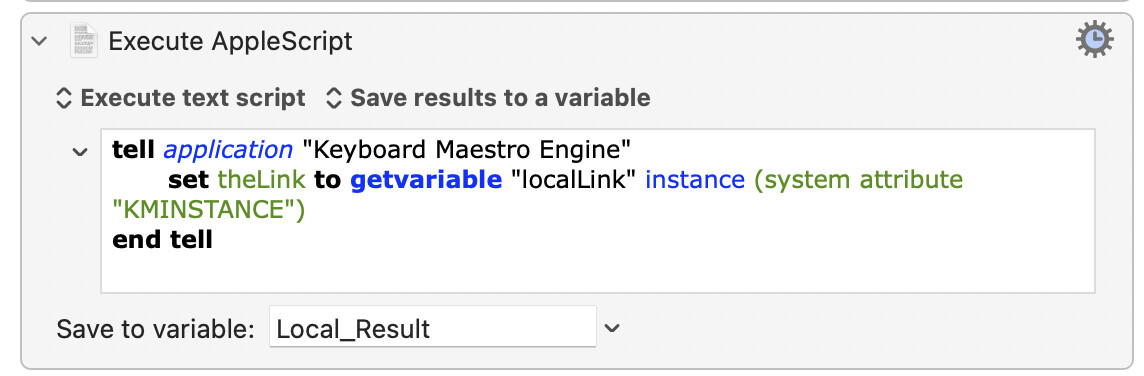
I asked Claude to come up with other creative ways of assigning a variable in AppleScript, to see if we could somehow work around the issue in the assignment step. It came up with five:
set kmInst to system attribute "KMINSTANCE"
tell application "Keyboard Maestro Engine"
    set theLink to getvariable "localLink" instance (kmInst as text)
end tell
copy (system attribute "KMINSTANCE") to kmInst
tell application "Keyboard Maestro Engine"
    set theLink to getvariable "localLink" instance kmInst
end tell
property kmInst : ""
on run
    set kmInst to system attribute "KMINSTANCE"
    tell application "Keyboard Maestro Engine"
        set theLink to getvariable "localLink" instance kmInst
    end tell
    return theLink
end run
set kmInst to do shell script "echo $KMINSTANCE"
tell application "Keyboard Maestro Engine"
    set theLink to getvariable "localLink" instance kmInst
end tell
on kmInst()
    return system attribute "KMINSTANCE"
end kmInst

tell application "Keyboard Maestro Engine"
    set theLink to getvariable "localLink" instance (my kmInst())
end tell
All five of these fail in the same manner as the original. The only method that works is referencing it directly in the instance section of the set command.
-rob.
That's weird...
I guess you could try the original version, but moving attribute call into the KME block:
tell application "Keyboard Maestro Engine"
	set kmInst to system attribute "KMINSTANCE"
	set theLink to getvariable "localLink" instance kmInst
end tell
It shouldn't make a difference, but given the way your setup's behaving...
...you get something that isn't syntax-highlighting properly. I don't know if that's an artefact of your editing process or "A Clue".
Totally agree. I'm hoping there's enough info here for Peter to solve the problem at source (if, indeed, it's a KM problem) even if he can't reproduce it.
That works too.
I hadn't even noticed that. But I think it was just a Keyboard Maestro quirk, it looks right now.
-rob.
To sum this all up, hopefully for @peternlewis's benefit...
On some Golden Gate machines, assigning the KMINSTANCE system attribute to a variable outside of a tell application Keyboard Maestro block fails with this error: causes a command that references that variable inside the tell block to fail with this error:
Macro Cancelled. Execute an AppleScript failed with script error: text-script: 103:142: execution error: Keyboard Maestro Engine got an error: "localLink" doesn't understand the "getvariable" message. (-1708)."
But if you move that same variable assignment inside the tell block, then it works as expected.
This issue has survived reboots, dis- and re-authorization of Keyboard Maestro and its engine in System Settings → Device Control and Data Access → Privacy & Security, and even changing the locale to the UK, where two testers have not had issues.
Hopefully Peter will be able to find something causing this issue, but I suspect the source is more likely in AppleScript itself. If so, at least the workaround works, and does so in both macOS 26 and macOS 27, so the same macro can be used on both macs after editing.
-rob.
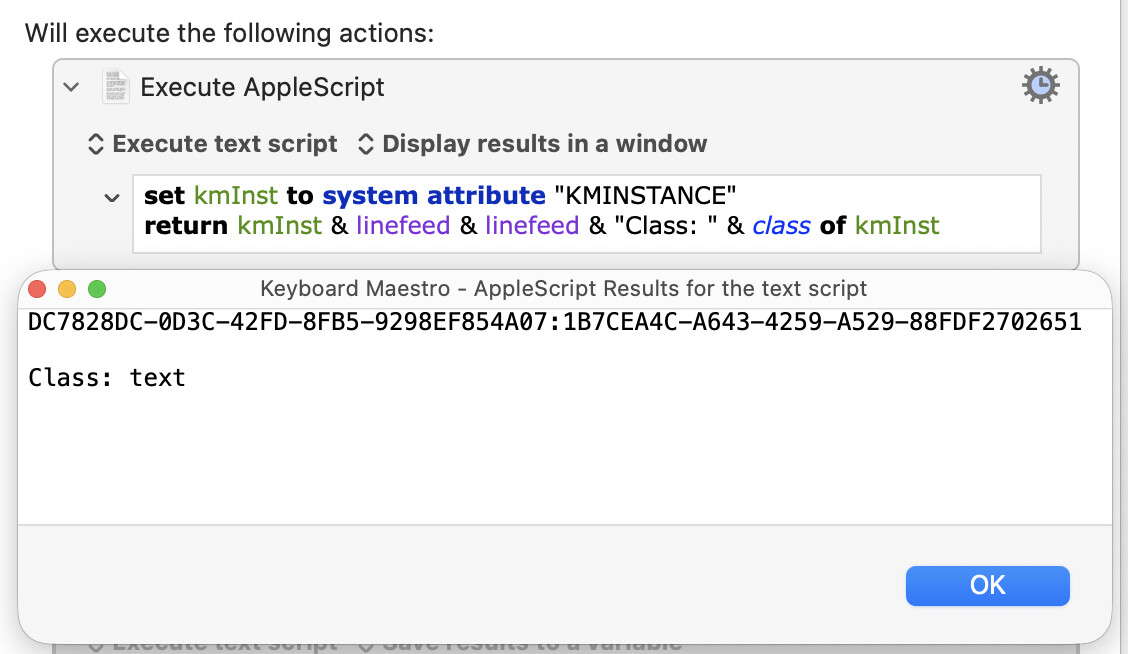
Can you check that?
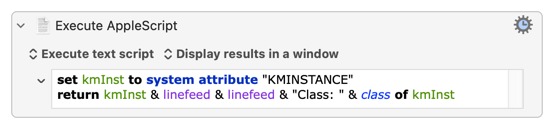
set kmInst to system attribute "KMINSTANCE"
return kmInst & linefeed & linefeed & "Class: " & class of kmInst
As in:
...which chucks in a quick class test for good measure.
It's really weird that a call to Standard Additions misbehaves outside any application tell block but works as expected within one.
And everything I've tried (empty string, invalid UUID, casting kmInst to a single-item list or a list with an empty-string item, as a record, etc) either successfully silently coerces to text or fails with an expected error -- nothing will generate that -1708.
It appears I misspoke to some degree. It appears it's not the setting of the variable that causes the error:
But rather, if it's set outside the tell block, the variable's value somehow results in the error within the command inside the tell block. But that error doesn't occur if the same variable assignment is moved within the tell block.
-rob.
And that's the bit that's confusing me. set implicitly scopes kmInst to within the run handler -- in this case that means it is scoped to the entire script. Moving into a tell block shouldn't make it unavailable (and if it did you'd get a different error message) and it certainly shouldn't change the value or class of the variable's contents!
It isn't that Standard Additions is misbehaving outside of a tell block (as that last test shows).
And even if any of the above were the case -- at such a low level, why isn't it happening for all of us?
The only thing I've got left is that maybe yourself and @jbb beta-tested on your machines, none of us without problems did, and it's an AS glitch from that...
Just to say, I also beta-tested macOS 27 and never had this problem...
And there goes that theory 
I also wipe my test Mac before installing the release version, so it was clean on 27.0. (Though now back in beta on 27.2, of course.)
-rob.
I tried this on my test 27 Mac, and it worked fine for me.
So it appears that it is happening for @jbb and @griffman, but not for anyone else, is that correct?
Looking at the error, it looks like it is trying to treat a string ("localLink") as an object in an odd way.
Since moving it within the tell block works, that makes me wonder if there is something installed on both your Macs that is adding syntax to the global space of AppleScript (some sort of AppleScript extension) that is causing the problem.
In any event, at this point I can't see anything I can do since I can't duplicate it and it's such a weird error.
Perhaps worth listing, at the command line, any installed osaxen ?
ls -1 /System/Library/ScriptingAdditions /Library/ScriptingAdditions ~/Library/ScriptingAdditions 2>/dev/null | grep '\.osax$'