FWIW.
Using tell app id bundle id shouldn't make a difference, but the error doesn't seem to make much sense either.
Instead of writing:
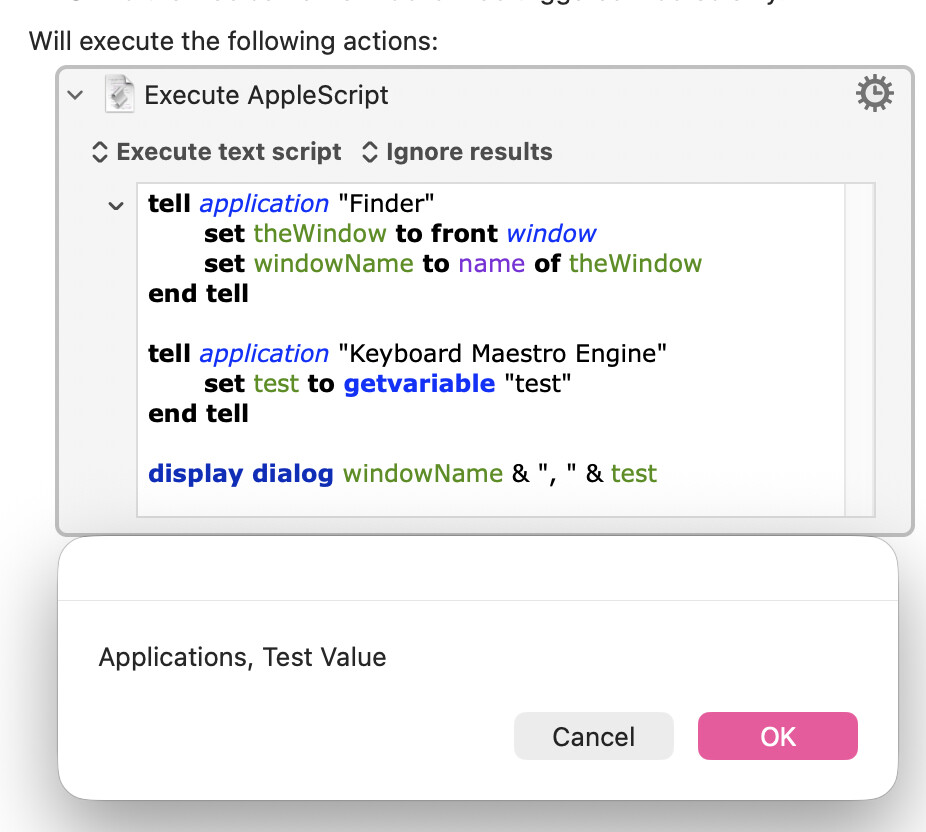
tell application "Keyboard Maestro Engine"

end tell
Maybe:
tell application id "com.stairways.keyboardmaestro.engine"

end tell
Also maybe try including or removing:
use scripting additions
If the alternate tell app syntax doesn't work, maybe the case it was meant to address will ring a bell with someone else.
The first workaround was originally offered by Shane Stanley as a way to stop a seemingly similar, but clearly not identical, error from occurring where a tell block addresses the host application.
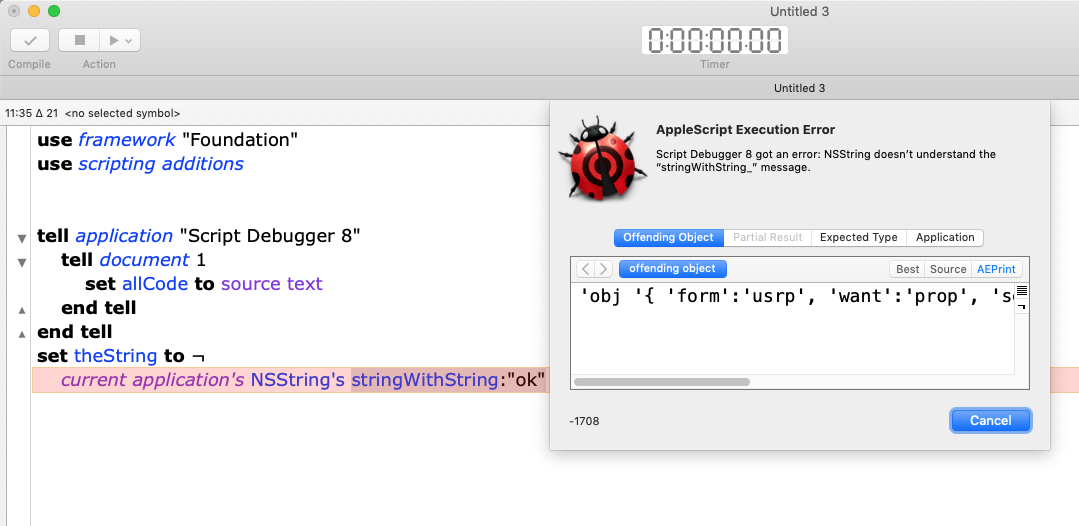
"It’s a quirk of AppleScript. When you write a simple ASObjC script, anything addressed to current application gets passed to AppleScript to resolve. But if you address the host application first, then it is defined as current application (the “traditional” behavior of AS), and subsequent attempts to use ASObjC fail.
NSString Error - MacScripter
The error when running Script Debugger looks like this:
The Golden Gate error reminded me of this issue where something can't find a method because the context has changed.
Other maybe/maybe not relevant tidbits:
Apple Language Guide describes standard additions, where system attribute lives, this way:
"If a script uses use scripting additions, AppleScript may optimize scripting addition commands, sending them to the current application instead of the current target (it) when it does not change the meaning to do so. For example, random number does not need to be sent to another application to work correctly, and will always be sent to the current application when imported with use. Without a use scripting additions command, AppleScript must use a less efficient dispatching scheme, so explicitly declaring them is recommended."
Control Statements Reference
(Scripting Additions normally, I guess, loads automaticaly. If there is another use statement , it needs to be declared explicitly, in which allows for "optimization".)
Maybe "optimization" or the "less efficient dispatching scheme" is somehow affecting context?
Anyway, it shouldn't matter if system attribute is in or outside the tell application block (current target) but it clearly does.
Also, "system attribute" itself is not as simple as it looks.
All by itself, it returns a list of environment variable names.
Given a four-character "selector" like "cpus", not in the list of environment variable, it calls a deprecated Carbon/Core Services API for querying the operating environment (superseded by NSProcessInfo) to return number of logical processors available.
Maybe this odd keyword is somehow involved in messing with context?
I wish I could offer clearer thoughts on this.