This was new for me too. For others this is an example using Keyboard Maestro Editor itself:
-
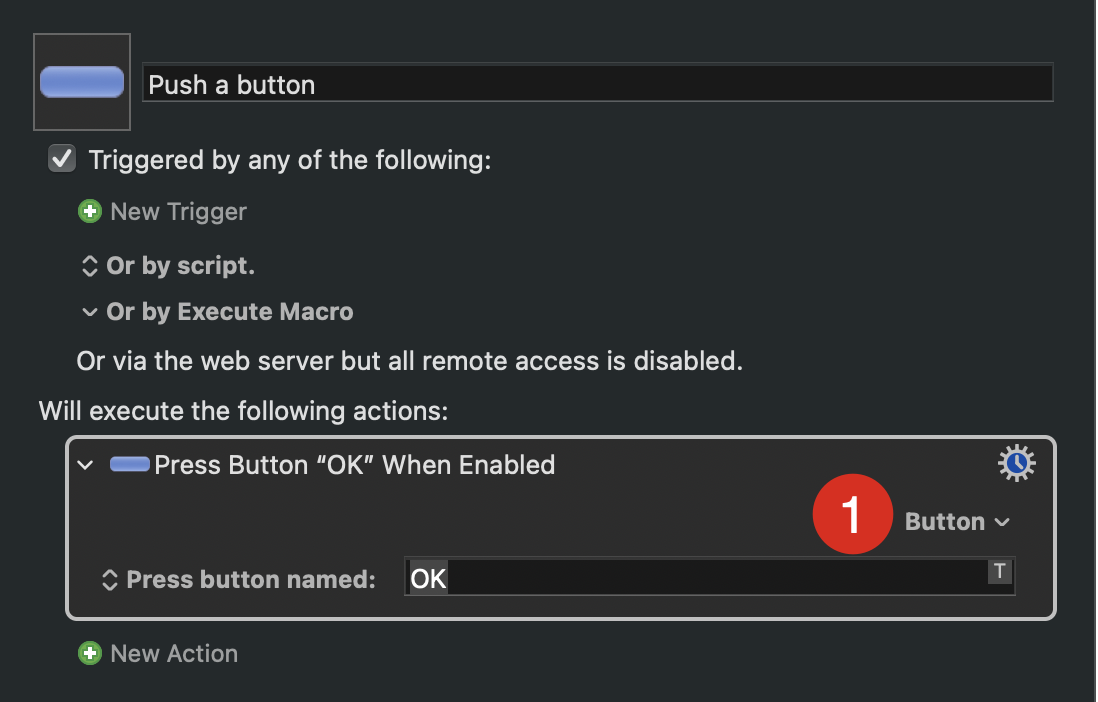
Click on the down arrow button:
-
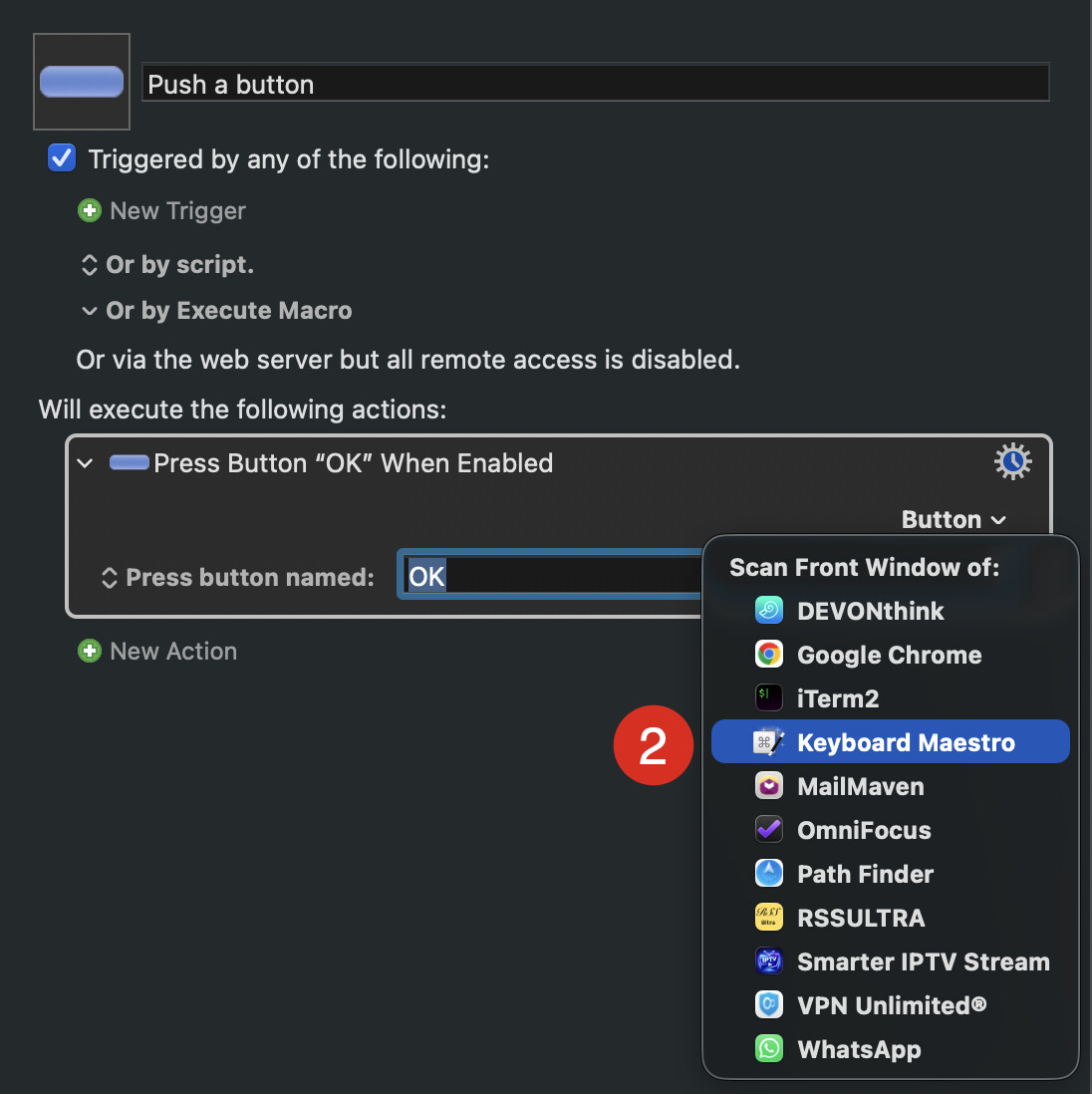
Select the application. In this case I use Keyboard Meastro
-
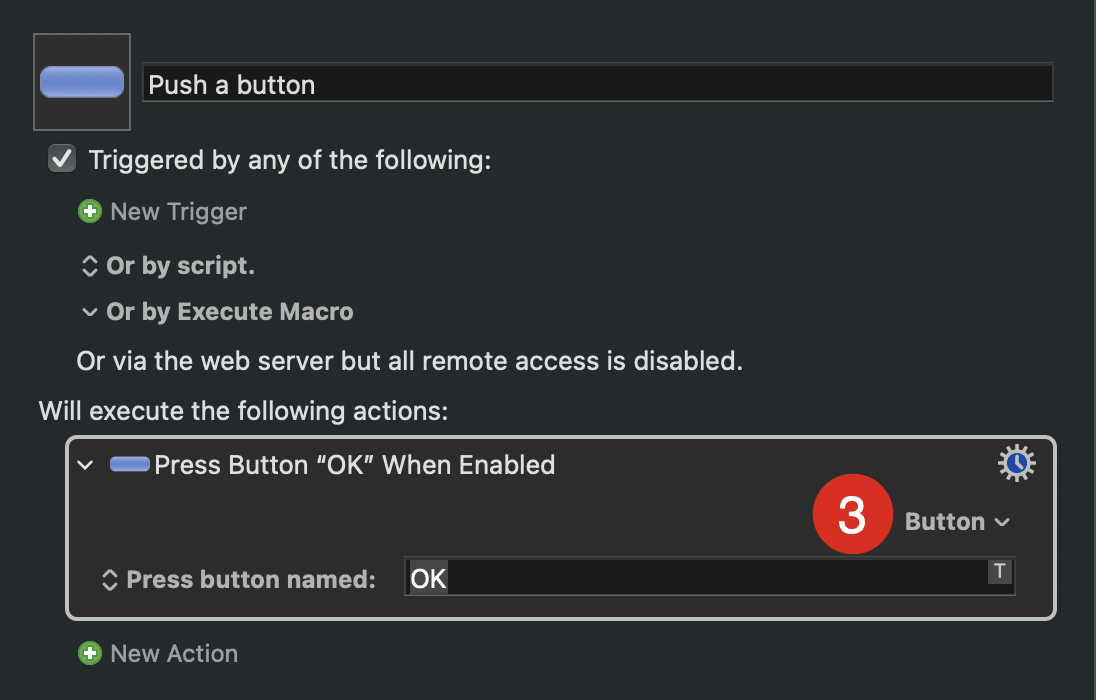
Select the down arrow button again
-
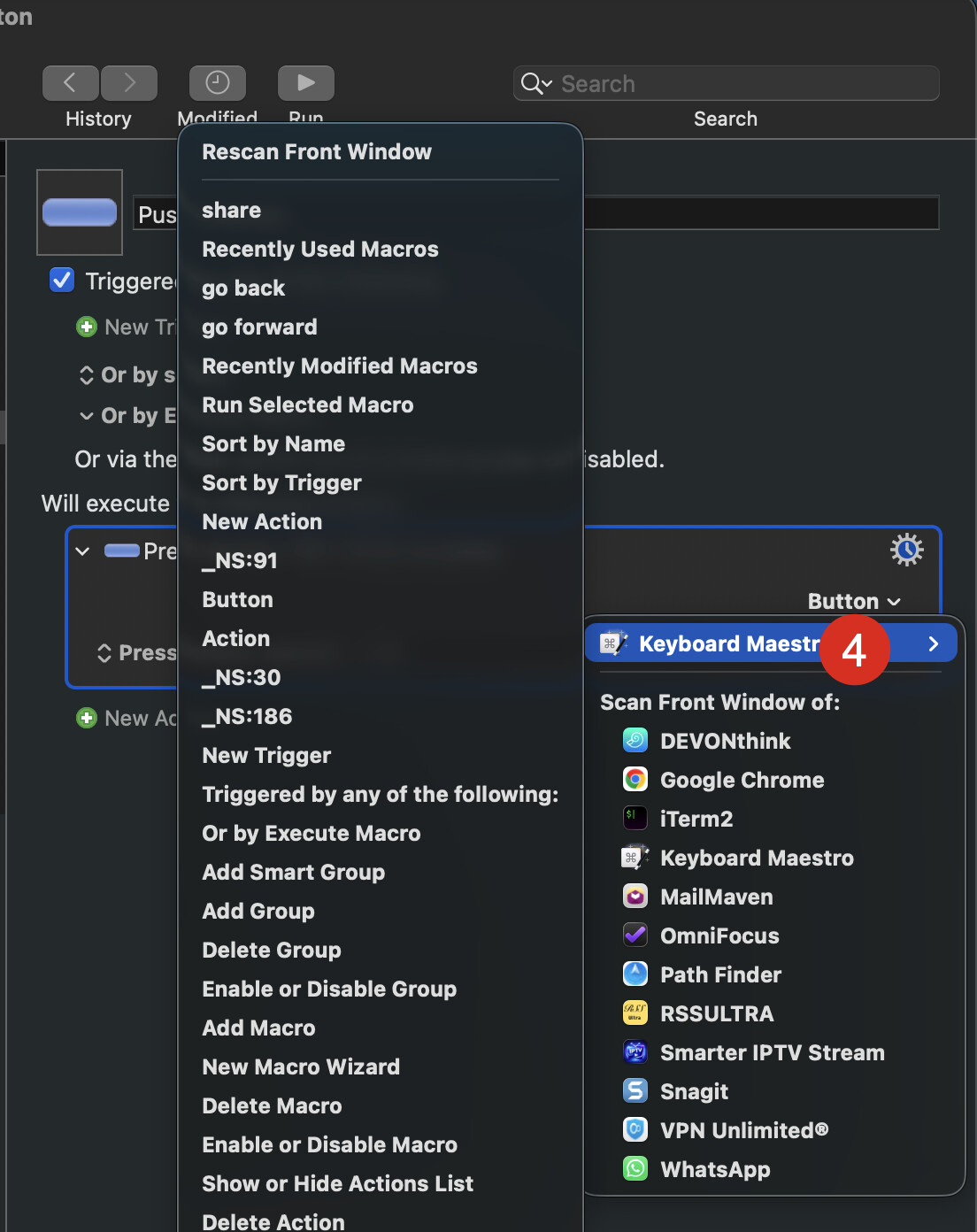
Select the right arrow after the selected application (In this case Keyboard Meastro)
Hope that helps