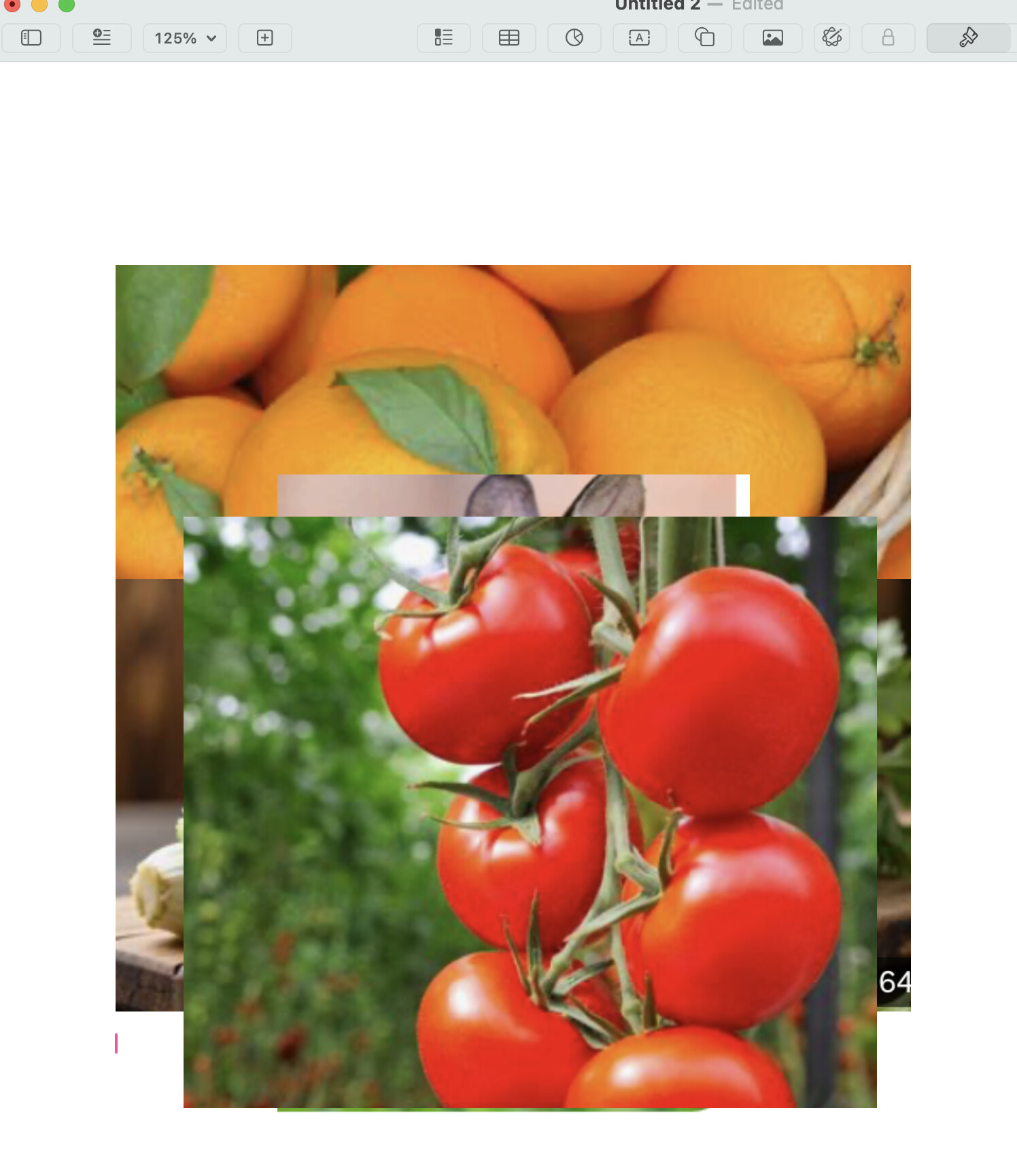
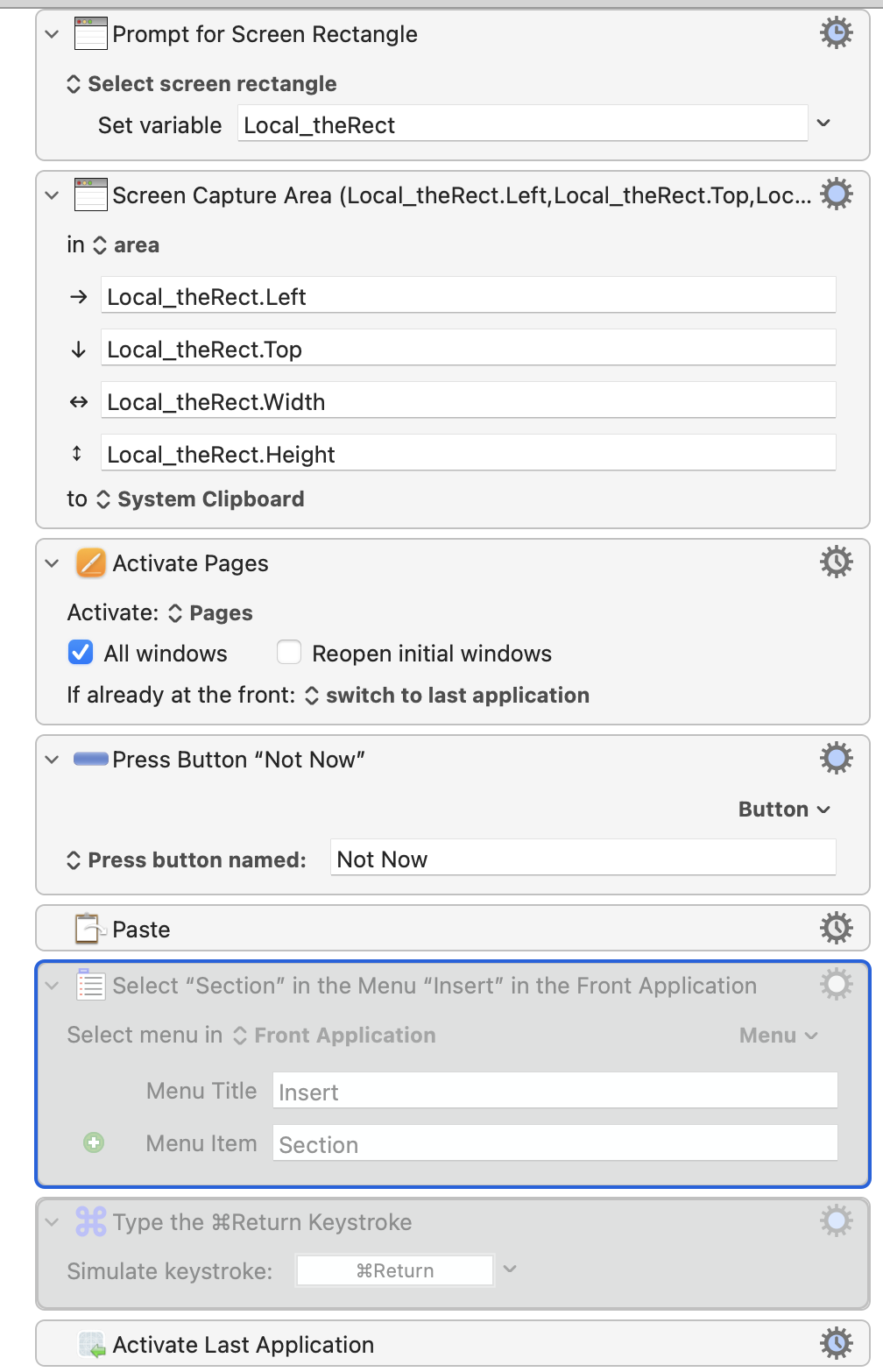
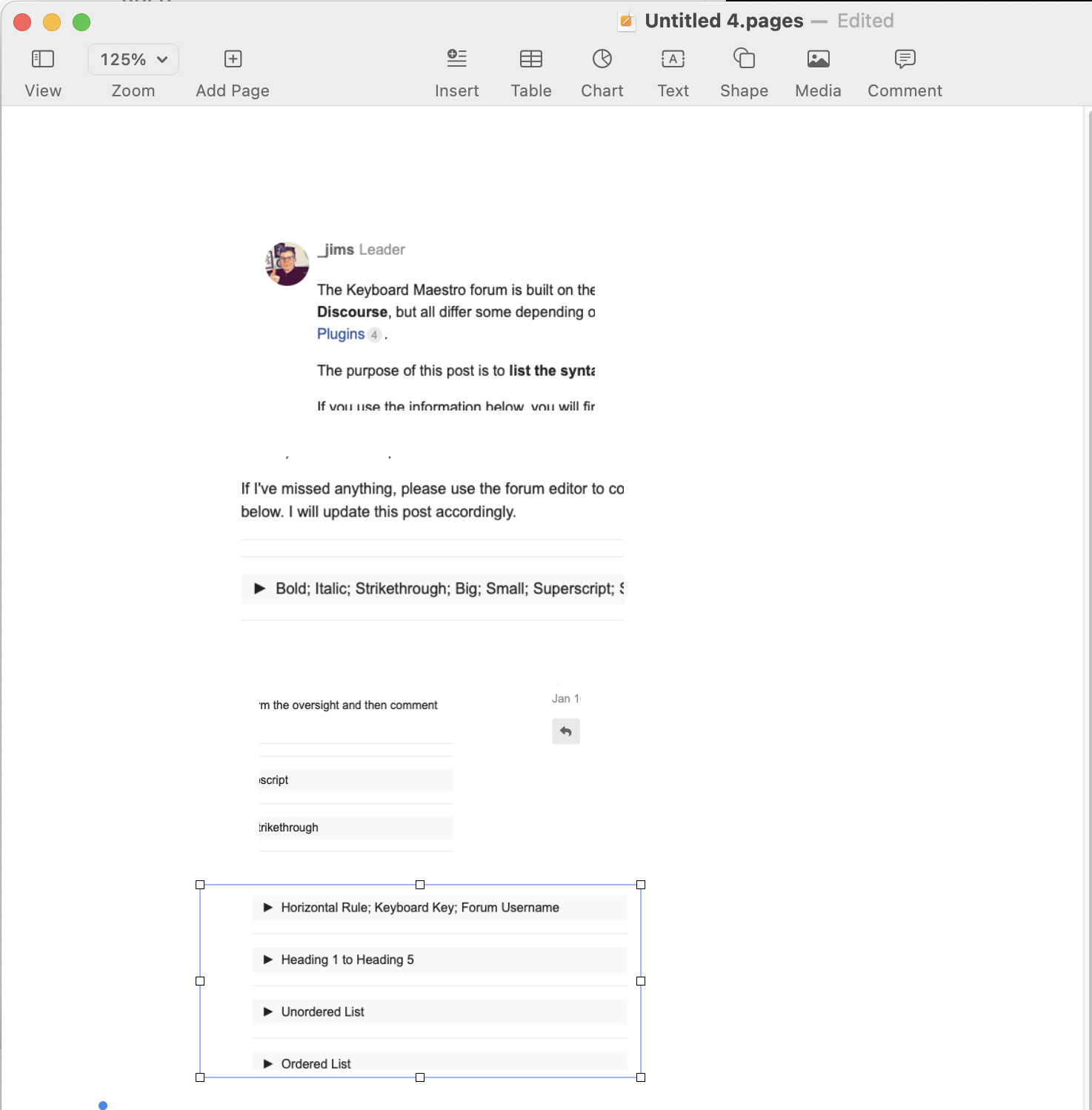
After the paste action, tried "select menu insert-section" but the images end up still glued up.
Tried keystrokes like "enter" "backspace" page break or section break, didn't work either.
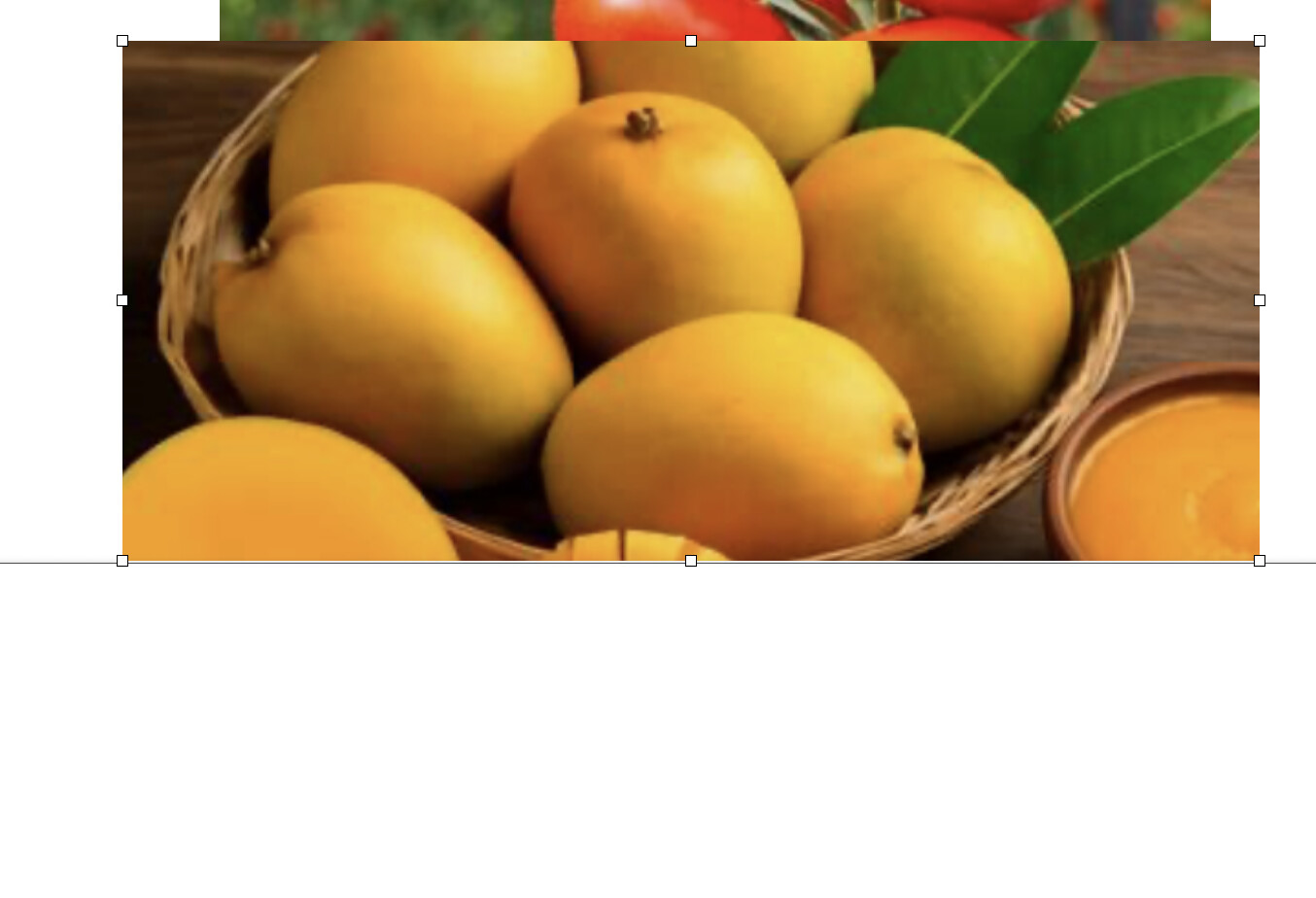
Looks like within pages: After pasting an image, it is stuck as you have to click away from the image for the | cursor to go down, I wasnt able to find a workaround such because:
Have 1/+2 monitors, so using the click at this specific area might not always work. Example here (you might see how the recent image has some white dots around it - means stuck unless click away from it down below).
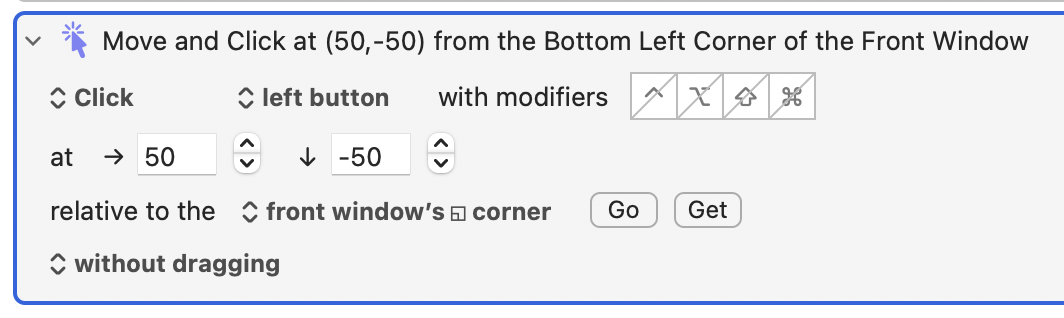
You can click at relative to the frontmost window, so it won't matter which display it's on. There should always be some white space above the bottom of the window, so try clicking at a small (negative, to move up) vertical and horizontal offset from the window's bottom left corner.
Because images Pasted or Inserted into Pages are "floating" by default, though always anchored to something. You're expected to move them around manually, after insertion.
TBH, Page's options for this a mess compared to other layout programs (even Word!). You might be able to make sense of Apple's instructions to find a consistent way of automating this (if so, you're smarter than me!), but you may have to change how you are doing things.
Edit to add: Forgot to include a link to the instructions -- see this page
...by making a template of four rectangles, no fill or line, and a macro that double-clicked then pasted into each in turn -- easy because the rectangles are at known coordinates within the window (when the zoom is the same, etc, etc).
So go back to the beginning -- what are you trying to achieve, and why are you doing it in Pages?
Ty! I am trying to achieve what you did exactly on the image that you posted within pages. A nice vertical stream of the screenshots I determine without having to manually click on the pasted screenshots from the clipboard and rearranging for it be be readable without all: glued up -> manually change .
Why pages? Mainly because they are the free text document software within Mac rather than paying a Word subscription that I might sometimes or really few times use.
TextEdit is also free and pre-installed and, for a basic "each picture in a 'line' of its own, in the order I Paste them" layout, will be much easier to macro. All you'd need to do is
"What you are trying to achieve" is more than just the macro -- if you also want text wrap, frames round your images, etc then TextEdit won't get you there. But what you could do is prep you images in a TextEdit document, save that, then open it in Pages -- they'll be interpreted as inline images but will retain their order.