Hi, @christianboyce, this is easier than you might think.
Assuming you have not assigned Chrome to a specific space, i.e., like this...
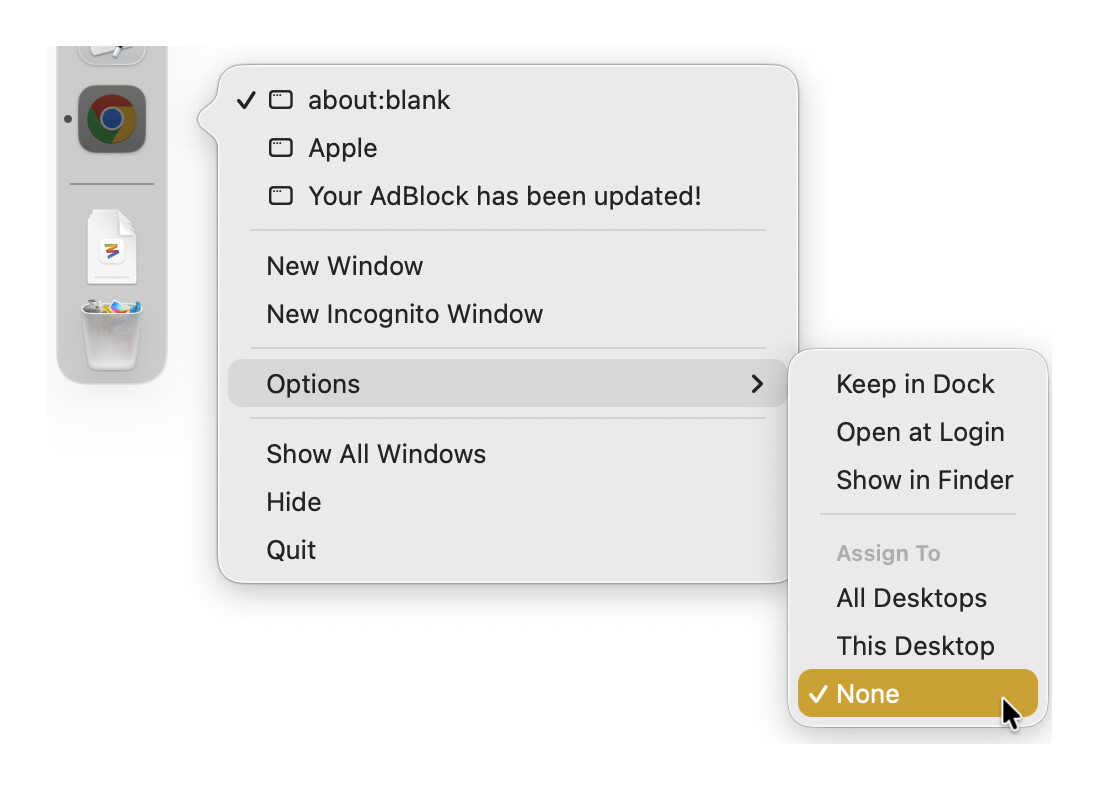
There are two methods:
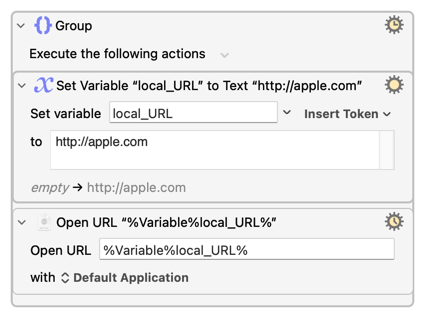
If Chrome is your default browser, them you can use the Open a URL action.
If Chrome is not your default browser, you can use AppleScript.
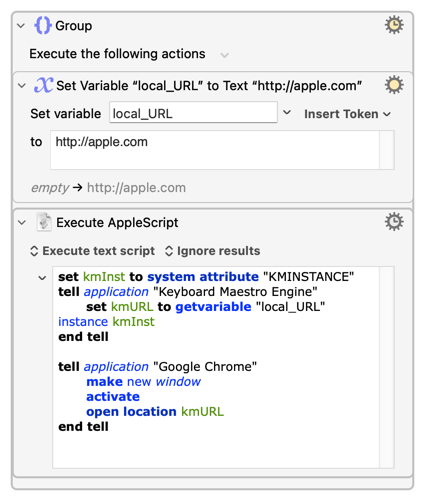
set kmInst to system attribute "KMINSTANCE"
tell application "Keyboard Maestro Engine"
	set kmURL to getvariable "local_URL" instance kmInst
end tell

tell application "Google Chrome"
	make new window
	activate
	open location kmURL
end tell
On a tangential note, if you are big user of Mission Control Desktop Spaces, you might find this thread useful: Desktop Spaces • Macros to Improve Navigation and Window Management