I need a bit of advice on how to setup a macro that consists of sub-macros.
Long story short, I have 3 macros already made.
Step 1 - Launching the browser and setting it up correctly (e.g. opening a webpage, resizing the windows etc)
Step 2 - Logging into a website (I have one macro for each username/pw)
Step 3 - Performing a set of actions on the website
I want to set it up such that:
Step 1 occurs then
Step 2 with username/pw 1 happens then
Step 3 happens then
Step 2 with username/pw 2 happens then
Step 3 happens then
Step 2 with username/pw 3 happens then
Step 3 happens again…. and so forth
until all Step 2 macros (ie username/pw) are exhausted.
How do I tell KM to swap out macros for Step 2 (ie logging in with different usernames/pw) in a sequential fashion? I suppose I can do an increasingly “nested” version of “If/Then/Else”,*** but that seems unnecessarily complicated. Any suggestions on this?
Thanks!
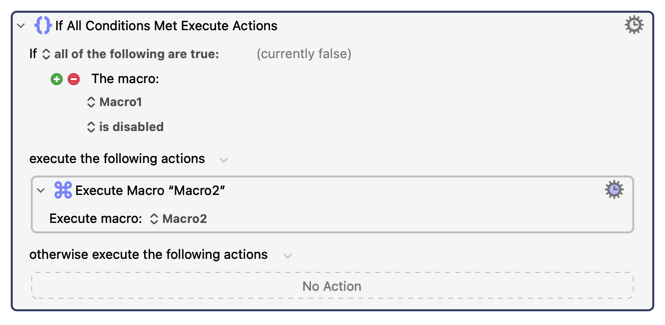
***ie. If login macro 1 is disabled, then execute login macro 2. If login macro 2 is disabled, execute login macro 3…. and so on.
But I doubt that this will help you because I’m totally unclear what you are doing (and why) to disable your macros. You normally do NOT disable macros if they are going to be called as procedures, because disabling macros does not prevent them from being called.
There are other people here who may be able to help you without more information, but I would need to see your existing macros (minus the usernames/passwords) and then you would have to tell me why your code isn’t doing what you want.
Another example, you said you use “sub-macros”. That doesn’t tell me if you are using macros with the Subroutine trigger or macros without any trigger which you just call with “Execute Macro.”
This would be a lot easier if you didn't have a sub-macro for each user Can you not just store the URL (if unique to each user), username, and password in a tab-delimited list?
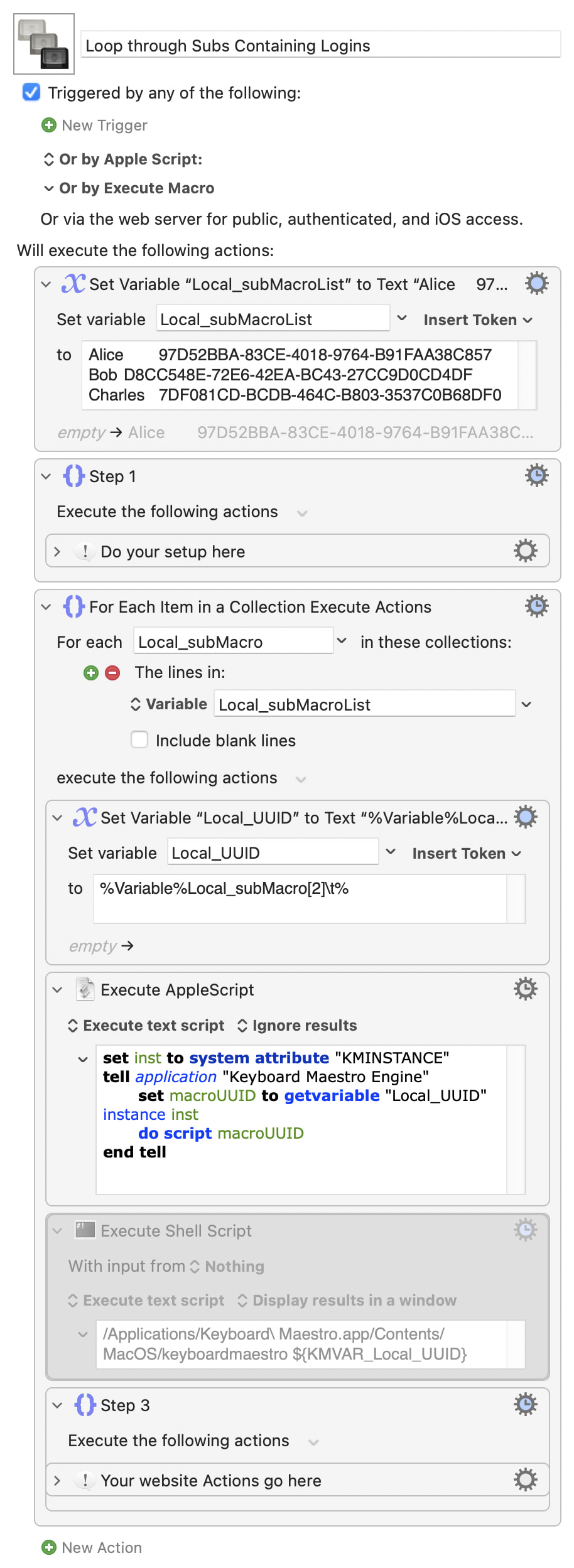
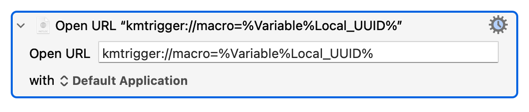
Otherwise, the easiest way will be to maintain a list of macro names (if you can guarantee uniqueness) or UUIDs (safer, but less readable) and execute them in turn using AppleScript or the Command Line Tool.
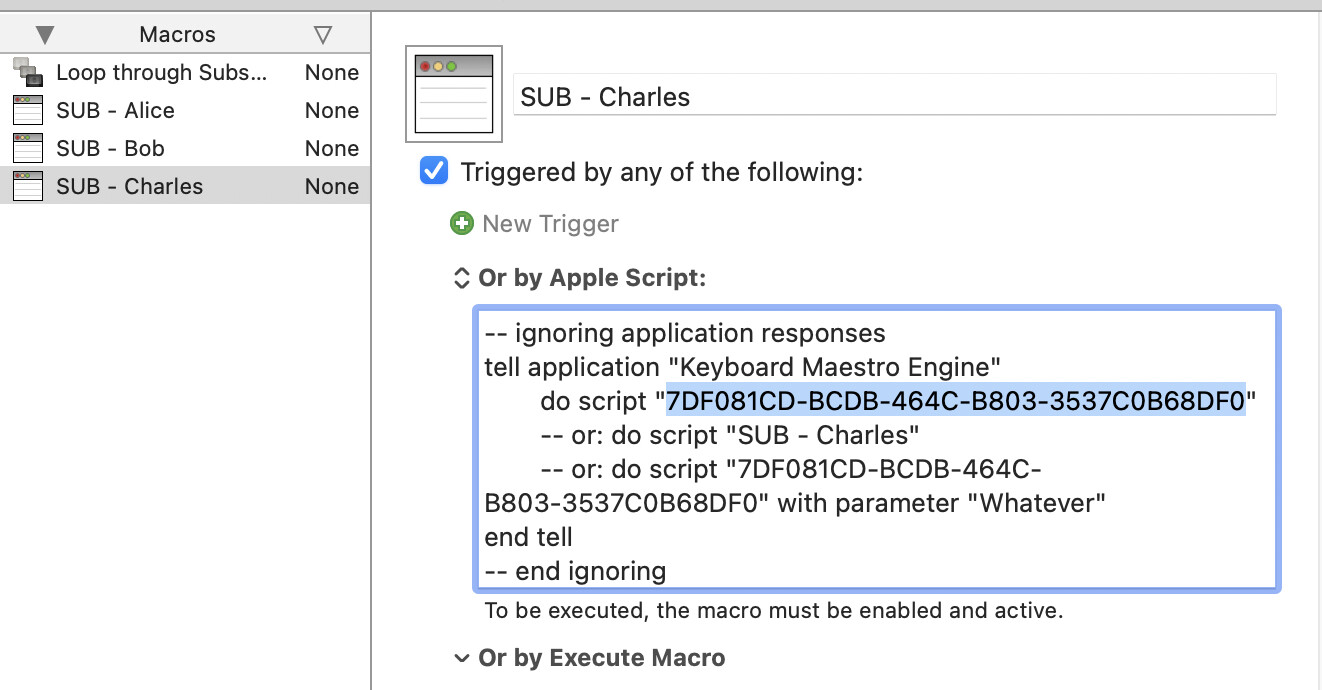
The demo uses a tab separated list with name and UUID, making it easier to edit, then extracts each UUID in turn. You can copy the sub's UUIDs from one its "Or by script" options:
The one you're most comfortable with, in case you ever have to edit the macro! Speed makes little difference here because the time taken to execute the "Step 3" do-things-in-the-browser Actions will far outweigh the speed of our execution method.
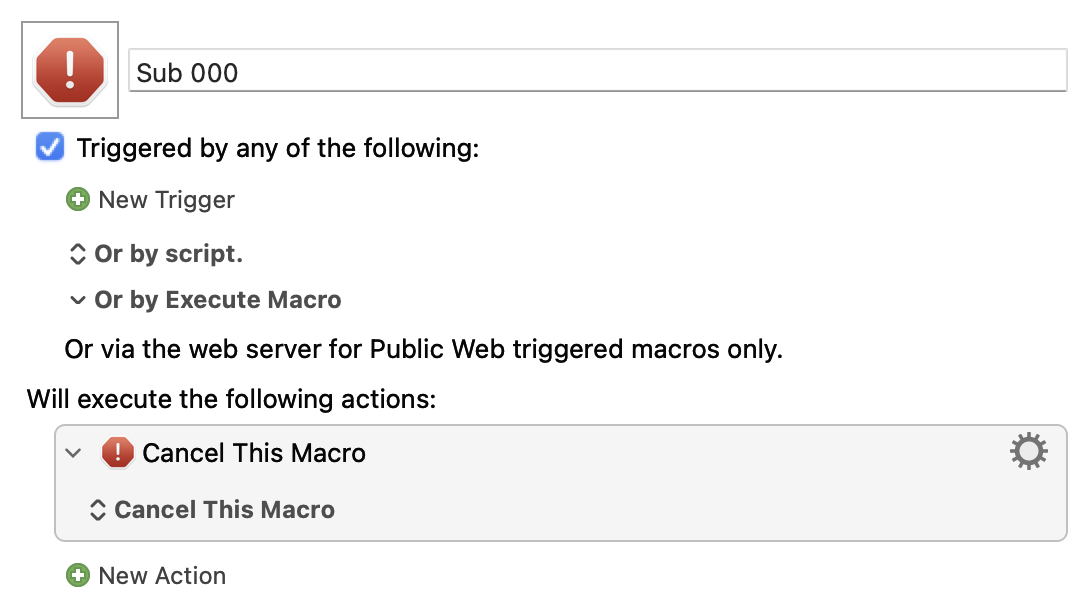
...then duplicated 999 times to give 1,000 subs named "Sub 000" through "Sub 999", then the tab-delimited list of names and UUIDs pasted into a variable.
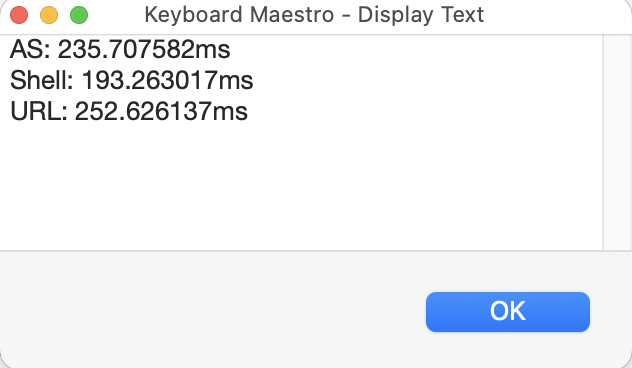
That variable "For Each"ed as with the demo macro, so 1,000 executions of each method averaging out to per-execution times of:
As expected -- shell is the fastest and URL the slowest, with AS in the middle.
And all are horribly slow compared to the "Execute a Macro" Action, which only takes ~3ms -- which shows the cost going outside the Engine to call back in again.
 Can you not just store the URL (if unique to each user), username, and password in a tab-delimited list?