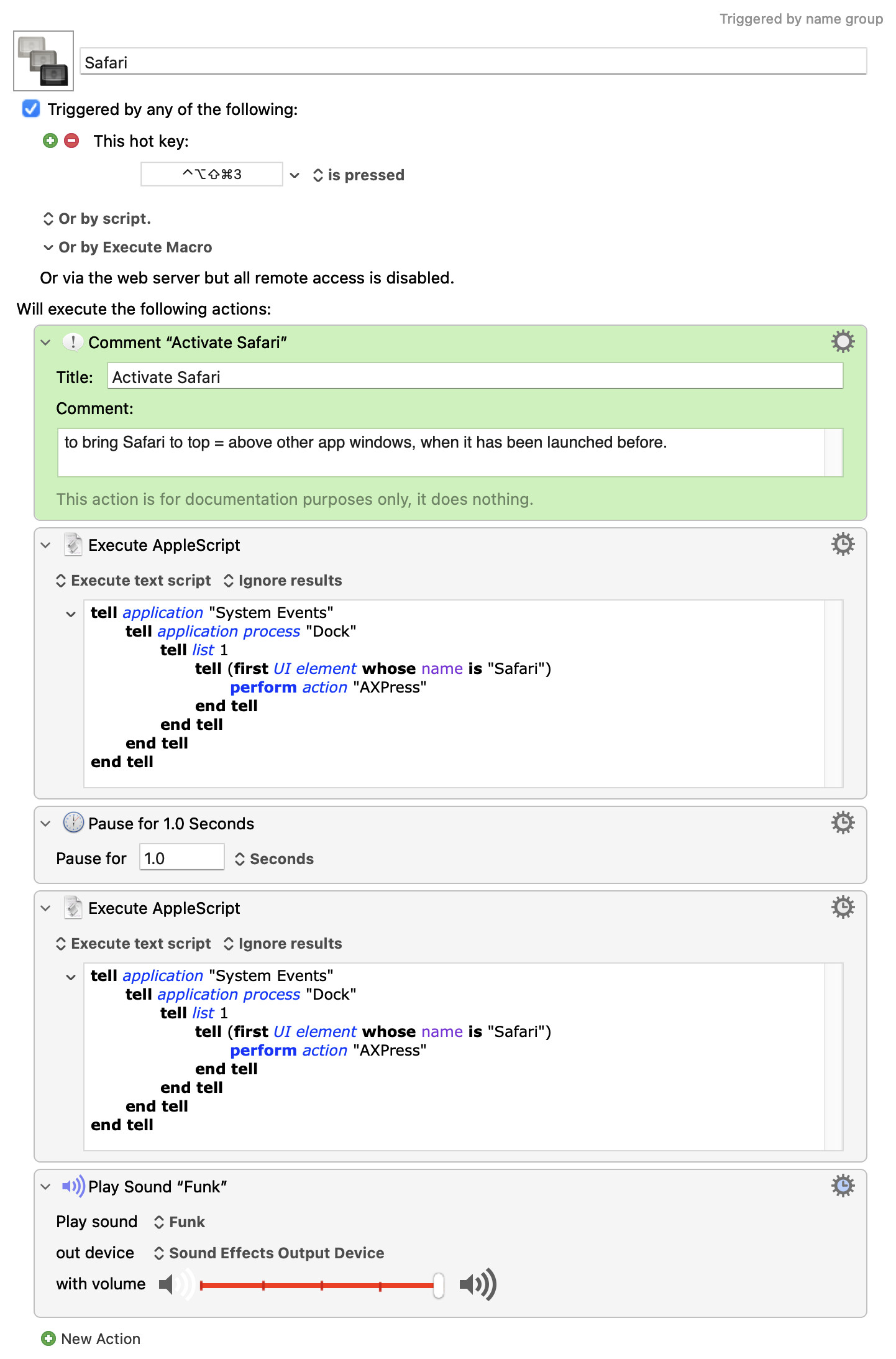
How to activate the Safari browser (o a) from the Dock with a macro…
… to bring Safari to the 'Focus state', often while changing the Space it is in.
This macro is working!
and it is meant to replicate a mouse click on the Safari icon in the Dock.
However, lately the original macro with one AppleScript is not enough anymore (for Safari or other apps to come up to 'Focus state'), it may be because of the new macOS Tahoe or maybe I have too many spaces (5 or 6).
For now this is being solved (see below) with two Apple scripts after each other replicating two clicks on the dock icon.
The question
How to simplify this script or maybe there's another way to do it?
PS: Maybe this is awkward,
but the reason why to start from the Dock is to return to the latest used browser/ app state, while - in a workflow - changing from one app to another
(F ex from Safari to TextSoap to KeyboardMaestro and vice verse.)
Yeah, but I'm guessing there's a Spaces problem (not a user of that "feature" myself) where using any method other than a Dock click to activate an app can jump you to a different Space.
there's a Spaces problem … where using any method other than a Dock click to activate an app can jump you to a different Space.
Exactly.
While Spaces are useful, macos is (hopefully in the process of) improving its also its useability.
So let's say 1 Safari window is open in Space 1 (it's also called Desktop 1) and the user is currently on Space 3, then the Dock needs to be clicked twice,
this the 'double AppleScript' can do (although it happened it did not → reboot),
and Safari is activated in its Space.
When working with more than 2 apps at a time, like 3 apps;
it is much faster using the keyboard.
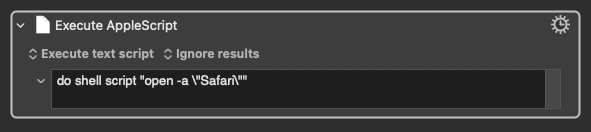
For the time being, one workaround could be to have all Safari windows in all Spaces - then I can use @csmu 's shell script, which is fast!