This is a summary of what I have right now:
I have 12 expandable Palettes that only activate when I open up the WhatsApp desktop app.

The Palettes will always sit in the places you are seeing now. When a mouse cursor hovers over the palette, it will expand and show the macros within it. Every palette will always have 4 columns and varying rows (as I add or delete the stickers (aka macros)).
Palette format

When a sticker (aka macro) within the palette is triggered (either by clicking on it and using a hotkey to trigger it), it will select and click on a sticker in the sticker pack and send it to the chat.
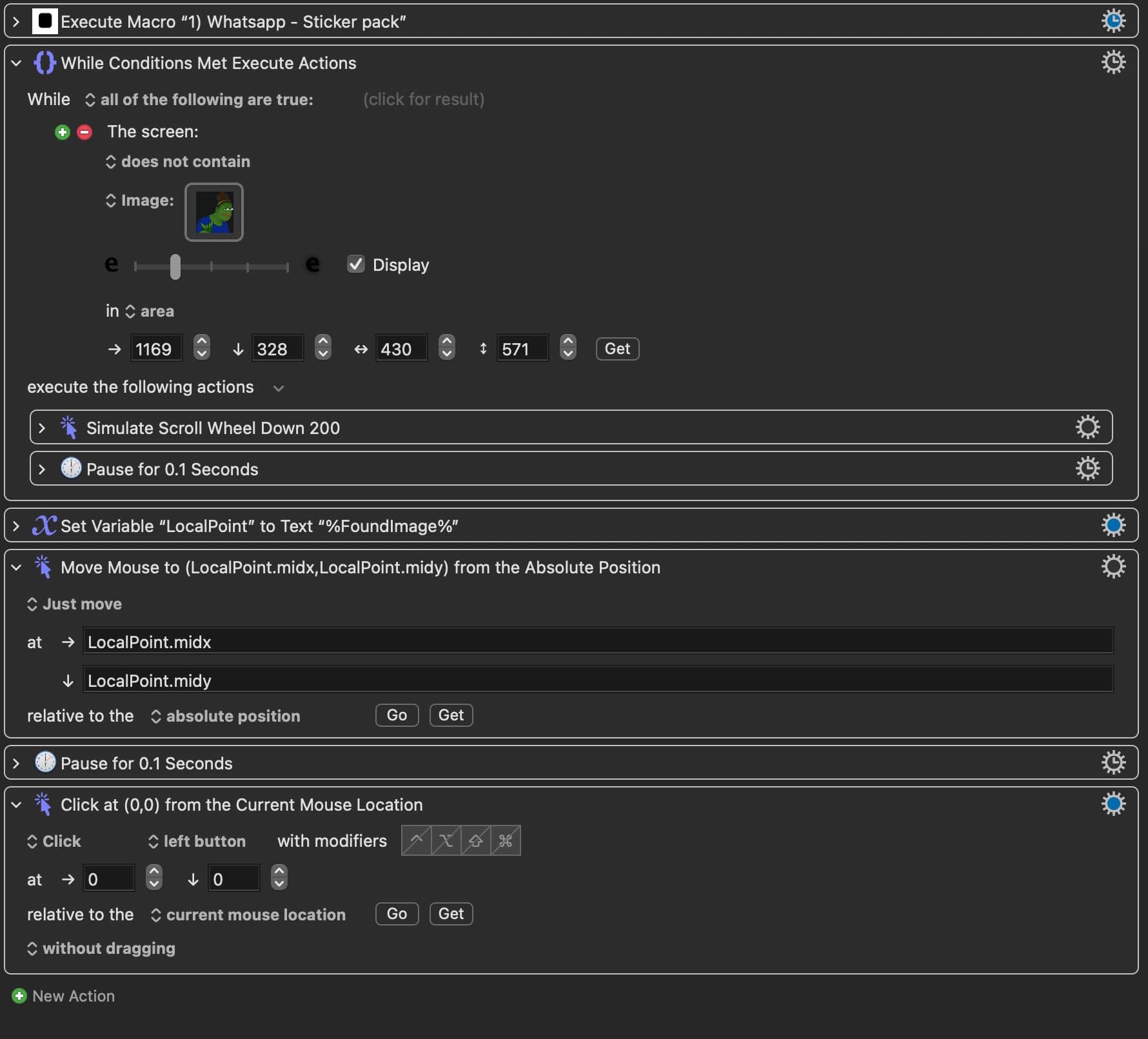
Seeing the Macro in Action
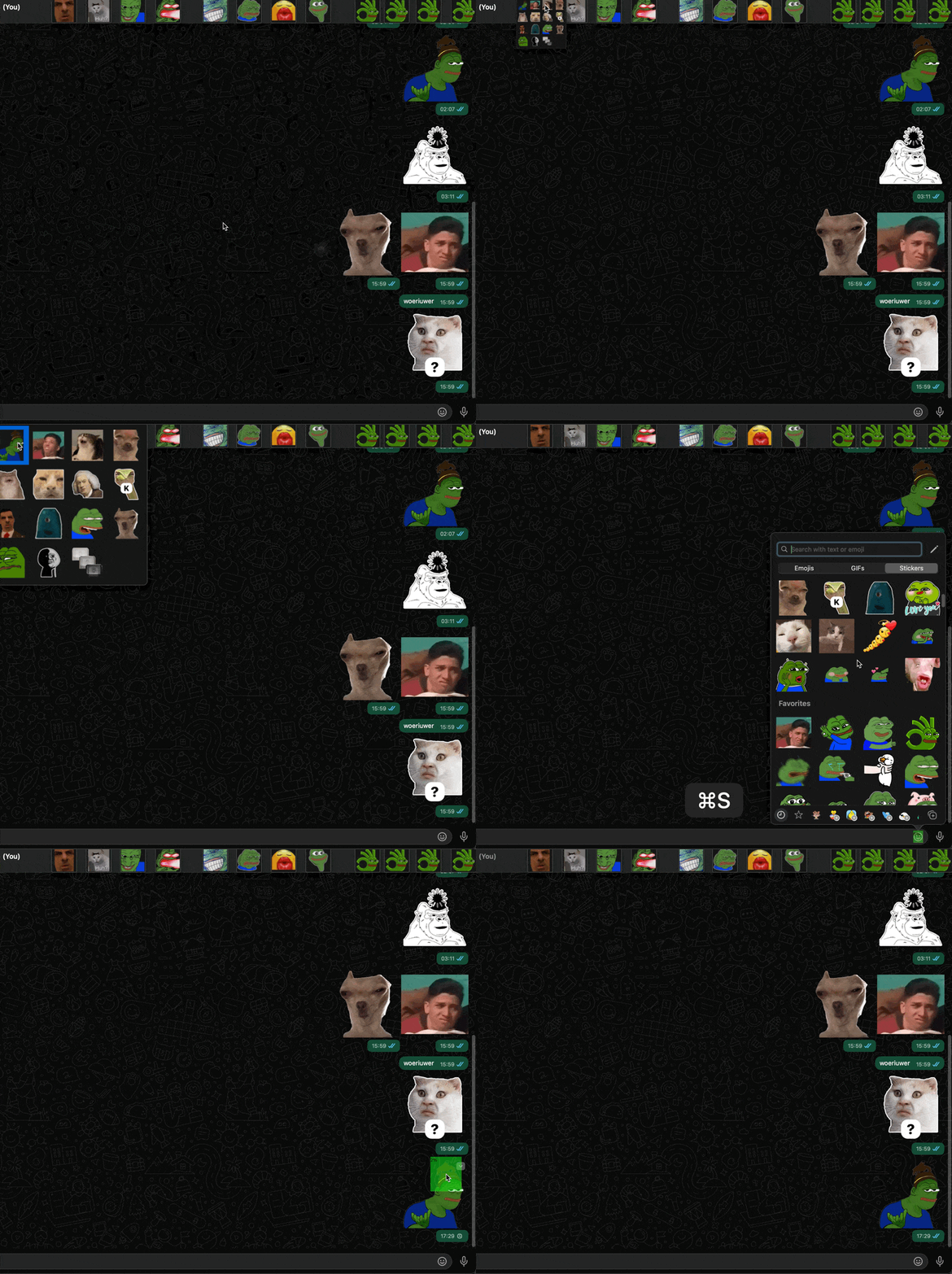
To speed the process of selecting stickers, I created two additional macro groups:
1st macro groups:
- Control + Q will activate this macro group for ONE action
- Then, a single letter hotkey is used to trigger each macro within each macro group
- There are 12 palettes, so I have 12 single letter hotkeys to trigger each one
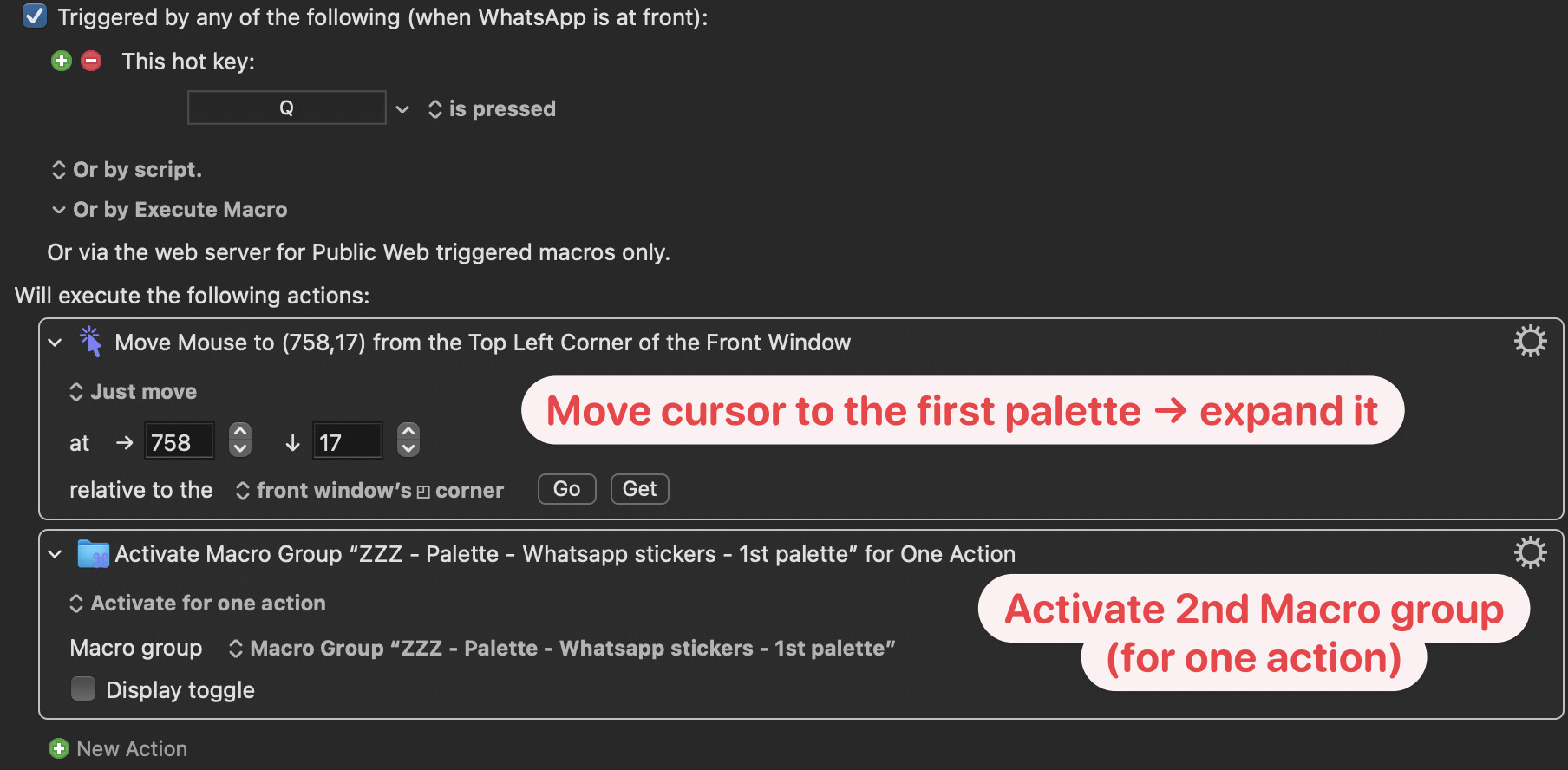
- The actions of these macros are to move the cursor to the palette so that it “expands“ AND it activates the 2nd macro group (that I will explain in a bit)
- As an example, “Control + Q” will activate the 1st macro group → Single letter “Q“ will move the cursor to the first palette, therefore expanding it + 2nd macro group is now activated
Seeing the Macro in Action
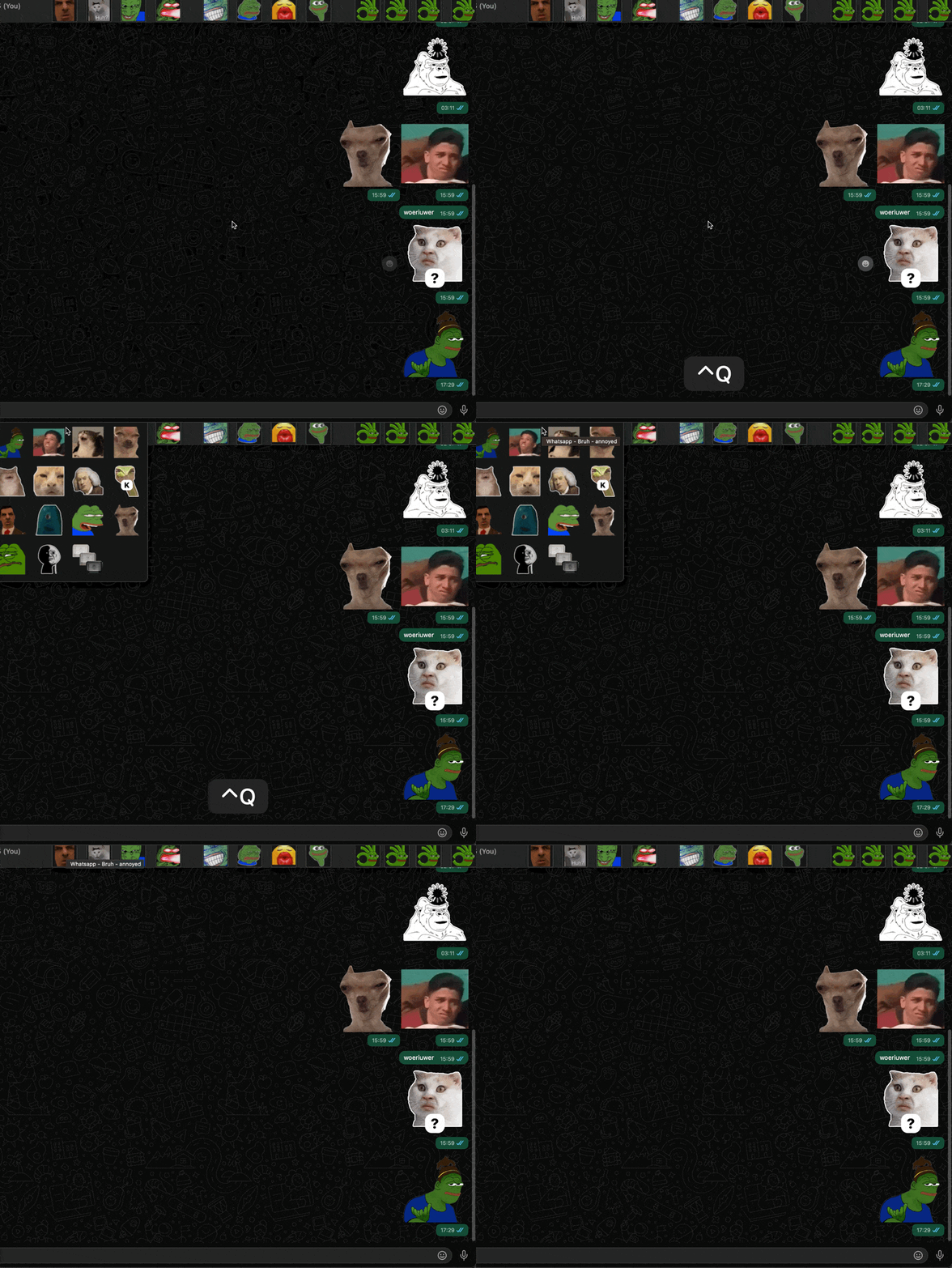

2nd Macro groups:
- 2nd Macro group is activated (for ONE action) by the actions of one of the macro of the 1st macro group
- Similarly, for the macros in the 2nd Macro group, a single letter hotkey is used to trigger each macro (stickers).
- I have varying number of stickers (macro) in each palette, and I only have hotkey triggers for first top 12 stickers. This means not all stickers have a hotkey trigger.
- The actions of these macros are to click the corresponding sticker (macro)
- As an example, after the cursor is moved to a palette and expanded it (by the actions of 1st macro group): Single letter “Q” will click on the 1st sticker in the palette. (The whole sequence would be: Control Q → Q → Q)
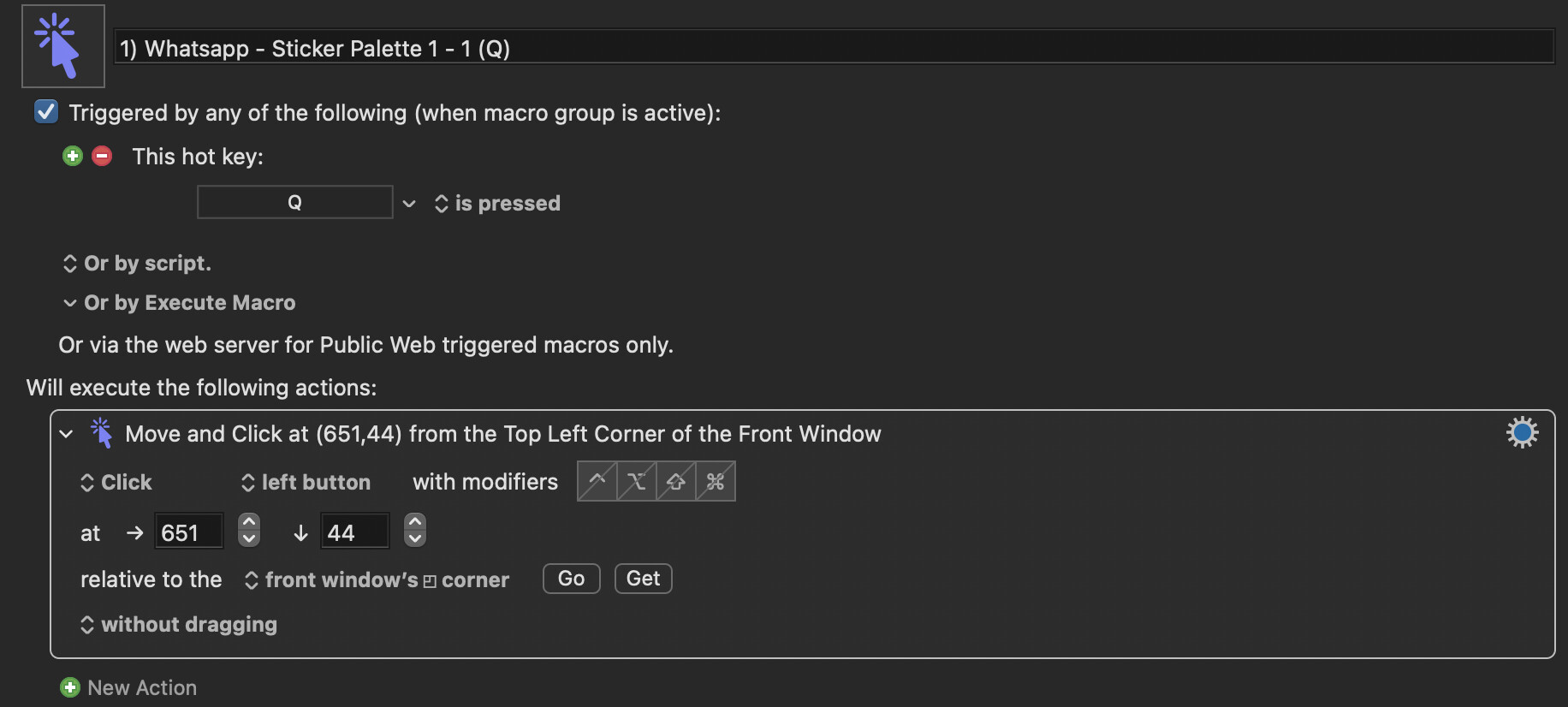
Seeing the Macro in Action
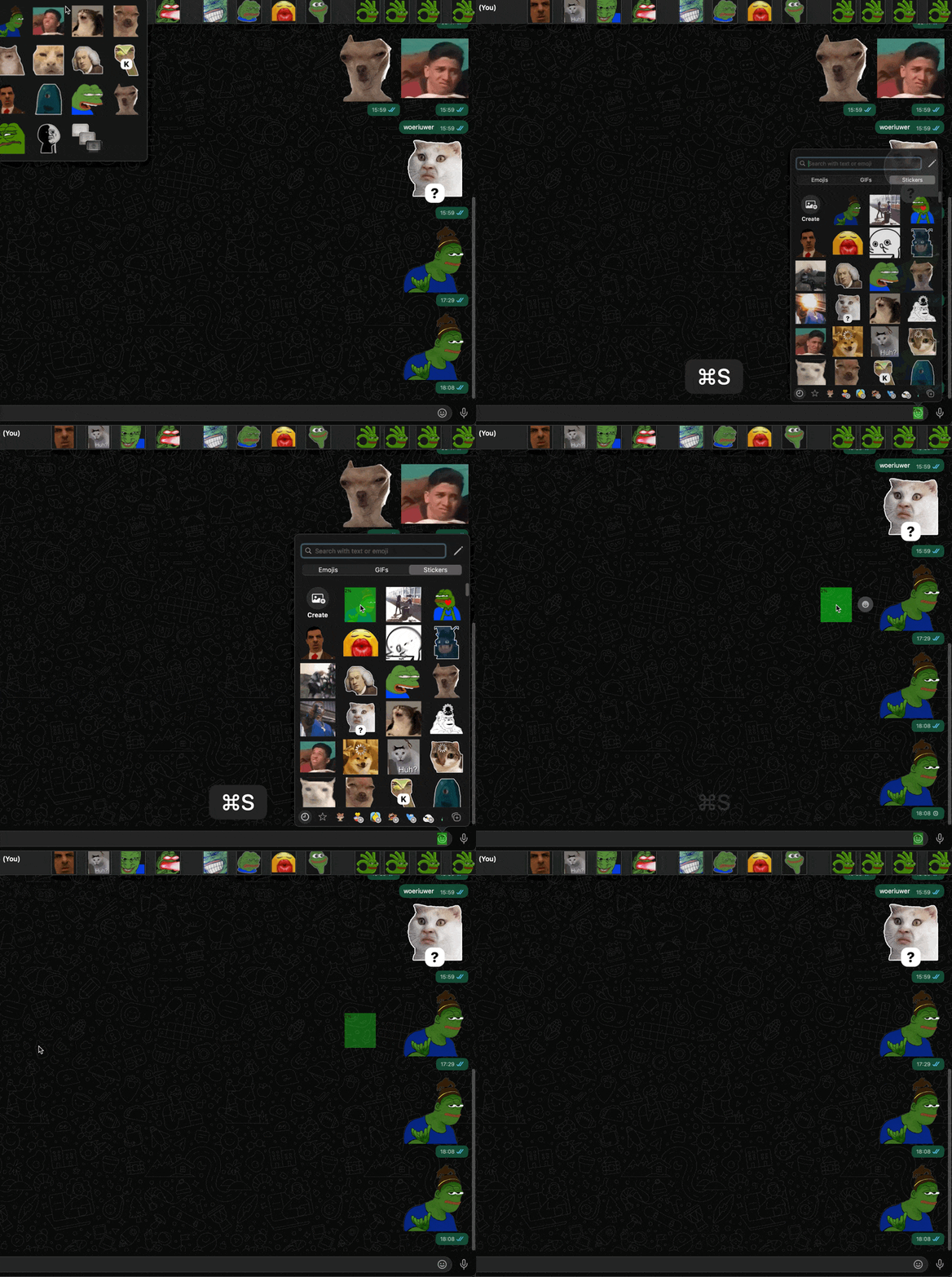
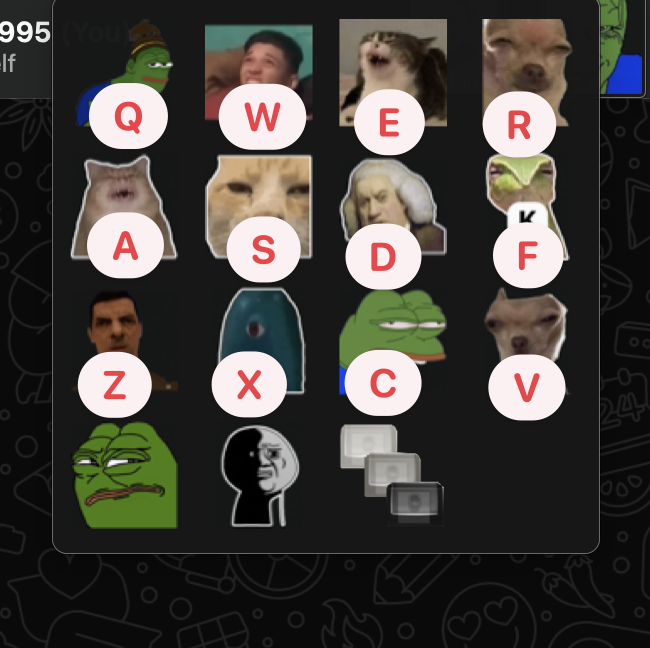
This setup works just fine except for the problems I mentioned above.