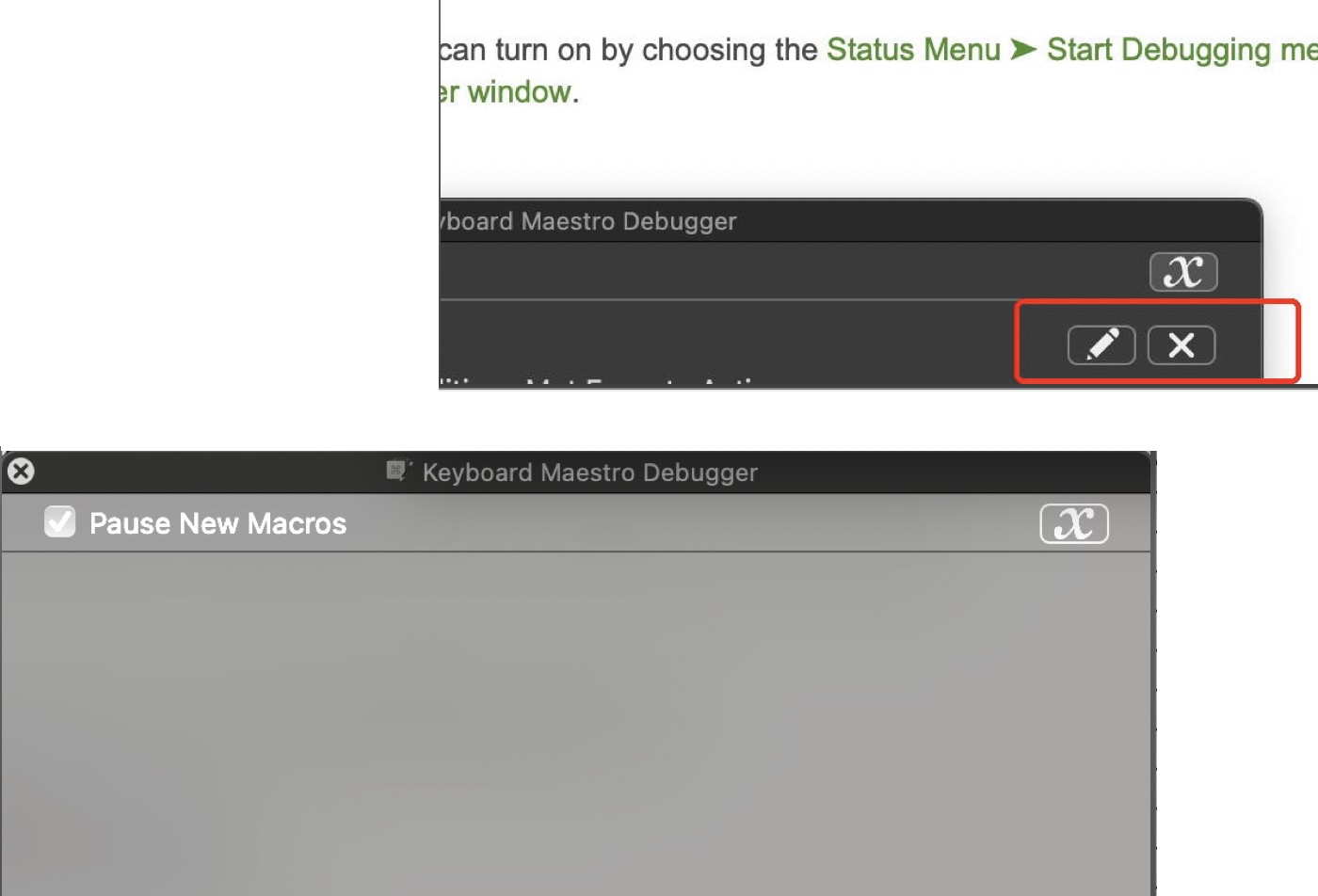
Started with the debugger.
It stopped and repeated at the action: ”Pause until all of the following are true,”
Which could not be true, as I was on KM checking the macro.
Question 1: should I have brought this (Front window of … file is NN) to the front to make it true?
Question 2: In the debugger, there were many lines with:
Pause until all of the following are true,
Pause until all of the following are true,
Pause until all of the following are true,
so I deleted those lines (red marking), so now Debugger is empty.
restarted KM.
How to continue?
/
best regards,
OmarKN