How to tell which macro called another without running it?

I’ve seen How to tell which macro called another? , but that solution is how to tell which macro called another at run-time.

The problem is that I want to be able to tell from the Editor.

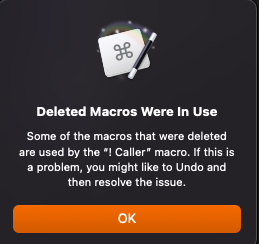
When I try to delete a macro, if only one other macro calls it, I see this:

It’s easy to find the calling macro, and deal with it accordingly. But as soon as there’s a second macro that also calls it:

This is considerably less helpful!

This dialog probably shouldn’t try to display all the names of callers — a particularly popular macro could result in a dialog so large the OK button is off the screen. There’s also the issue that you’d have to screenshot it in order to have the list to hand when going through the editor.

What would be ideal is if the search field had calls:«uuid» as a filter, which would show only macros that directly invoke the macro with the given UUID. (A contextual menu item to populate the search field directly with that would be a bonus, too!)

Would this be possible for a future version?

Hi, @Unikitty

@DanThomas has created and shared this awesome macro:


I don't think it's officially in the Keyboard Maestro documentation, but I generally use these terms:


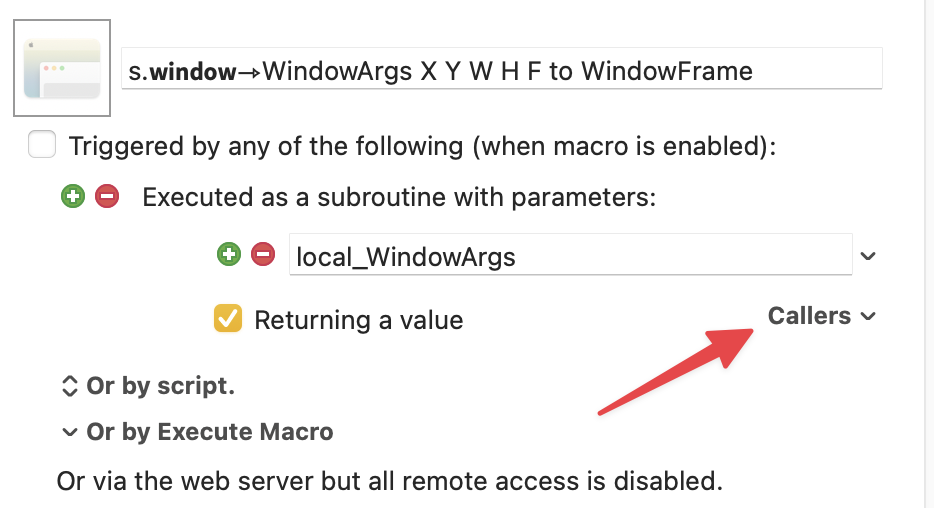
Dan's macro works for both, but for subroutines you can also use the Callers dropdown menu to view and optionally navigate to one of the macros.

Another vote for @DanThomas's macro for doing this.

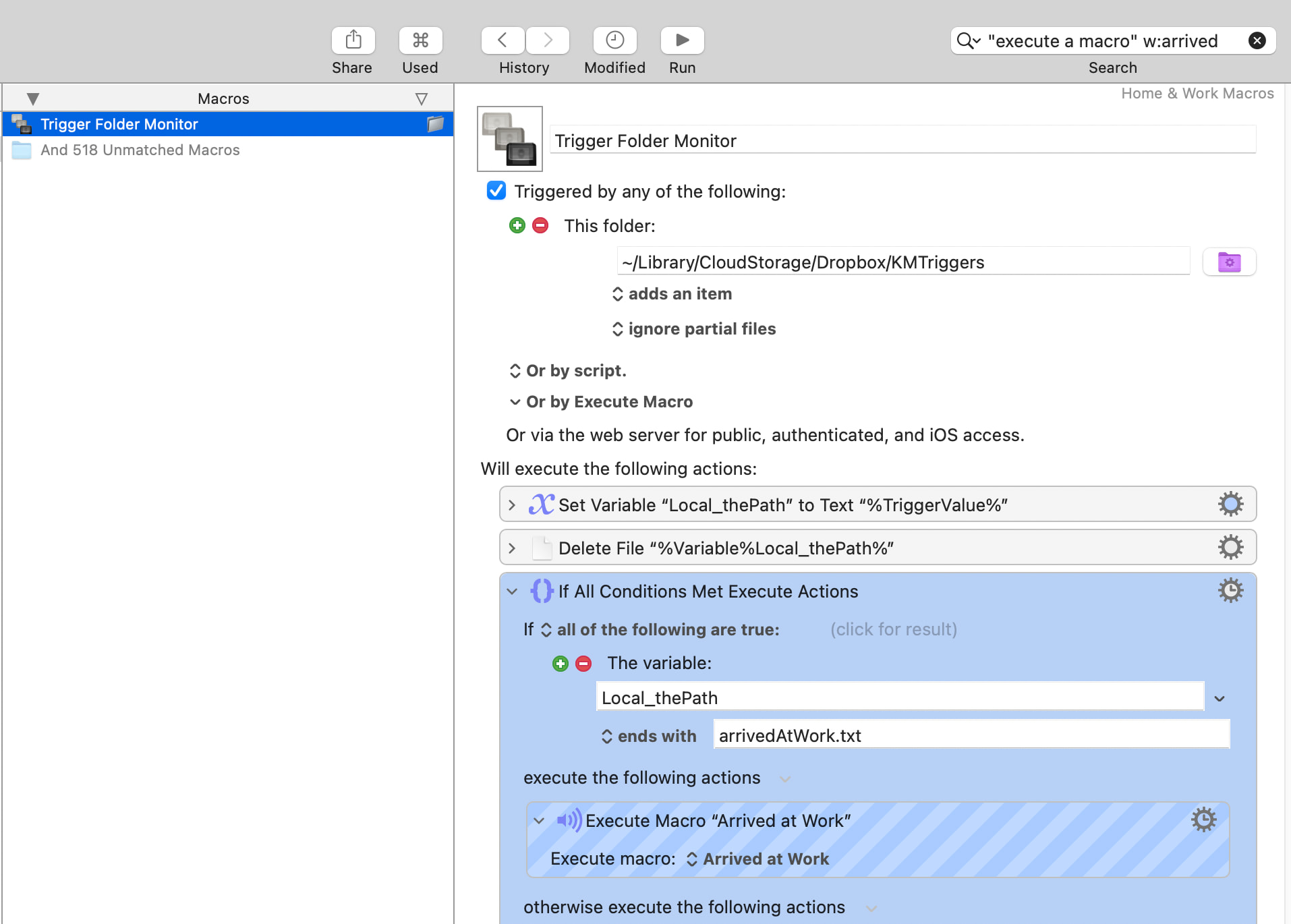
But you can also get a long way by using the phrase "execute a macro" in the Editor's Search field, combined with a key word or two from your sub. For example:

1 Like