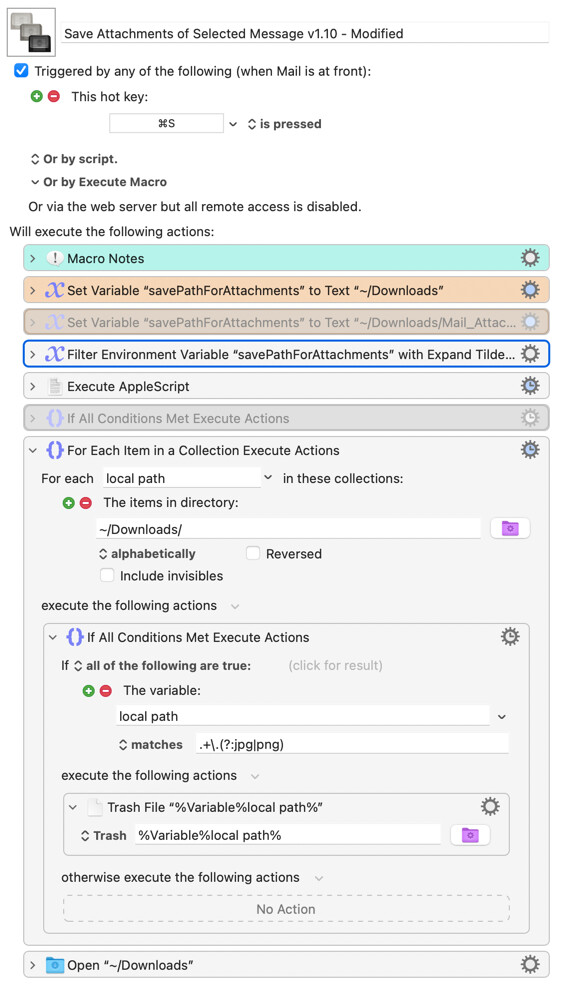
I’m using a macro with an AppleScript to save the attachments in a message in Apple Mail (Version 16.0 (3826.700.81.1.8)). Clients like to embed their company logo and related images in their messages. I’d like to remove these images from the Downloads folder.
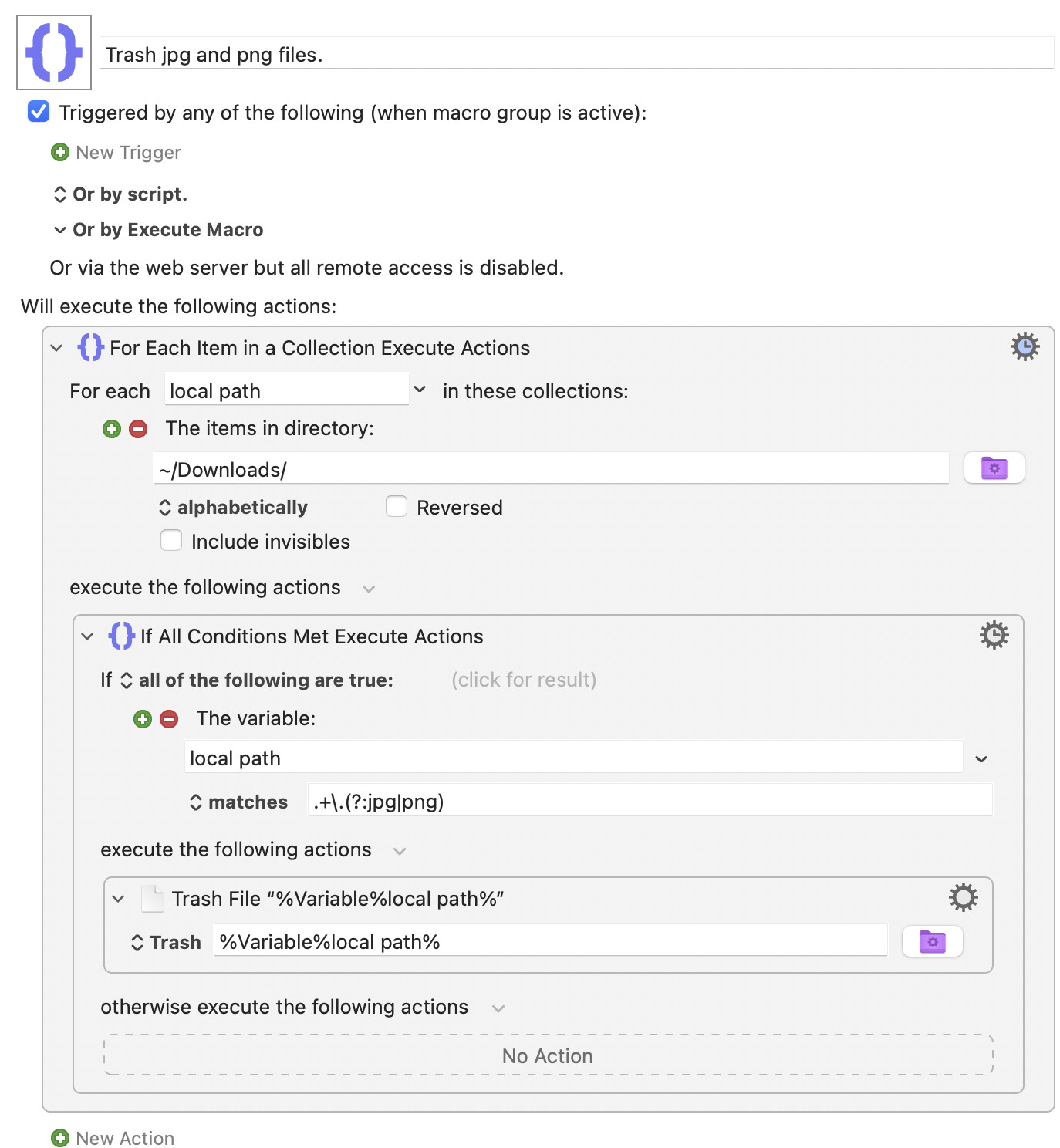
How can I trash files like ~/Downloads/image001.png or ~/Downloads/image002.jpg?
Are you actually using ~/Downloads, or a subfolder in ~/Downloads as Chris suggested? A subfolder makes things quicker since the macro won't have to pointless iterate over every "normal" download to see if it's an image.
If you are using ~/Downloads you could get cute and only trash images from Mail -- those will include kMDItemWhereFroms email metadata, so you should be able to leverage mdfind. But using a subfolder to separate them is much easier!
Keeping downloaded image attachments you want will be trickier. You might be able to play off the unwanted images being (generally) unnamed so being downloaded as "imagennn" as in your examples -- but I don't don't know how reliable that is.